Bitta Commission · Tutorial · 2:02 · YouTube
Growth commission in Business Central
What this video covers
Pay your salespeople for growing on last year, not for the sales they would have made anyway.
We build a Growth plan with one tier, close December and trace the 100.00 it pays on 2,000.00 of growth.
Transcript
Pay your salespeople for growing on last year. That's Growth, method eight of eleven. Last December, Maya Torres sold ten thousand dollars to Oakridge Garden Supply. This December she sold twelve thousand. That's one hundred twenty percent of last year. Growth pays when you close the month. Each tier starts at a percent of last year. Maya's tier starts at one hundred ten percent, and pays five percent. The rate only applies to the sales above last year. Two thousand dollars of growth, times five percent, is one hundred dollars. Last year comes from the commission lines posted a year ago. No sales last year, and Growth pays nothing, with the reason No Target. Here it is in Business Central.
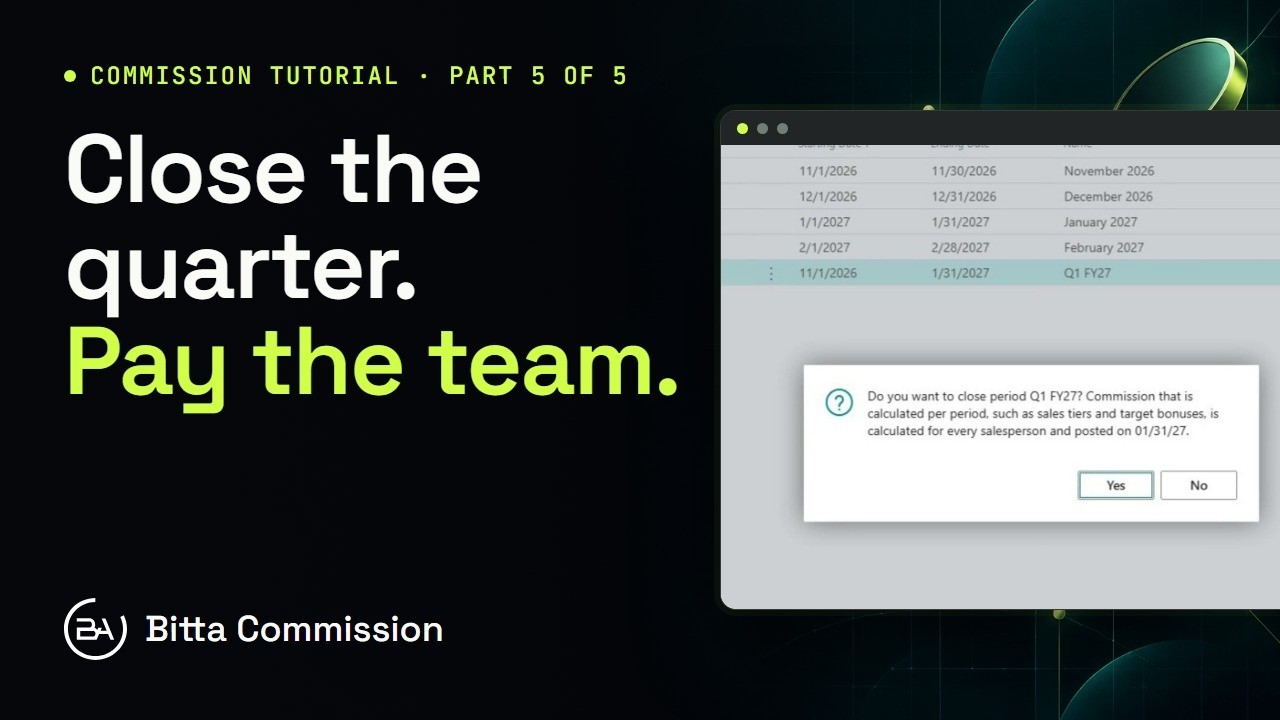
Maya's commission entries for this customer: ten thousand last December, twelve thousand this December. A new Add-on plan, so it pays on top of Maya's standard commission. One component, method Growth, measured each month. One tier: from one hundred ten, at five percent. Here, From is a percent of last year. Assign the plan to Maya, from December first. There's no target to set: last year is the target. Now close December on Commission Periods. Business Central asks first, then posts the month's period commission on its last day. One period entry for Maya, from the period close: one hundred dollars. Trace shows the working: this December's sales, the same month last year, one hundred twenty percent, and five percent of the two thousand above it.
Use Growth to reward accounts that grow, to lift a flat territory, or to pay for new business without paying twice for the old. Next: Draw and Guarantee. A minimum each month.
More Bitta Commission videos
All videos 1:02OverviewSales Commission in Business Central
 3:54Part 1Set Up Sales Commission in Business Central
 5:14Part 2Commission Plans and Rates in Business Central
 5:17Part 3Read the Commission Trace in Business Central
 4:23Part 4Pay Sales Commission in Business Central
 4:05Part 5Periods, Teams and Targets in Business Central