Bitta Commission · Part 3 · 5:17 · YouTube
Read the Commission Trace in Business Central
What this video covers
Maya asks why her commission is lower. Part 3 follows one Oakridge Garden Supply deal from quote to late payment and answers her from posted data.
See the commission estimate on a quote, share credit with a split and an overlay, and post the invoice.
Read the Commission Trace line by line, take commission back on a return, and release it as the customer pays, late penalty included.
Part 3 of 5 in the Bitta Commission tutorial series, on one company, Greenleaf Distribution. Next: pay commission.
Transcript
Maya just asked why her commission is lower this month. By the end of this video, you'll answer her from posted data, in a few clicks. Here's how.
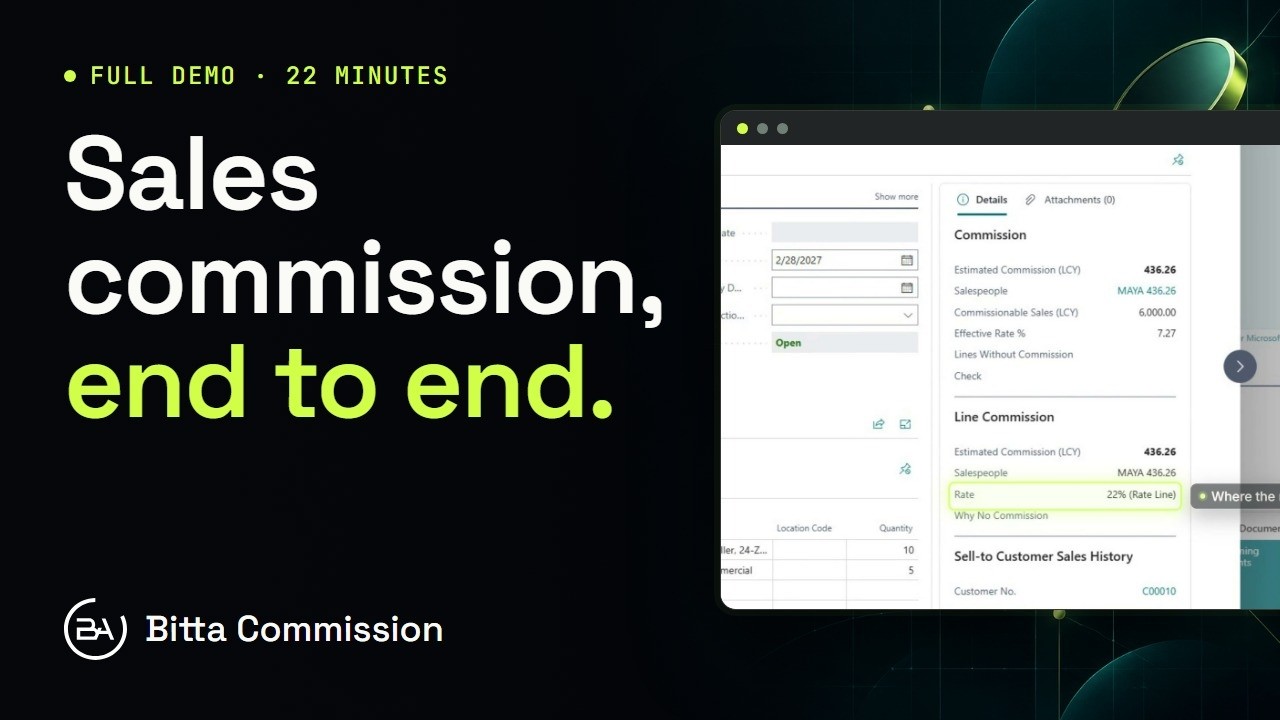
It starts with a quote. Maya is selling irrigation kits and controllers to Oakridge Garden Supply. Add the lines, and the Commission FactBox fills in while you type. Before anything posts, you can see the estimate, who earns it, and the effective rate. Select a line, and the Line Commission FactBox shows that line's commission, and where its rate came from. If a cost or a plan is missing, the Check line tells you here, not on payday. Want the working? Explain Commission lists every rate line it checked, and which one paid. Lower Rate means another rate line paid more. This plan always takes the highest. Oakridge says yes. Make Order, and the order keeps the same people and the same credits.
Daniel works the Oakridge account with Maya, so he shares the credit. You don't have to remember that. A credit rule does. Any document for Oakridge adds Daniel as a thirty percent split. Rules run when the order's date or salesperson changes. Date the order for December fifteenth, and the rule adds him. Open the order's commission credits, and there's Daniel, added by rule. A credit you type yourself is never touched. Priya manages the team, so she earns an overlay on top. Add her at a one percent rate. A split shares Maya's base. An overlay doesn't touch it. So Maya earns on seventy percent, Daniel on thirty, and Priya on the full amount. Need a split on just one line? Line Commission Credits work the same way, and that line ignores the document's credits.
Ship and invoice. The commission is written in the same posting, and nothing touches the general ledger. If the commission can't be written, the sale doesn't post either, so nothing is ever lost. The posted invoice now shows what's earned, what's waiting for the customer, and what's payable. Greenleaf pays commission as the customer pays, so right now it's all waiting. When Oakridge pays, it moves to payable. When you settle, it's paid. Find entries puts the commission rows right next to the customer and general ledger entries. One ledger entry per person, per plan, per component. Every change after this is added, never edited. Now the screen Maya will care about. Open the Commission Trace. It doesn't recalculate a thing. It reads what was frozen at posting. Line by line: the quantity, her share, the cost and margin, the rate line, and the commission. The cost comes from Commission Costs, so the margin is worked out on the cost you set up. And underneath, everything that happens next. For now, that's one line: earned.
A week later, Oakridge sends back two kits. Use Get Posted Document Lines to Reverse, so the return points at the exact invoice line. Post it, and the commission comes back from the same people, the same plans, at the same rates. No new calculation. The return uses the invoice's own frozen numbers. The return posts commission entries of its own, for the same people on the same plan. And if that commission was already paid out, the next settlement claws it back.
Oakridge pays part of the invoice, on time. Post it, then choose Release Payable Commission. The release job does the same thing every thirty minutes. Maya's commission is now payable in proportion to what Oakridge has paid, dated on the payment. A short payment works the same way. Only the paid share is released, and the rest waits. Now, late payers. In Commission Setup, the late payment penalty is switched on. Five grace days, then ten percent, plus one percent a day, capped at twenty five. Oakridge pays the rest, three weeks past the due date. Release again. The penalty comes off before the rest becomes payable, so there's nothing to claw back later. So, back to Maya. Why is her commission lower? Open her trace on the Oakridge invoice. She earns on seventy percent, because Daniel shares the account. The return took back her part of the two kits. And paying late cost a penalty, with the days and the percent written out. Every reason comes from posted data, nothing typed by hand. Send her the trace. Next: pay commission. Holds, settlements, and payroll.
More Bitta Commission videos
All videos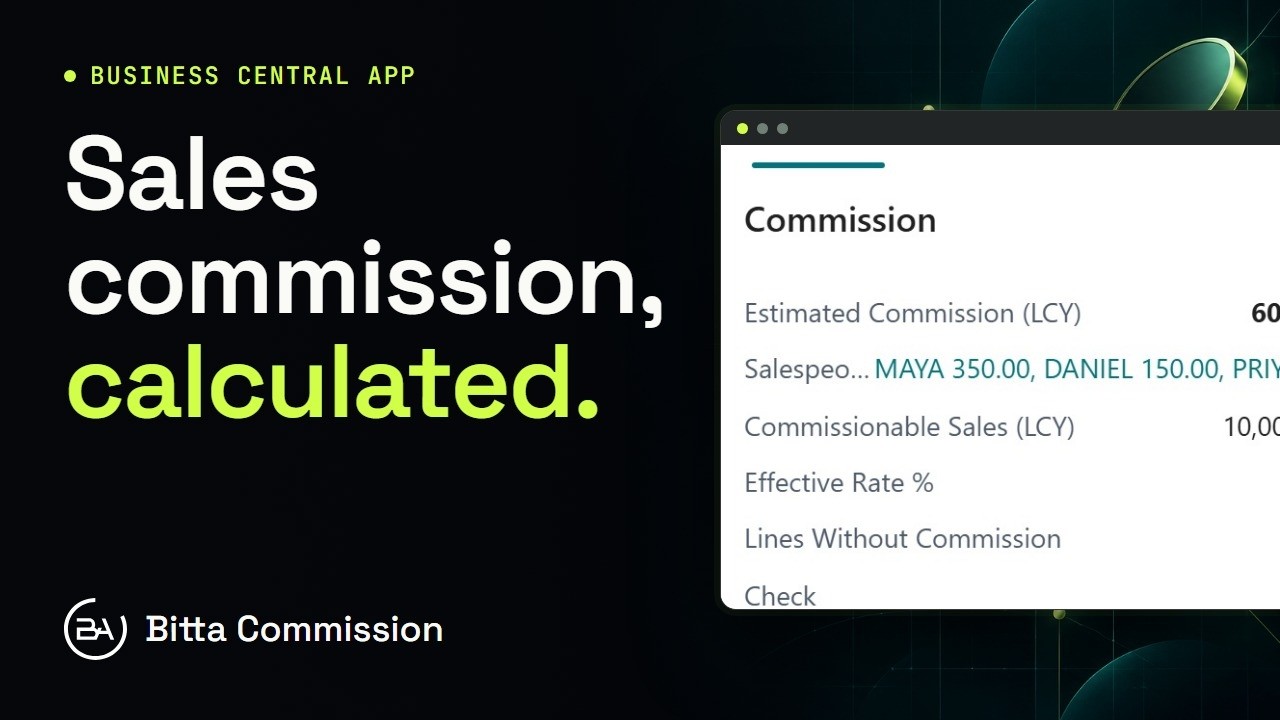 1:02OverviewSales Commission in Business Central
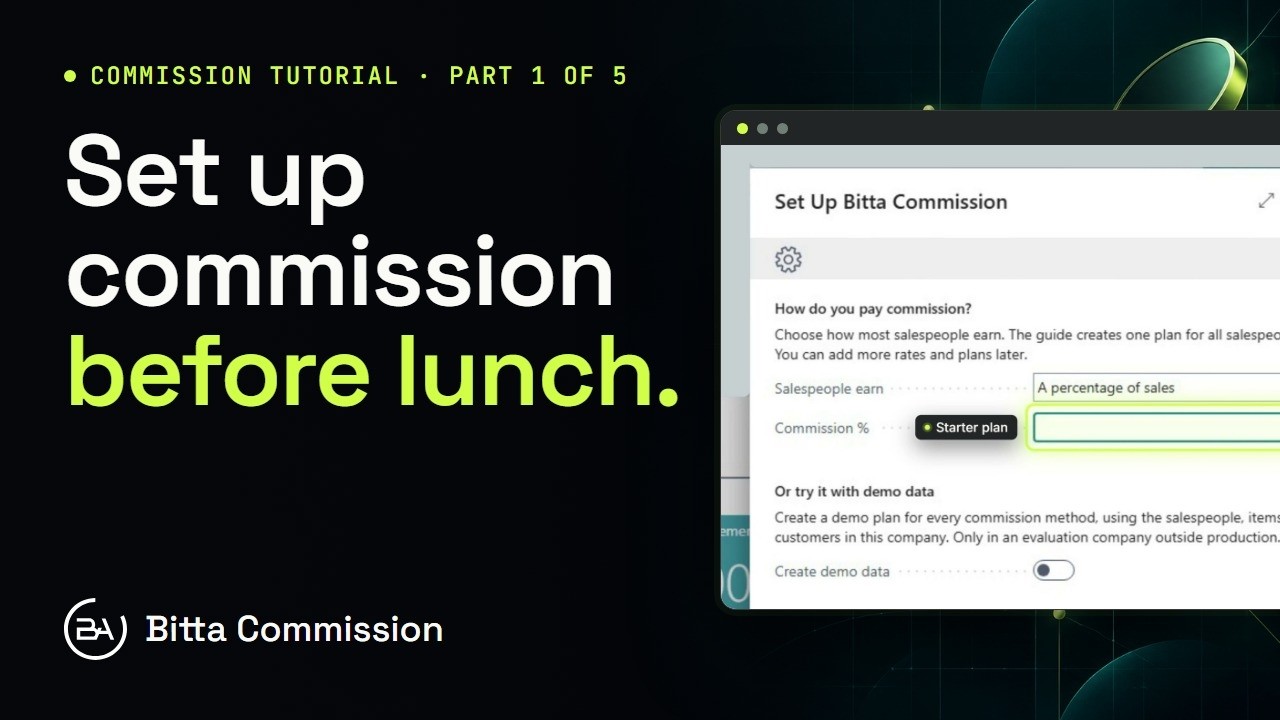 3:54Part 1Set Up Sales Commission in Business Central
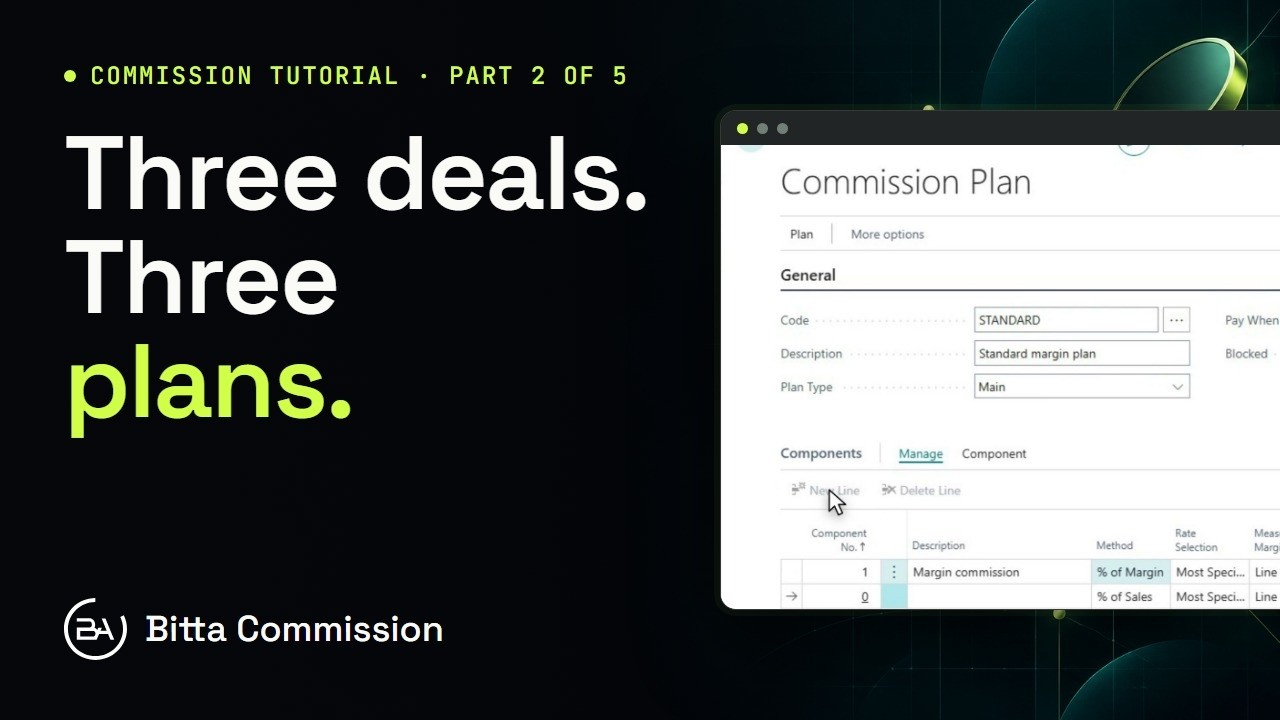 5:14Part 2Commission Plans and Rates in Business Central
 4:23Part 4Pay Sales Commission in Business Central
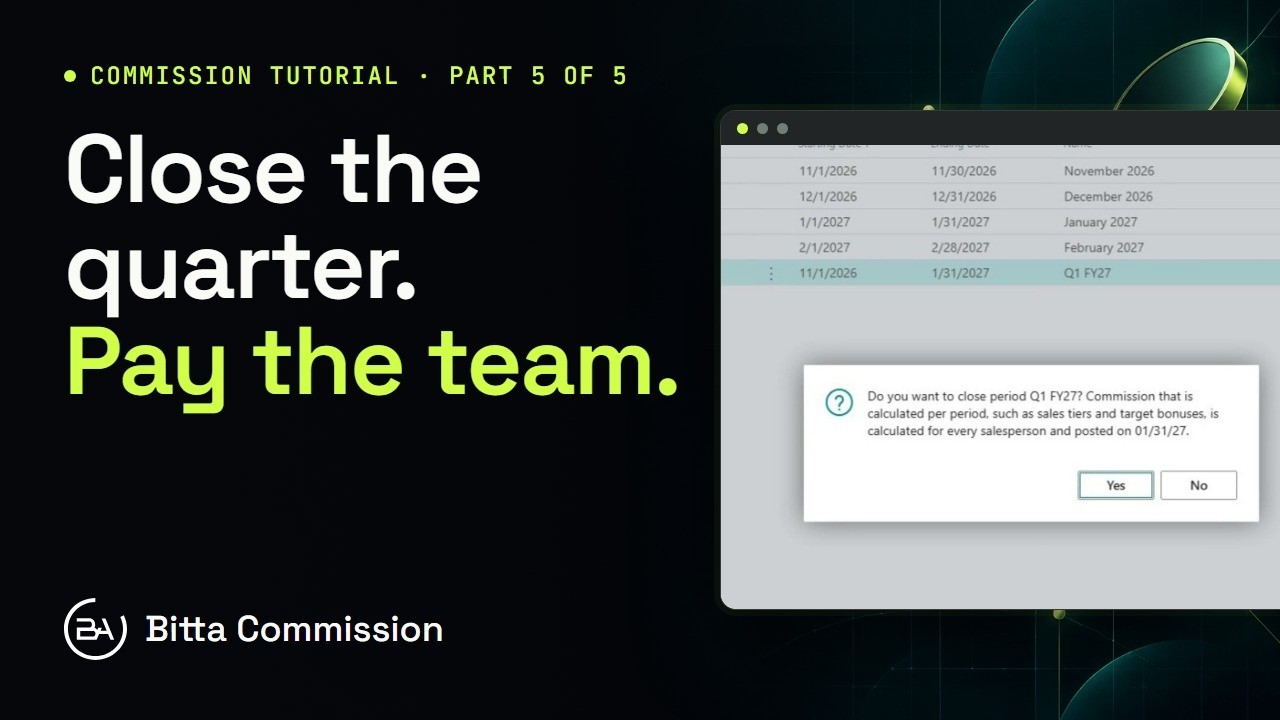 4:05Part 5Periods, Teams and Targets in Business Central
 21:54Full demoBitta Commission Full Demo: Sales Commission in Business Central