Bitta Commission · Part 4 · 4:23 · YouTube
Pay Sales Commission in Business Central
What this video covers
Payroll closes Friday, and every commission number already ties to the ledger. Part 4 gets commission ready to pay in Business Central.
Put a disputed line on hold, fix a rate typo and recalculate, reassign an account from Maya to Daniel, and post an award and a correction in the commission journal.
Then turn on the G/L accrual and settle the month: Maya is paid by purchase invoice, Daniel through payroll, and Priya outside Business Central. Finally, the role center, Commission Exceptions, the Commission Liability report and the accrued commission account all tie out.
Part 4 of 5 in the Bitta Commission tutorial series, on one company, Greenleaf Distribution. Next: periods, teams and targets.
Transcript
Payroll closes Friday. And every commission number you're about to pay already ties to the ledger. Here's how you get there, from the first check to the last report.
Friday starts on the Commission Manager role center. The tiles show what you owe, and what needs a look before anyone gets paid. Daniel has questioned a line on one of his invoices. Until that's answered, you don't pay it. Select the entry, choose Hold, and give a reason. Every settlement skips it until you release the hold. The FactBox counts it: one entry on hold, and it stays out of every payment.
Next, a setup mistake. Someone typed half a percent where five was meant, and an invoice already posted at the wrong rate. Fix the rate line first. Then select the invoice's entries and recalculate. Before anything posts, you see it: nine dollars now, ninety after the fix, a difference of eighty-one. Post it. The old entry is reversed and the right one is written. Nothing is edited in place. One more. A customer account moved from Maya to Daniel this month. Reassign the invoice and recalculate with Daniel's plans. Maya's entries are reversed, and Daniel's are written in their place. Every correction leaves a trail: a reason, a date, and an opposite entry you can audit.
Not every payout comes from an invoice. Daniel won this month's sales contest. Open the commission journal and add an award for him, with a description he'll read on his statement. Corrections go in the same way. A negative amount takes commission back, and every line needs a reason. Opening balances from an old system come in the same way. Post, and the journal empties: each line is now a commission entry, payable right away.
By default, earning commission posts nothing to the general ledger. Your controller wants commission expense in the month it's earned, not the month it's paid. In Commission Setup, turn on accrual. Choose the accrued commission account and the date to start from. Then post the commission accrual. It adds up everything earned since the last run, by date and dimension. Commission expense on the debit side, accrued commission on the credit side. Returns and reversals post the other way. Run it by hand like this, or schedule it on the job queue. Every settlement runs it first, so the ledger is never behind.
Now the payout. Create a settlement, set the date you're paying up to, and suggest lines. Every payable entry lands here, by salesperson. Daniel's held line stays out, and so does anything still waiting on a customer payment. Change the date or the people, and suggest again. Nothing is paid until you post. Each person is paid their own way: Maya by purchase invoice, Daniel through payroll, and Priya outside Business Central. Post the settlement. Daniel and Priya are paid at once. Maya gets a purchase invoice, locked to the settlement's amounts. Post that invoice, and her commission is paid. For payroll, export the file: one row per person, with their payroll ID and the amount. And print the payment advice, so everyone sees exactly which documents they were paid for. Back on the role center, everything you settled is off the list. What's left is the held line and the invoices customers haven't paid yet. Commission Exceptions lists anything that needs a second look before you close the month. And the Commission Liability report shows what you still owe, on any date, matching the accrued commission account. Each salesperson gets a statement: what they were owed, what they earned, what they were paid, and what's still to come. Payroll closes Friday. You're already done, and every number ties out. Next: periods, teams and targets.
More Bitta Commission videos
All videos 1:02OverviewSales Commission in Business Central
 3:54Part 1Set Up Sales Commission in Business Central
 5:14Part 2Commission Plans and Rates in Business Central
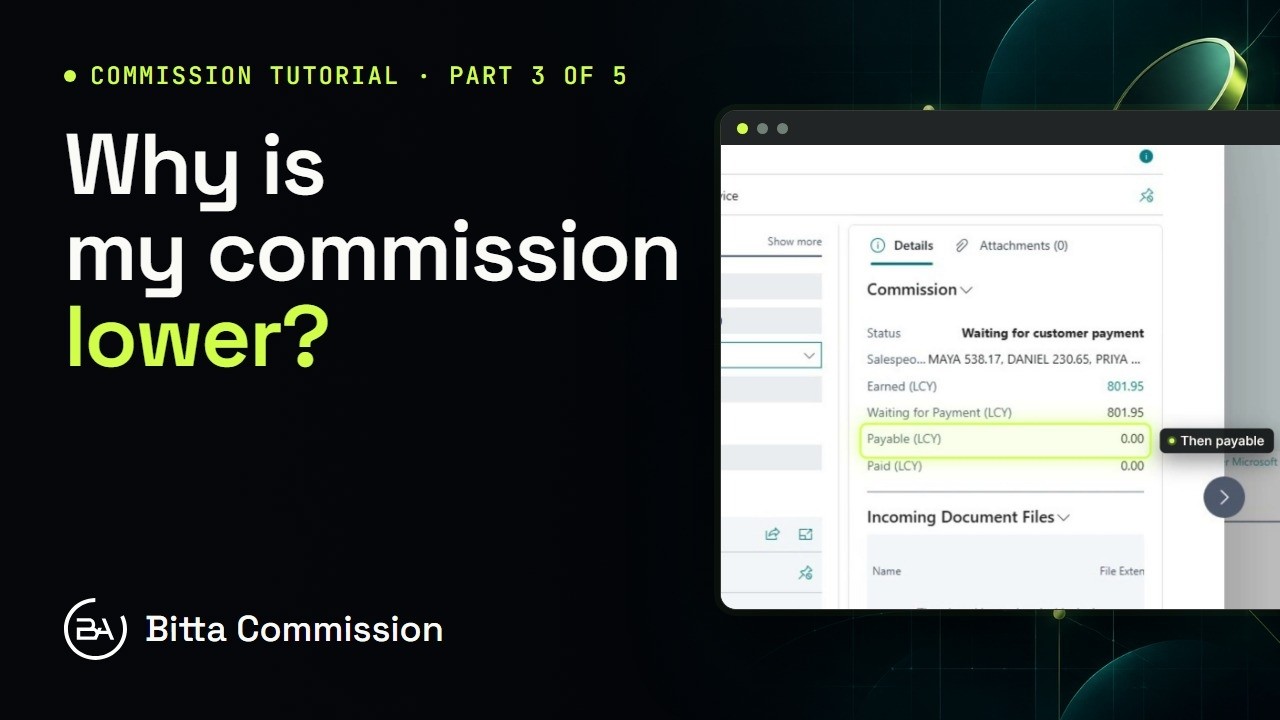 5:17Part 3Read the Commission Trace in Business Central
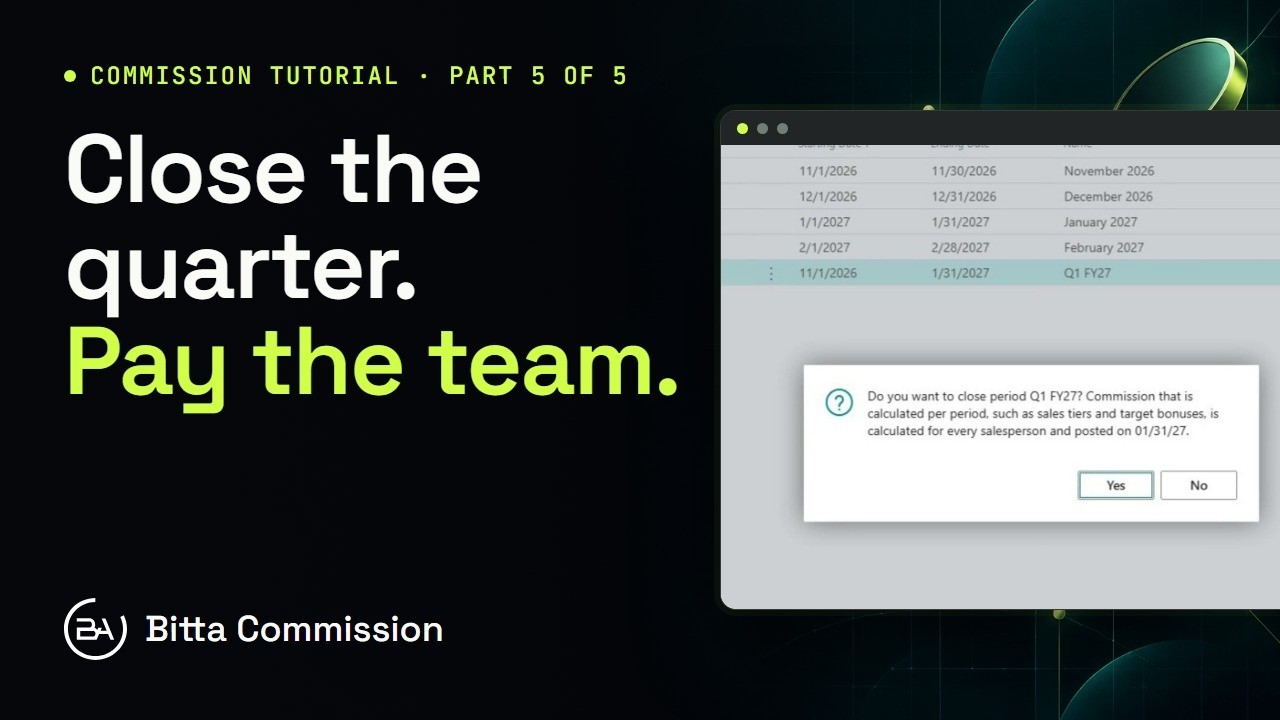 4:05Part 5Periods, Teams and Targets in Business Central
 21:54Full demoBitta Commission Full Demo: Sales Commission in Business Central