Bitta Sheets Excel-Compatible Spreadsheets and Financial Reporting for Microsoft Dynamics 365 Business Central
Excel-compatible spreadsheets that run inside Business Central on live data. Run financial reports from your own row and column definitions, write G/L budgets back to Business Central, consolidate companies with intercompany eliminations, and check every change against Business Central validation before it is saved.
App on Microsoft Marketplace
Free
Free tier. Pro $899, Finance $1,499 per Microsoft Entra tenant per year. Available now on Microsoft Marketplace.
Want help setting it up?Talk to usOr emailinfo@bittaapps.comUser guide
Bitta Sheets at a glance
- Publisher
- Bitta Apps
- Platform
- Microsoft Dynamics 365 Business Central online, version 28.0 or later
- Price
- Free tier. Pro $899, Finance $1,499 per Microsoft Entra tenant per year. Available now on Microsoft Marketplace.
- Availability
- Microsoft Marketplace
- Last updated
See Bitta Sheets end to end
From problem to outcome
Bulk changes mean export, edit and import
Fixing many records means exporting to Excel, editing and importing again, with no check until the import fails. In Bitta Sheets you edit the live table, check the changes against Business Central validation, then apply them.
Month-end lives in exported spreadsheets
Exported numbers go stale the moment they leave Business Central. In Bitta Sheets the data tables and financial reports refresh from Business Central when you ask.
Budgets are typed in twice
Change a G/L budget in the grid and write it back, or copy it from actuals and change it by a percentage, instead of keying it in again.
Consolidation is a workbook only one person understands
New Consolidation builds one workbook with companies, account mapping, trial balances, eliminations, consolidated statements and an audit trail.
Reports are sent by hand every month
Distributions send finished workbooks by email through your Business Central email accounts, on a schedule, with a log of every send.
How it works
- 1
Open a table
Open any Business Central table as a live spreadsheet. Edit in place and fill down, then check your changes and apply them.
- 2
Create a workbook
New Workbook, Import from Excel or New from Template. Every workbook can be exported back to Excel.
Watch 2:08Read the chapter - 3
Insert live data
Insert a data table, financial report, budget, journal lines, document, pivot table, chart or KPI card, and refresh all live data at any time.
Watch 2:08Read the chapter - 4
Report and consolidate
Add financial reports by period, write budgets back to the G/L, and consolidate several companies in one workbook.
Watch 2:50Read the chapter - 5
Share and send
Share a workbook with other users, present it full screen, print it, or send it by email on a schedule.
Watch 2:27Read the chapter
Bitta Sheets in Business Central
Also included
Excel-compatible, inside Business Central
More than 500 Excel-compatible functions in standard Excel formula syntax, real worksheet tabs, conditional formatting, pivots and charts, plus Business Central functions such as BC.GL (any account, period and dimension), BC.BALANCE and BC.BUDGET. Import Excel files, and export values, formatting and native Excel tables at any time.
Financial reports on your own definitions
Runs your Business Central row and column definitions live. Eight one-click column layouts: Actual, Actual vs Budget, Actual vs Prior Year, Full Variance, Period and YTD, Monthly Trend, Quarterly Trend and Companies Side by Side.
Drill-down and explanations
Ctrl+click report, pivot and table amounts to open the entries or records behind them. Explain shows how a formula, subtotal or translated amount was calculated.
Metrics from any table on report rows
Add open orders, backlog, bank balances or headcount to a financial report as Sum, Count, Average, Min, Max, Distinct Count or First Value, from a reusable metric library.
Budgets that write back (Pro)
Edit G/L budgets by period and dimension; spread evenly, by weights, by prior-year actuals, by prior-year budget or by working days; copy from actuals plus or minus a percentage; compare with actuals; lock closed periods.
Consolidation that posts (Finance)
Map different charts of accounts, translate currencies with closing, average, historical, opening or composite rates, match intercompany balances, apply elimination rules, and handle full or proportional ownership with non-controlling interest. Every posting is simulated first and kept in an audit trail.
Check changes before they are saved
Edit Business Central tables like a spreadsheet. Check changes runs Business Central validation without saving and lists the records, amounts and errors your edits would produce; budget, journal and document write-back gets the same check. Apply records every write in the audit log, and table edits also pass through the Bitta Apps Studio Security Guard.
Live data blocks
Data tables, connected tables, queries, report datasets, SQL, journal lines, sales and purchase documents, pivots, FlowField and date series. Data blocks can read from another company.
Filters for every reader
Period presets (this month, quarter to date, year to date, last fiscal year and more), dimension, date and lookup filters drive every block, chart and KPI card at once. Viewers can filter without editing.
Board-ready output
Waterfall, combo and sparkline charts, KPI cards with targets and trends, and server-side PDF with page setup, print areas, repeating rows, headers and footers.
Reports that send themselves (Pro)
Email workbooks or report packs on a schedule through your Business Central email accounts, calculated fresh by the server at send time. Split per recipient, per dimension value or per company, send only when a KPI alert fires, with a log for every recipient.
Shared with the right access
Owner, Edit, Edit Budget Amounts, View and View No Print levels for users, permission sets or everyone. Templates (Pro) open from any customer, vendor, item or G/L account. Users don't need SUPER.
Who it is for
Finance and controllers
Build financial reports, budgets and consolidations on live Business Central data, and send them on a schedule.
Show the steps for Finance and controllersAccountants
Work in familiar spreadsheets with data that refreshes from Business Central instead of copying exports.
Show the steps for AccountantsAdministrators
Give people the Sheets permission sets, set up the email account for sends, and review write-back in the audit log.
Show the steps for AdministratorsPricing and requirements
Free
Free tier. Pro $899, Finance $1,499 per Microsoft Entra tenant per year. Available now on Microsoft Marketplace.
Want help setting it up?Talk to usOr emailinfo@bittaapps.com
Requirements
- Business Central online, version 28.0 or later
- Essentials or Premium
- Bitta Apps Studio, installed automatically as a prerequisite
- Pro and Finance features: a Bitta license per Microsoft Entra tenant, with unlimited users and every environment
- Sheets users do not need SUPER
- Scheduled sends use your Business Central email accounts
Integrations
- Excel import and export
- Business Central G/L budgets, financial reports and dimensions
- Business Central email accounts for distribution
- Financial Report API for Excel and Power BI
Watch Bitta Sheets in Business Central
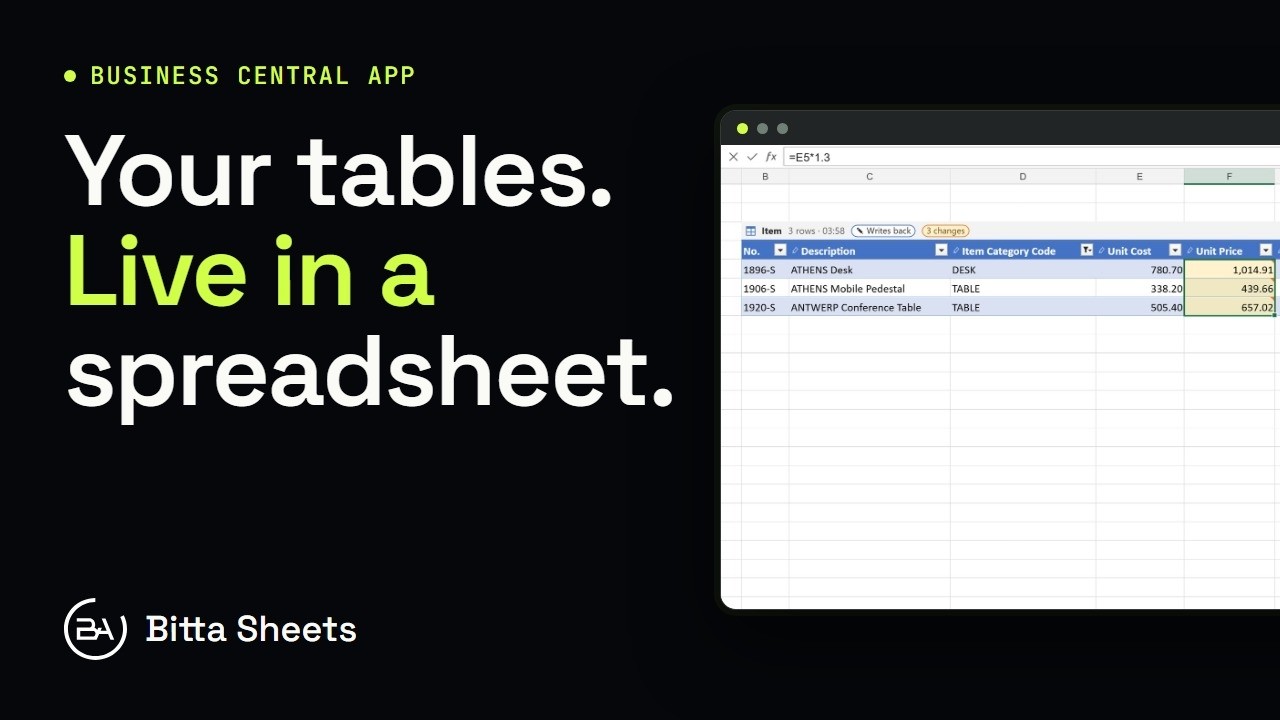 1:18OverviewEdit Business Central Tables Live in a Spreadsheet
 2:08Part 1Edit Business Central Data in an Excel-Style Sheet
 3:08Part 2Business Central Bulk Update Without Export and Import
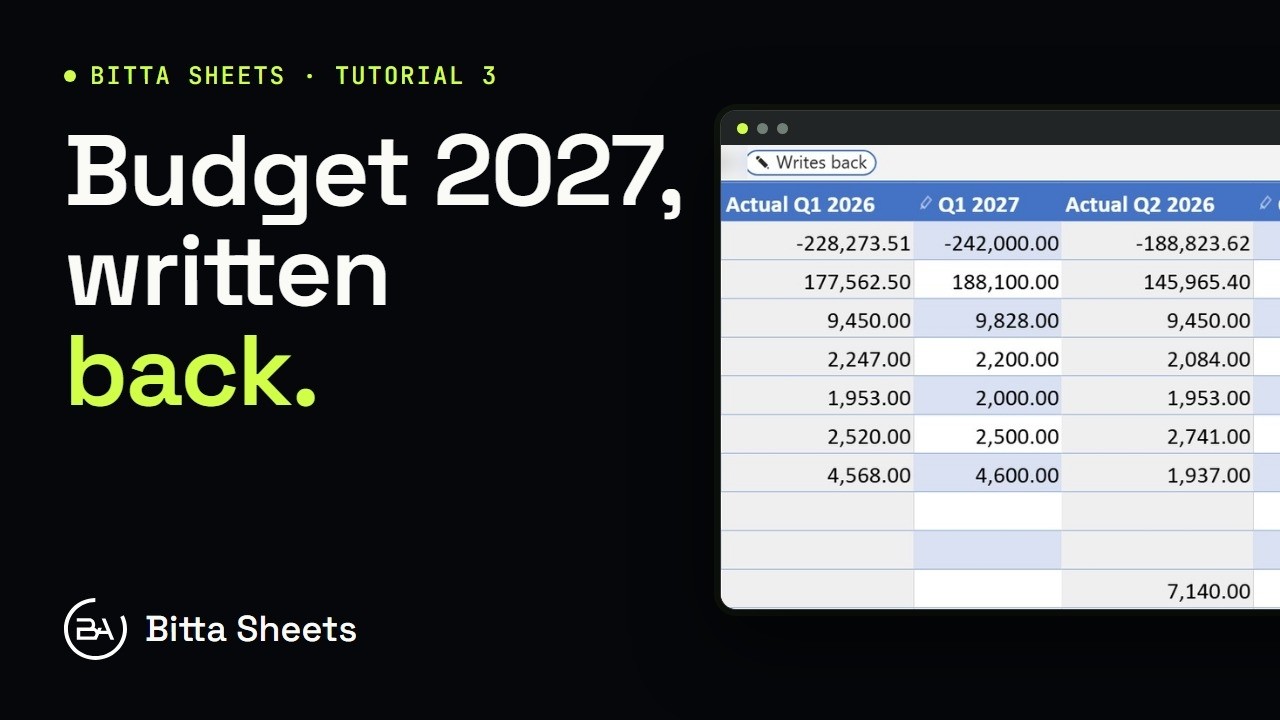 2:50Part 3Business Central Budget in a Spreadsheet, Written Back Live
 2:35Part 4Business Central Budget Entry by Department
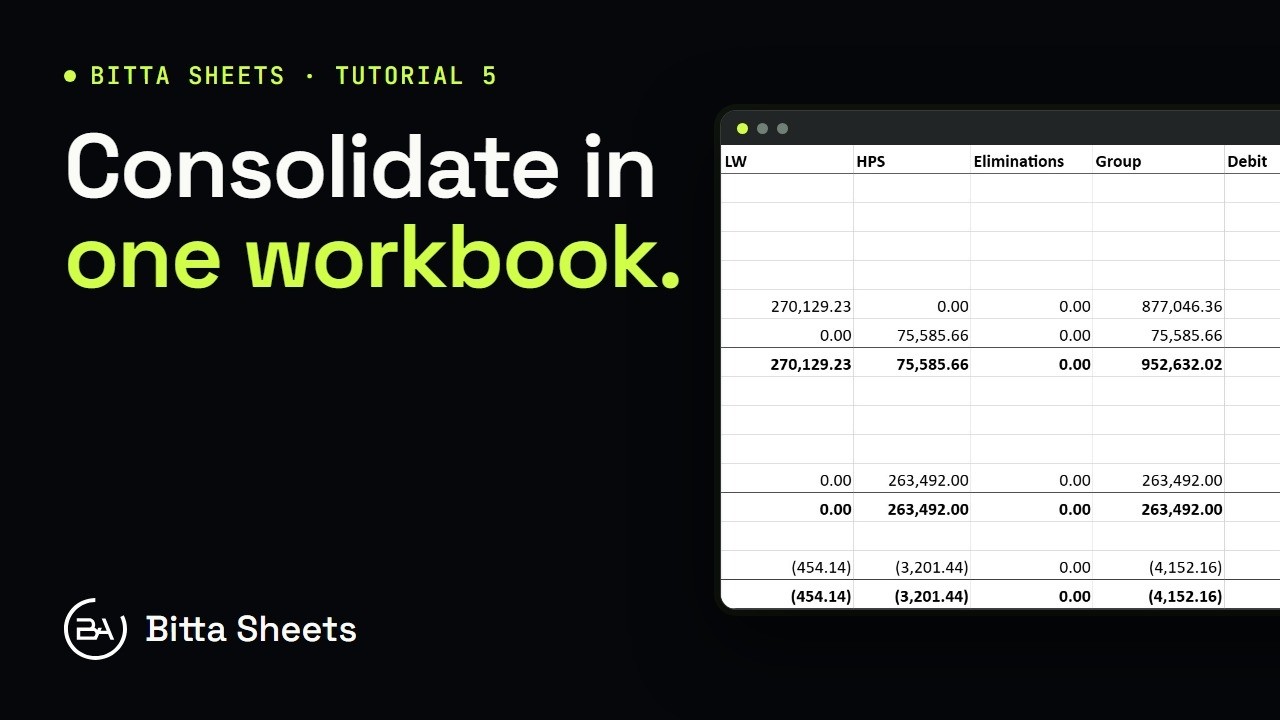 2:56Part 5Business Central Consolidation: Companies and Account Mapping
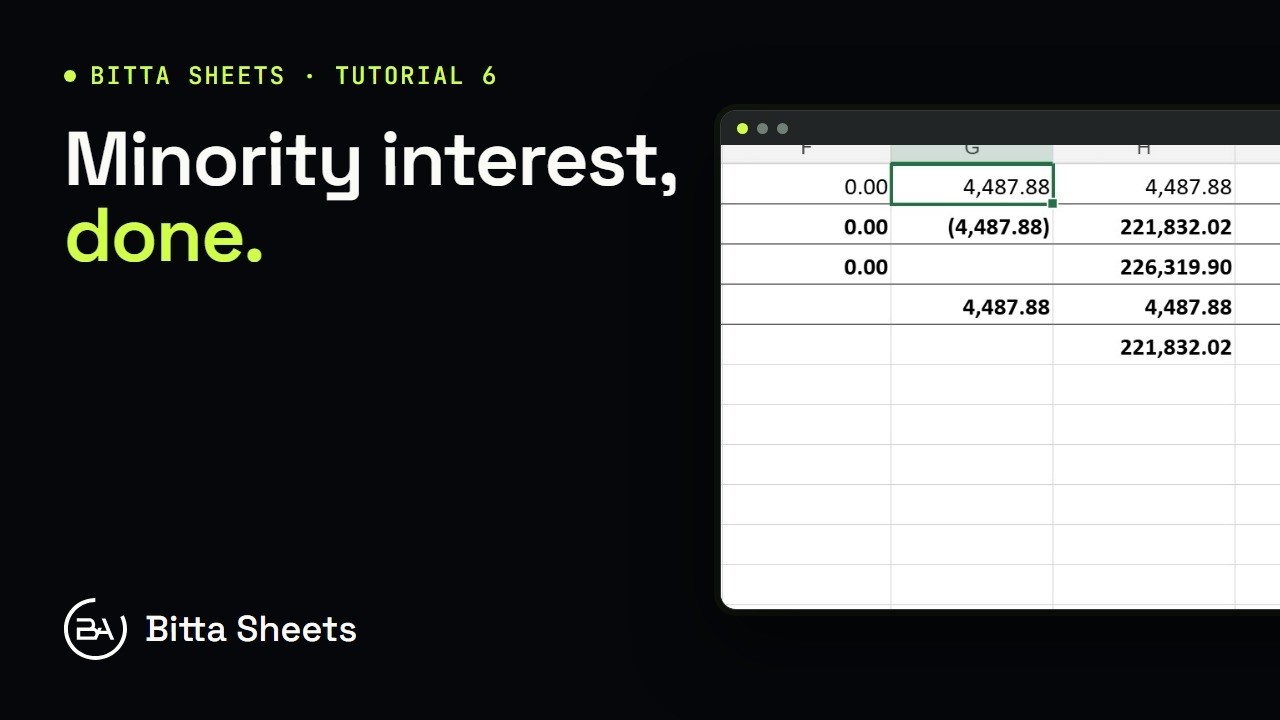 2:29Part 6Business Central Consolidation: Ownership, Rates and Minority Interest
 2:38Part 7Business Central Intercompany Eliminations for Consolidation
 2:21Part 8Business Central Consolidation: Review, Post, Reverse
 2:38Part 11Business Central Import from Excel: Get Started with Workbooks
 2:19Part 12Business Central Pivot Tables on Live Data
 1:51Part 13Business Central KPI Dashboard with Live Charts
 2:27Part 14Business Central Schedule Report Email: Send Workbooks Automatically
 2:24Part 15Print Business Central Reports to PDF from a Sheet
 2:47Part 16Business Central Report Templates You Reuse
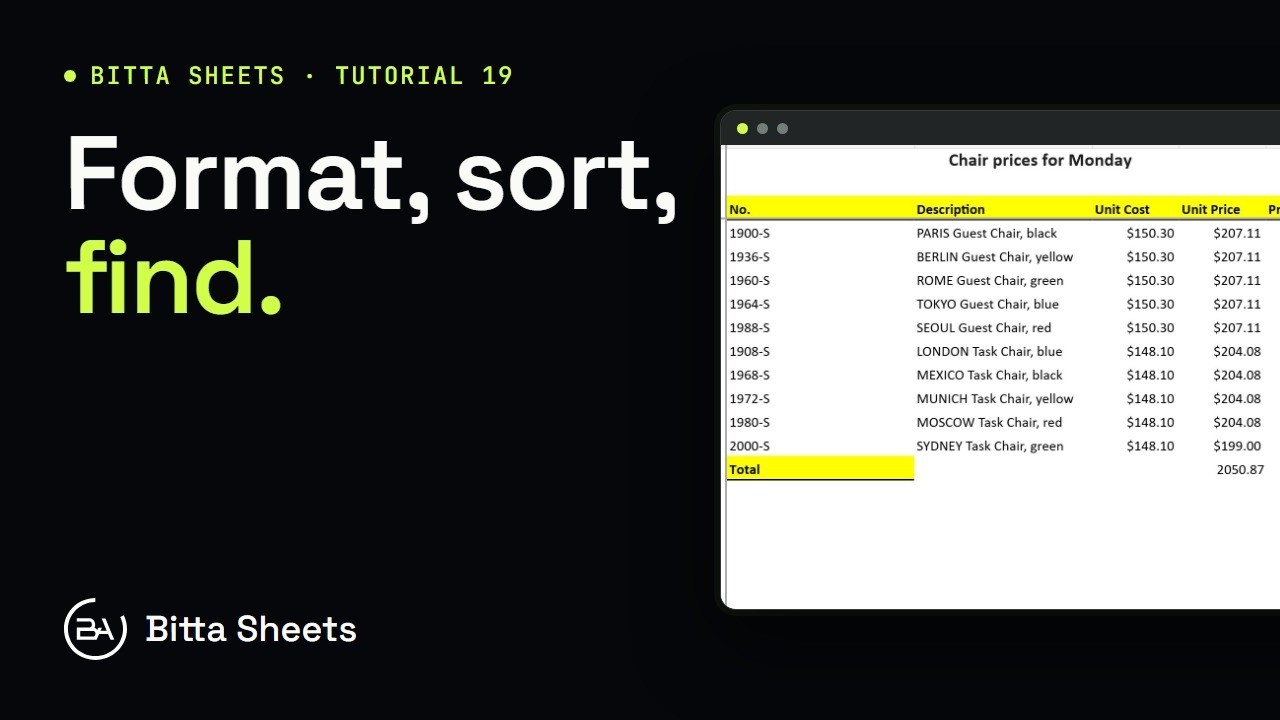 3:43Part 19Business Central Spreadsheet Basics: Formatting, Sort and Find
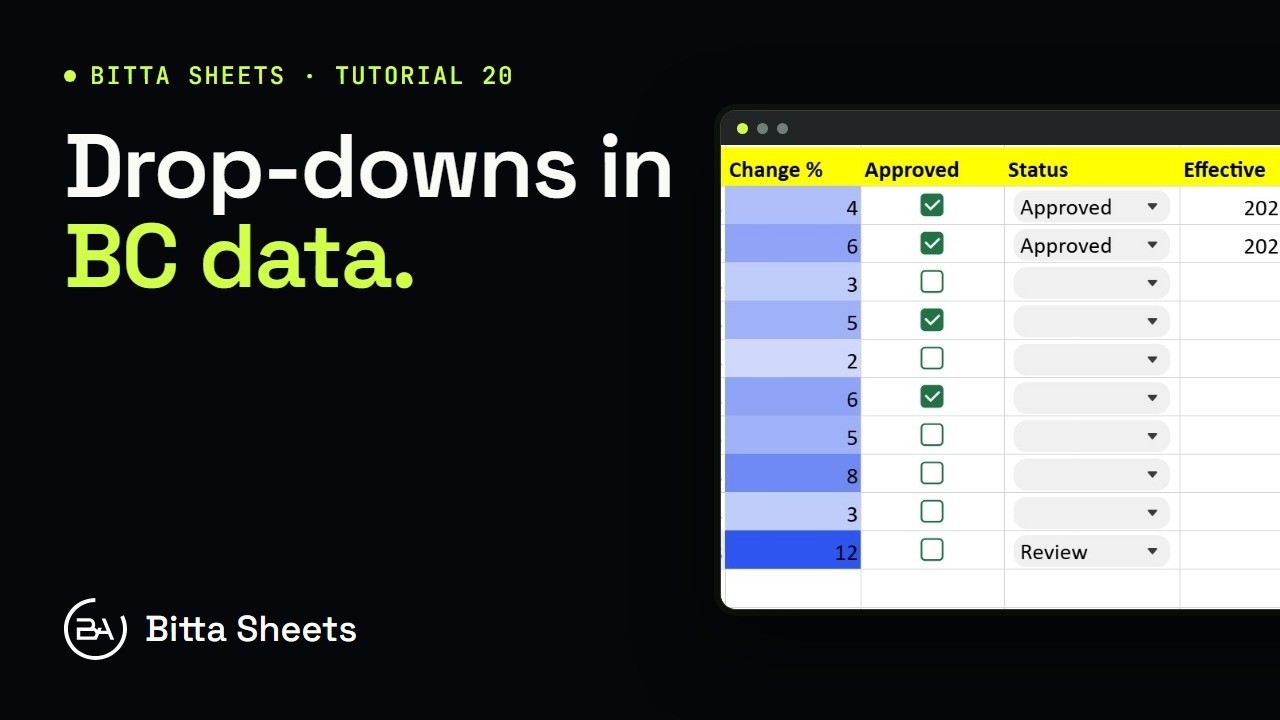 2:25Part 20Business Central Data Entry: Drop-Downs, Checkboxes, Validation
 2:37Part 21Edit Business Central Journal and Document Lines in a Sheet
 2:43Part 24Business Central Sheets Setup, Permissions and Role Center
 3:03Part 18Organize Business Central Workbooks: Sheets, Folders and Favorites
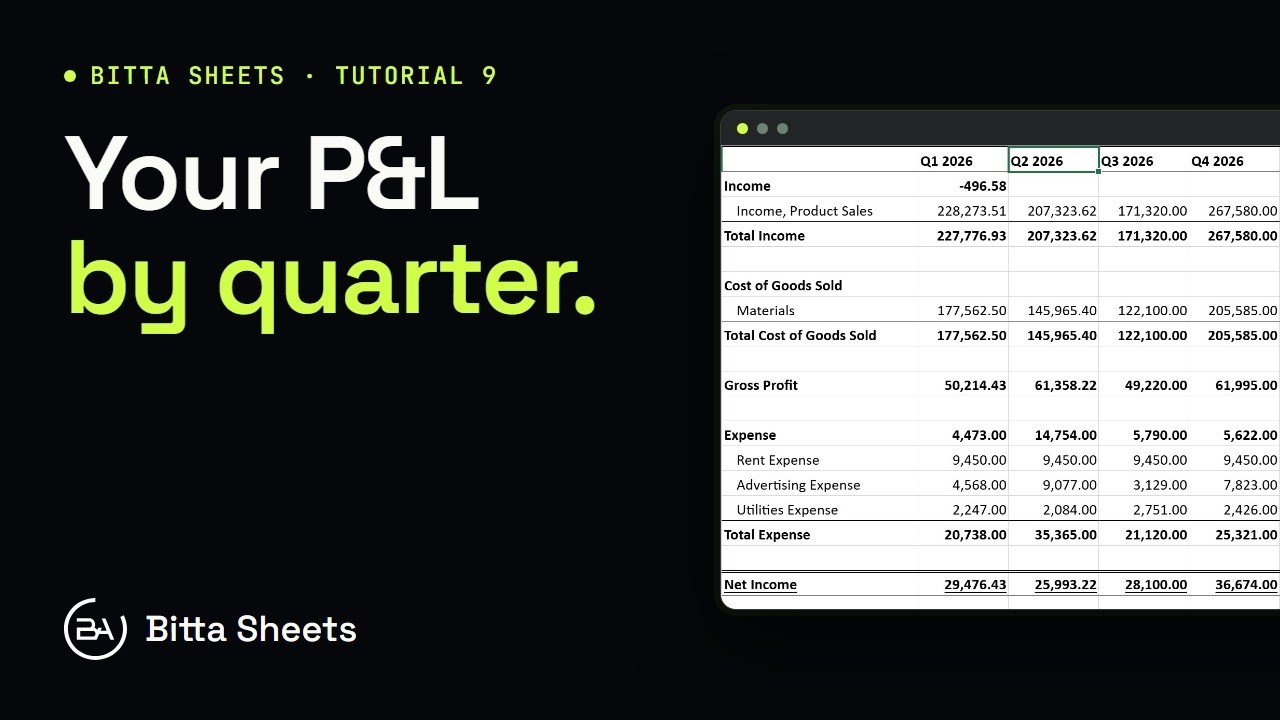 2:47Part 9Business Central Financial Reports by Period, with Drill-Down
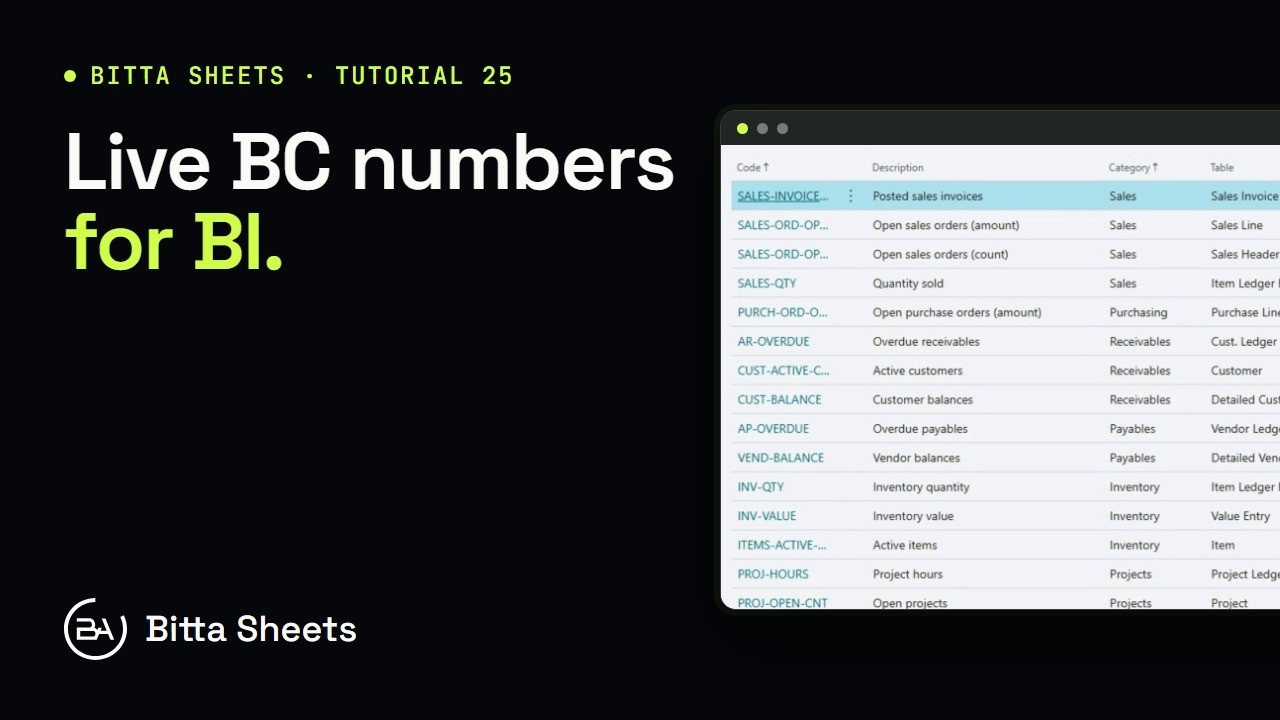 2:47Part 25Business Central Financial Metrics and Report API for BI
 2:58Part 17Share Business Central Workbooks: Access, Present and Export
 3:03Part 10Business Central Month-End Reporting with Live Formulas and Filters
 2:30Part 23Business Central Queries, Report Data and Date Series in a Sheet
 2:37Part 22Business Central SQL Query and Joined Tables in a Sheet
Frequently asked questions
What is Bitta Sheets?
Bitta Sheets is an Excel-compatible spreadsheet app that runs inside Microsoft Dynamics 365 Business Central online. Workbooks read live Business Central data, run financial reports and budgets, consolidate companies, and write changes back after Business Central validation.
Can I use an Excel-style spreadsheet inside Business Central?
Bitta Sheets gives Business Central an Excel-compatible spreadsheet with more than 500 Excel-compatible functions, worksheet tabs, pivots and charts, connected live to your data. You can import Excel files and export any workbook to Excel with its values, formatting and native Excel tables.
Which formulas can I use with Business Central data?
Bitta Sheets supports more than 500 Excel-compatible functions in standard Excel syntax, plus Business Central functions including BC.GL, BC.BALANCE, BC.BUDGET, BC.SUM, BC.COUNT and BC.LOOKUP. BC.GL returns G/L amounts for any account, period and dimension.
How do I build financial reports in Business Central without exporting to Excel?
Bitta Sheets runs your existing Business Central financial report row and column definitions live inside a workbook, with eight one-click column layouts such as Actual vs Budget, Period and YTD, and Companies Side by Side. Ctrl+click a report amount to see the entries behind it.
Can I add non-financial numbers to a Business Central financial report?
Bitta Sheets adds metric rows to financial reports that read any table, for example open orders, backlog, bank balances or headcount, using Sum, Count, Average, Min, Max, Distinct Count or First Value. Metrics follow the report's period and dimension filters.
Can I report across several Business Central companies?
Bitta Sheets lets data blocks read from another company and lays out financial reports with companies side by side. Amounts in other currencies are translated at closing or average rates by account type, with a translation-difference row.
Is there a consolidation app for Business Central that handles eliminations?
Bitta Sheets Finance consolidates Business Central companies in one workbook: account mapping across different charts of accounts, intercompany matching, elimination rules for IC balances, IC sales and purchases, account pairs, and investment and equity, and full or proportional ownership with non-controlling interest. Every posting is simulated before it is posted.
How does Bitta Sheets handle multi-currency consolidation?
Bitta Sheets Finance translates each company with closing, average, historical, opening or composite rates, taken from Business Central exchange rates, the business unit or a manual rate, with overrides. Translation differences get their own line.
Can I build and write back G/L budgets in Business Central?
Bitta Sheets is a budgeting app inside Business Central that edits G/L budgets by period and dimension and writes them back (Pro). Spread totals evenly, by weights, by prior-year actuals, by prior-year budget or by working days, compare with actuals, and lock closed periods.
Can department managers enter their own budgets?
Bitta Sheets has an Edit Budget Amounts sharing level, so department managers can enter budget figures without editing the workbook layout.
Can I edit Business Central data in a spreadsheet safely?
Bitta Sheets opens Business Central tables as live rows. Check changes runs Business Central validation without saving and lists the records, amounts and errors your edits would produce; Apply then writes them through the Bitta Apps Studio Security Guard and records each one in the audit log.
Can Business Central email reports automatically?
Bitta Sheets emails workbooks or report packs on a Job Queue schedule through your Business Central email accounts, calculated fresh at send time (Pro). A send can be split per recipient, per dimension value or per company, and can go out only when a KPI alert fires. Every send is logged per recipient.
Does Bitta Sheets work with Power BI?
Bitta Sheets publishes financial report results through a Financial Report API (OData) that Power BI and Excel can read, with each cell returned with its report, column layout and date filter.
Does Bitta Sheets have an AI assistant?
Bitta Sheets includes an AI assistant that connects to your own Anthropic, OpenAI or Azure OpenAI account, so your provider bills you directly, with data masking and caps on what is sent.
Who can see or edit a workbook?
Bitta Sheets shares each workbook at Owner, Edit, Edit Budget Amounts, View or View No Print level with users, permission sets or everyone, on top of normal Business Central permissions.
What does Bitta Sheets cost?
Bitta Sheets has a free tier for up to 5 workbooks with live data, formulas, charts, Excel import and export, and financial reports. Pro costs $899 and Finance, which adds consolidation, costs $1,499, each per Microsoft Entra tenant per year, with unlimited users and every environment included.
Where do I get Bitta Sheets?
Bitta Sheets installs from Microsoft Marketplace into Business Central online version 28.0 or later, Essentials or Premium. Bitta Apps Studio installs with it automatically at no cost, and Sheets users don't need SUPER.
How do I activate Pro?
Bitta Sheets Pro is activated by an administrator on the Bitta Apps Studio License page by entering a code or pasting a license. One license covers every Bitta app in the tenant.
What happens when a license ends?
Bitta Sheets keeps Pro running for 30 days after a license ends, and no workbook or data is deleted when it does.
Can Bitta Apps set up Bitta Sheets for us?
Bitta Sheets is built by Bitta Apps, a Microsoft Dynamics 365 Business Central partner. Our consultants can rebuild your Excel reports as live workbooks, set up budgets and consolidation, and train your finance team.
Want help setting it up?Talk to usOr emailinfo@bittaapps.com
The Bitta Apps Studio suite
- Bitta Code StudioFree tier, Pro $199/yr. Code Studio editor and AL interpreter, Simulate, SQL Workbench, saved programs, Run Programs, the AI assistant, GitHub and packages.See Bitta Code Studio
- Bitta Object RunnerFree tier, Pro $199/yr. Object Inspector, Data Inspector, Batch Processing with preview and undo, and remote records across companies and environments.See Bitta Object Runner
- Bitta Object DesignerFree tier, Pro $399/yr. Visual designer for tables, pages, reports and queries, a code editor with IntelliSense, publish and deploy, and the API Builder.See Bitta Object Designer
- Bitta Apps StudioThe shared foundation of Bitta Code Studio, Bitta Object Runner, Bitta Object Designer and Bitta Sheets, installed automatically with each app.See Bitta Apps Studio
More Business Central apps
- Bitta CommissionSales commission calculated, explained and settled inside Business Central instead of in spreadsheets.See Bitta Commission
- Universal SearchFree global search across Business Central records that still finds matches with typos.See Universal Search
- Bitta Retail POSA point of sale that runs inside Business Central, so the register and the ledger are one system.See Bitta Retail POS
- Bitta ConsignmentVendor-owned stock with serial and lot tracking, drop-ship sales on normal orders, vendor settlement, and your own stock at customer consignment sites.See Bitta Consignment
- Bitta SubscriptionsUpgrades, seat changes, pauses, cancellation fees, tiered pricing, CPI increases, renewals, contract templates, installments, prepaid balances and revenue allocation for Microsoft Subscription Billing.See Bitta Subscriptions
- Bitta CollectionsA scored collector worklist, dunning sequences on native reminders, promises to pay, disputes, rule-driven credit holds and explained cash application.See Bitta Collections