Bitta Sheets · Overview · 1:18 · YouTube
Edit Business Central Tables Live in a Spreadsheet
What this video covers
Bitta Sheets opens any Microsoft Dynamics 365 Business Central table as a live spreadsheet. Edit records in place and fill values down a column, then review every changed cell before anything is written.
Check changes runs your edits through Business Central validation without writing anything. Apply writes the changes back to Business Central, and every write is recorded in the Studio Audit Log.
Transcript
Export to Excel. Change the prices. Import it back. Check every card. And hope nothing broke on the way. Bitta Sheets. Your Business Central tables, live in a spreadsheet.
The spreadsheet you already know, inside Business Central. Put the Item table in a sheet, with just the columns you need. Filter to the desks and tables, and let it write back after a review.
Type the rule once, cost plus thirty percent, and fill it down. Nothing is written until you review. Check runs Business Central's own rules. It even shows what else changes, like the profit margin.
Apply, and the sheet refreshes from Business Central. Open the item. The new price is really there. And every change is in the audit log. Three prices updated, checked first, in one sheet. Bitta Sheets. Your Business Central data, live in a spreadsheet.
More Bitta Sheets videos
All videos 2:08Part 1Edit Business Central Data in an Excel-Style Sheet
 3:08Part 2Business Central Bulk Update Without Export and Import
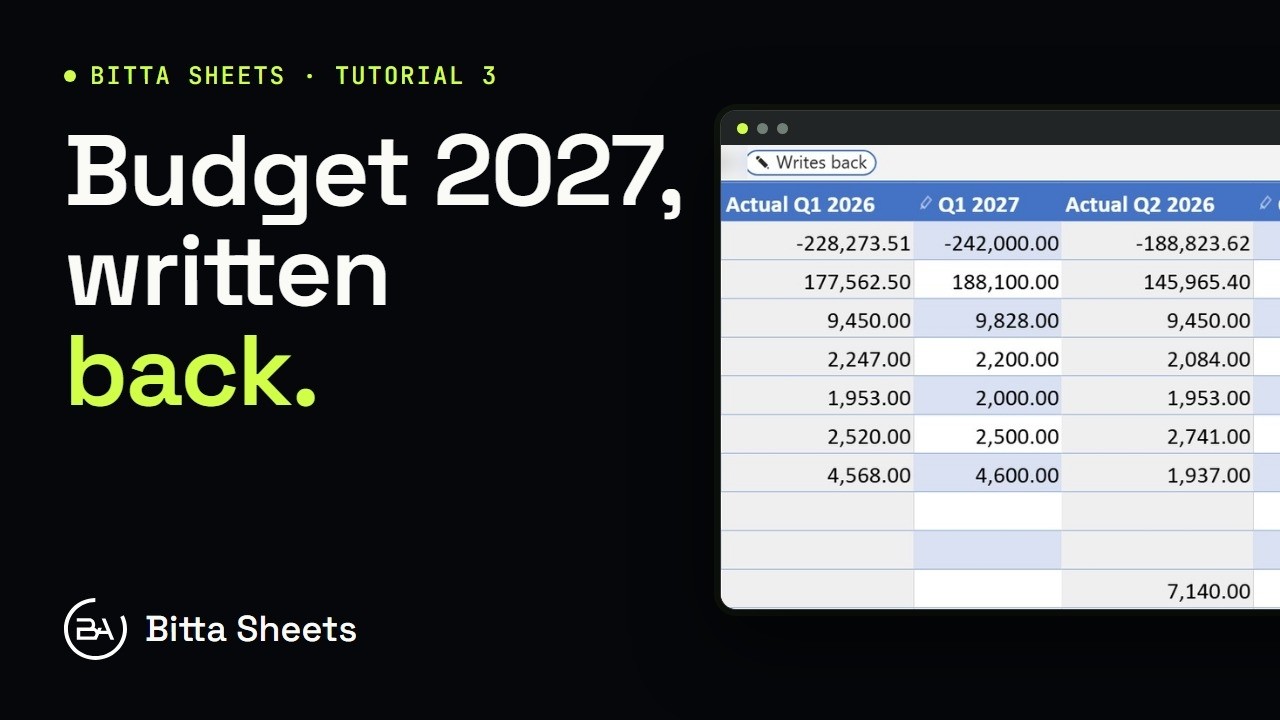 2:50Part 3Business Central Budget in a Spreadsheet, Written Back Live
 2:35Part 4Business Central Budget Entry by Department
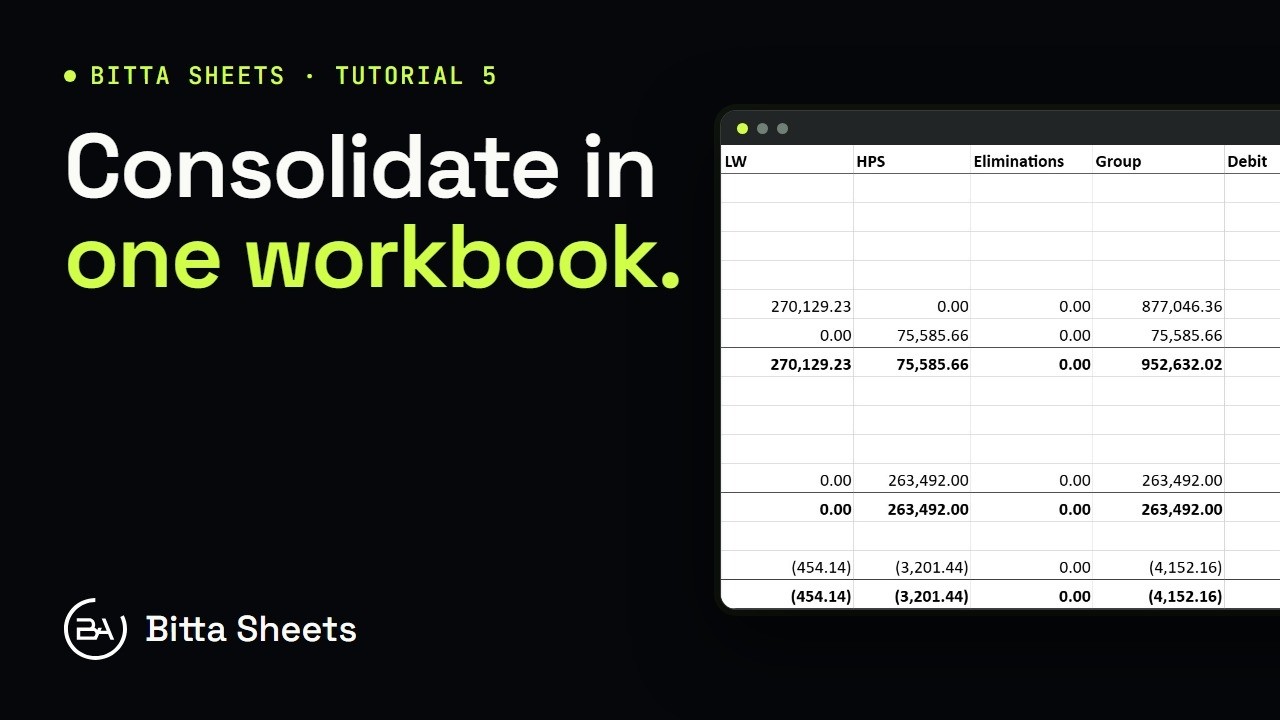 2:56Part 5Business Central Consolidation: Companies and Account Mapping
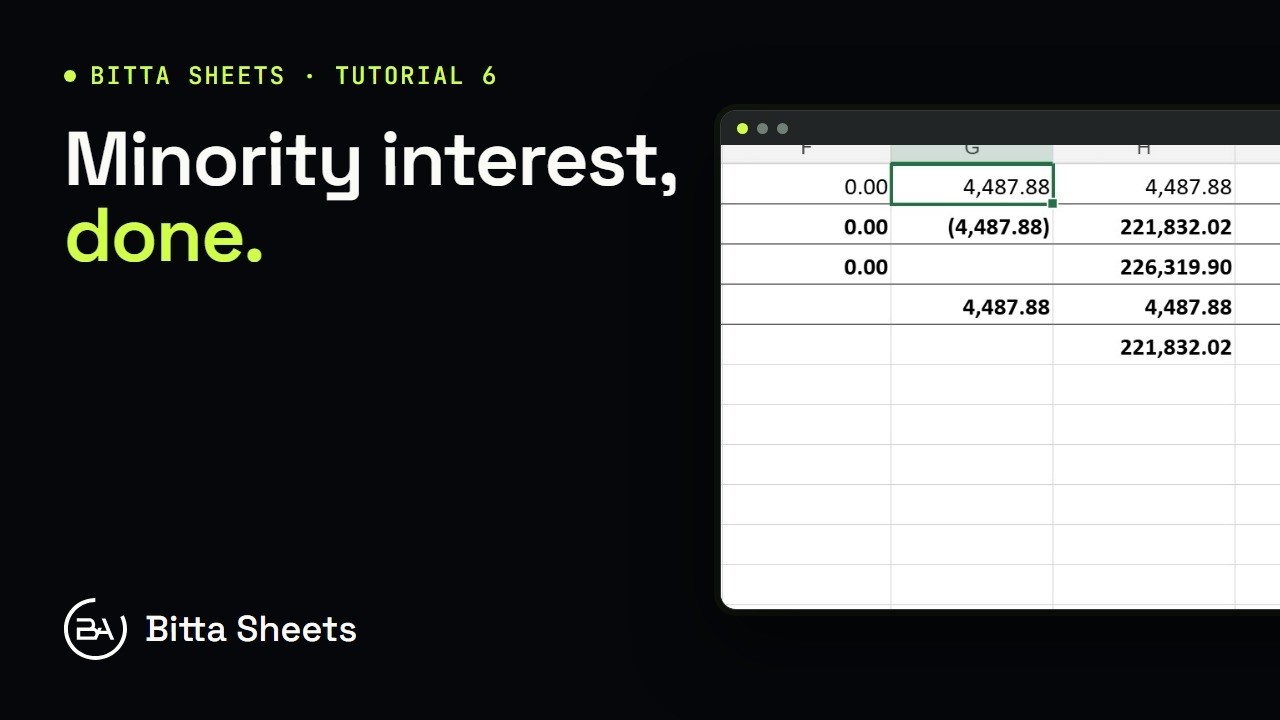 2:29Part 6Business Central Consolidation: Ownership, Rates and Minority Interest