Bitta Sheets · Part 1 · 2:08 · YouTube
Edit Business Central Data in an Excel-Style Sheet
What this video covers
Change Business Central records the way you change a spreadsheet, and write them back safely.
In this tutorial you put the Customer table in a Bitta Sheets workbook, type new credit limits and payment terms, check every change with Business Central's own validation, apply them, and find each change in the audit log.
Transcript
New credit limits are approved for three customers, and they need to be in Business Central by three o'clock. Here's how to edit Business Central data in a sheet, and write it back safely.
Put a table in a sheet. Type your changes. Check them with Business Central's own rules. Then apply, and every change is logged.
In a workbook, open the Insert tab and choose Data table. Pick the table, here Customer, and only the columns you need. Add a filter, so the sheet fetches just these customers. Then allow changes to be written back.
Nothing is written until you review them. Insert, and the customers arrive live from Business Central. A pencil marks the columns you can change. Now type the new credit limits right in the cells:
Trey Research, Alpine Ski House and Relecloud. And move School of Fine Art to thirty-day payment terms. Each edit is held as a pending change. Business Central isn't touched yet.
On the Home tab, Review changes lists every change, with the old value and the new one. Check changes runs Business Central's own validation on each record, then rolls it back.
So you know every change will work before anything is saved. Apply writes them, one record at a time, and the table refreshes. Open the customer card. The new limit is really there.
And the Studio Audit Log records every apply. Field Changes shows each field that changed, with the old value and the new one. Use it when a few records need a change today:
credit limits, payment terms, prices, contact details. Next, change hundreds of rows at once, with a formula. The steps are in the Bitta Sheets guide.
More Bitta Sheets videos
All videos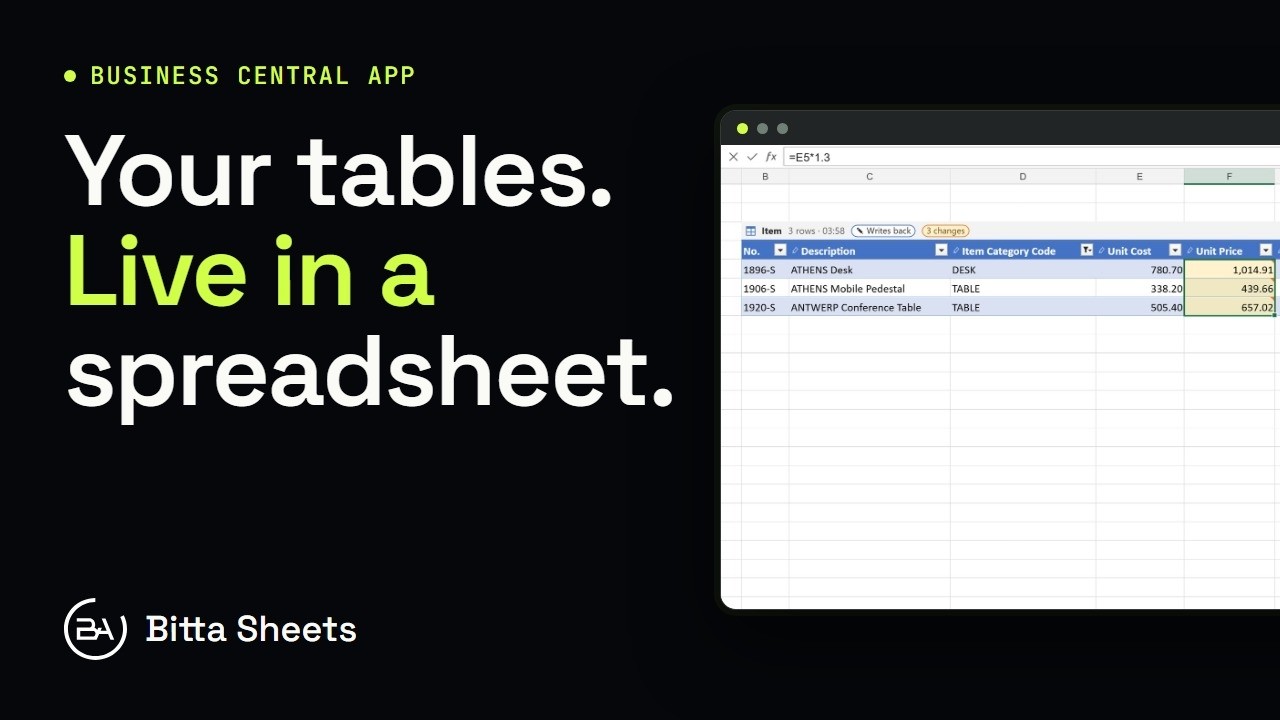 1:18OverviewEdit Business Central Tables Live in a Spreadsheet
 3:08Part 2Business Central Bulk Update Without Export and Import
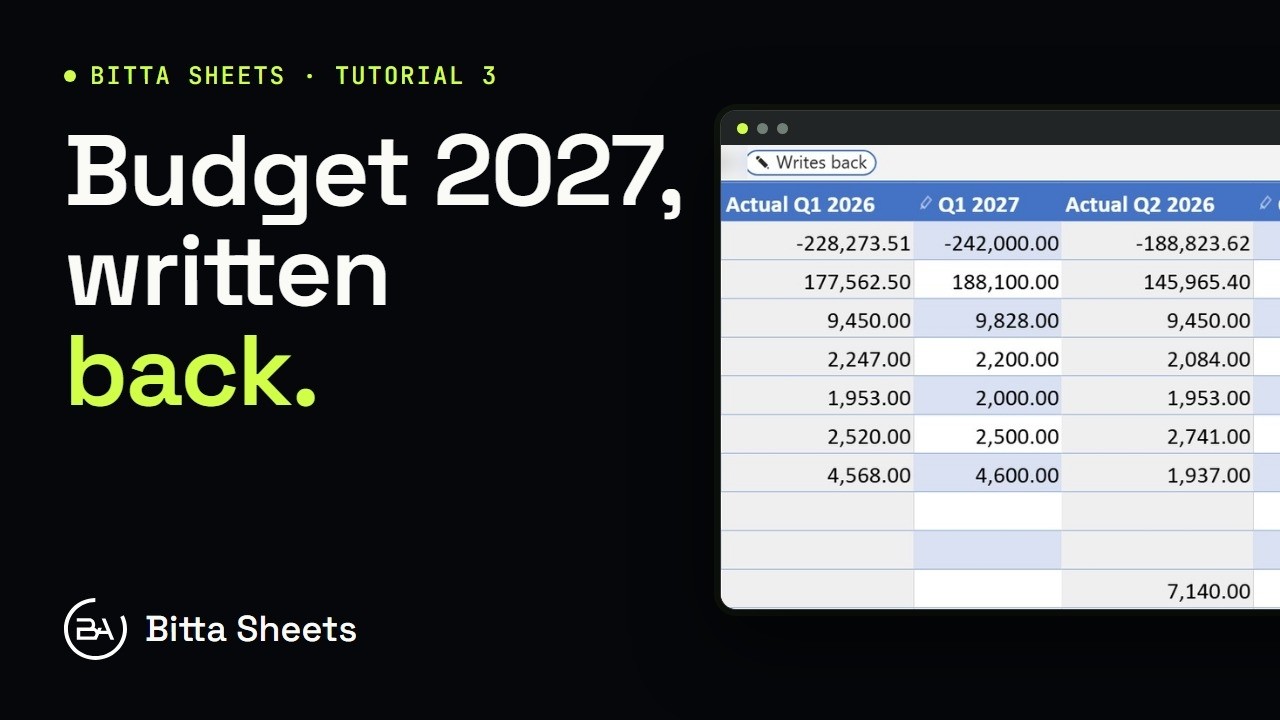 2:50Part 3Business Central Budget in a Spreadsheet, Written Back Live
 2:35Part 4Business Central Budget Entry by Department
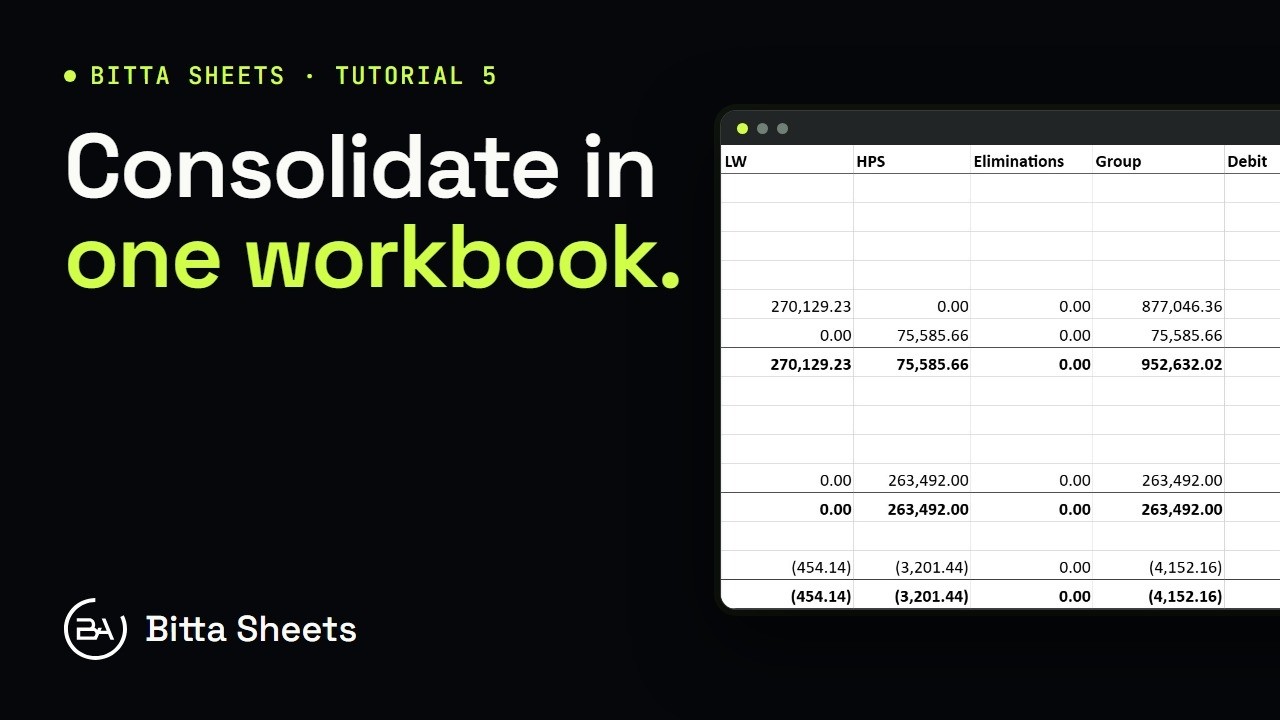 2:56Part 5Business Central Consolidation: Companies and Account Mapping
 2:29Part 6Business Central Consolidation: Ownership, Rates and Minority Interest