Bitta Commission · Tutorial · 2:22 · YouTube
Team target bonus in Business Central
What this video covers
Pay a bonus when the whole team hits its target, and choose who gets it.
We set a 10,000.00 team target, close the month at 120% and pay the 300.00 bonus by share of sales, equally, and to the manager.
Transcript
Pay the whole team for hitting its target. That's Team Target Bonus, method eleven of eleven. The field team's January target is ten thousand dollars. Maya Torres sells eight thousand, and Daniel Brooks four thousand. Twelve thousand is one hundred twenty percent. The tier from one hundred percent of the target pays a fixed bonus: three hundred dollars. Team Bonus Split decides who gets it. Paid to the Manager: Priya Shah takes all three hundred. Split Equally: one hundred fifty each. Split by Share of Sales: Maya made two thirds of the sales, so she gets two hundred, and Daniel one hundred. Here it is in Business Central.
A new Add-on plan. One component, method Team Target Bonus. Team Bonus Split decides who gets the bonus: here, Split by Share of Sales. One tier: from one hundred percent of the target, a fixed three hundred dollars. The plan goes to the field team, for January. Open Targets from the team card. The team's target is ten thousand dollars of sales for January, for this plan. Close January on Commission Periods. Business Central posts two period entries. Maya gets two hundred, and Daniel one hundred. Trace shows the team total, one hundred twenty percent of the target, the three hundred dollar bonus, and Maya's share: eight thousand of twelve thousand. Back on the plan, switch Team Bonus Split to Split Equally. Nothing else changes. Then reopen January and close it again. Reopening reverses the month's entries, and the close posts new ones. Maya and Daniel now get one hundred fifty each. To pay the manager, set Paid to the Manager, and assign the plan to Priya instead of the team, for January. Reopen and close January once more. Now Priya takes the whole three hundred.
Use it when a team wins or misses together: a branch, a region, or a project crew. Next: credits. Share one sale between salespeople.
More Bitta Commission videos
All videos 1:02OverviewSales Commission in Business Central
 3:54Part 1Set Up Sales Commission in Business Central
 5:14Part 2Commission Plans and Rates in Business Central
 5:17Part 3Read the Commission Trace in Business Central
 4:23Part 4Pay Sales Commission in Business Central
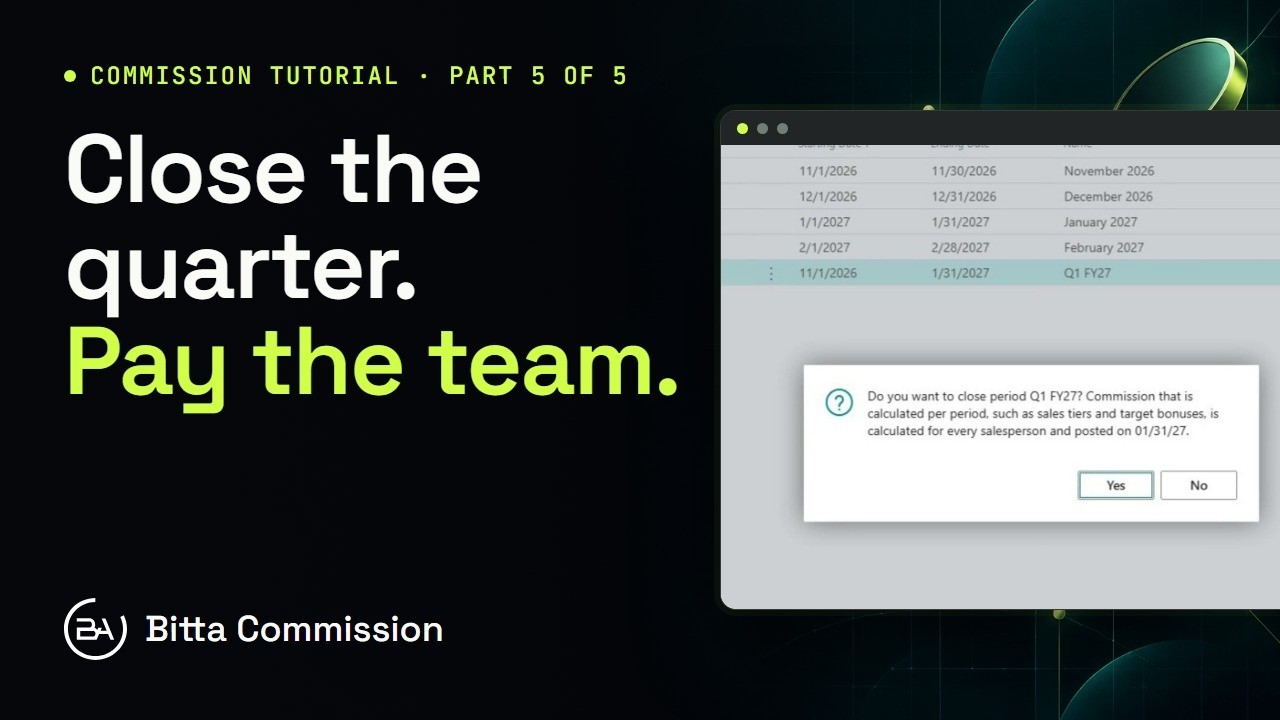 4:05Part 5Periods, Teams and Targets in Business Central