Bitta Commission · Tutorial · 25:04 · YouTube
11 Ways to Pay Sales Commission in Business Central
What this video covers
Eleven ways to pay salespeople in Microsoft Dynamics 365 Business Central, each built and posted in Bitta Commission.
Percent of sales and of margin, margin bands, an amount per unit, a fixed amount per sale, sales tiers, target and growth bonuses, a draw or guarantee, a team override and a team target bonus. Plus how credits share one sale through a split or an overlay.
Each method is also its own short video in the playlist "Bitta Commission: 11 ways to pay".
Transcript
Pay your salespeople a share of every sale. That's % of Sales, the simplest of the eleven ways to pay. Maya Torres sells five smart irrigation controllers to Oakridge Garden Supply. Two thousand dollars. Commission starts from the base: the line amount after discounts, without tax. Maya's plan has one rate line. All customers, all products, five percent. Base times rate. Two thousand times five percent is one hundred dollars. When the invoice posts, that hundred lands in Maya's commission ledger. Need another rate for a customer group or an item? Add a rate line for it. The most specific line wins. Here it is in Business Central. Start with the plan. A new commission plan, the main plan for Maya. One component, and its method is % of Sales. Its rate line: all customers, all products, five percent. Assign the plan to Maya, and it's ready. Now the sale. A new invoice for Oakridge Garden Supply. Five controllers at four hundred dollars each. Two thousand dollars. Before you post, Explain Commission shows the math: five percent of two thousand is one hundred dollars. Once it's posted, open it from Posted Sales Invoices. Maya's commission entry is in the ledger: one hundred dollars. Use % of Sales when every sale should pay the same share. One plan for the whole team, with higher rates where you want them.
Pay on the profit, not the price. That's % of Margin, method two of eleven. Maya sells Oakridge a commercial drip irrigation kit. Twelve hundred dollars. The kit costs seven hundred eighty. Bitta Commission takes that cost from the item card. Price minus cost leaves a margin of four hundred twenty dollars. That's thirty-five percent. Maya's rate line pays twenty percent of the margin: eighty-four dollars. The same rate line sets a minimum margin of ten percent. A second kit goes out at thirty percent off. Eight hundred forty dollars, so the margin is only sixty, about seven percent. That's under the minimum, so the line pays nothing, and it says why: Below Minimum Margin. The invoice pays eighty-four dollars. A line with no cost pays nothing too, with the reason Missing Cost. Now in Business Central. The cost first. The kit's item card has a unit cost of seven hundred eighty dollars. A new plan for Maya, with one component paid as % of Margin. Its rate line: twenty percent of the margin, with a minimum margin of ten percent. Assign it to Maya. A new invoice for Oakridge, with one drip irrigation kit at full price. Then a second kit, thirty percent off. Explain Commission: the first kit earns eighty-four dollars. The second is below the minimum margin, so it earns nothing. Post the invoice. Maya's commission entry is in the ledger: eighty-four dollars. Use % of Margin when discounts and costs vary from deal to deal, so your team protects the profit, not just the sale.
Pay a higher rate on better margins. That's Margin Band Rate, method three of eleven. Maya's plan has three margin bands. From zero percent margin, she earns two percent. From twenty, four percent. From thirty, six percent. The margin picks the band. The rate is paid on the sale. Maya sells Oakridge a drip irrigation kit for twelve hundred dollars, at a thirty-five percent margin. That's the thirty band. Six percent of twelve hundred is seventy-two dollars. On the same invoice, a pallet of compost at twenty-five percent off. Three hundred sixty dollars, at a margin under seventeen percent. That's the zero band: two percent, seven dollars twenty. Measured line by line, the invoice pays seventy-nine dollars twenty. Now measure the margin over the whole document instead. Fifteen sixty in sales, four hundred eighty in margin. Almost thirty-one percent. The whole invoice lands in the six percent band: ninety-three dollars sixty. A margin right on a boundary takes the band that starts there. Below the lowest band, a line pays nothing, with the reason No Rate Line. Now in Business Central. A new plan for Maya, with a Margin Band Rate component. It measures the margin per line. Its margin bands: two percent from zero, four percent from twenty, six percent from thirty. Assign it to Maya. The invoice for Oakridge: one drip irrigation kit at full price. Then a pallet of compost, twenty-five percent off. Explain Commission: six percent on the kit, two percent on the compost. In total, seventy-nine dollars twenty. Now switch the component to measure the margin over the document. Explain again: six percent on both lines. Ninety-three dollars sixty. Post the invoice. Maya's commission entry is in the ledger: ninety-three dollars sixty, from this invoice. Use Margin Band Rate to reward healthy margins with a simple rate on sales. Measure per line to judge each item, or per document to judge the whole deal.
Pay a reward per case sold. That's Amount per Unit, method four of eleven. Greenleaf sells brass hose bib kits by the piece. Twelve pieces make a case. Maya's rate line pays twenty-five dollars for every case of this item. She sells Oakridge sixty pieces. Two thousand seven hundred dollars. The price doesn't matter here. Sixty pieces is five cases. Five cases times twenty-five dollars: one hundred twenty-five dollars. Now Daniel shares the sale with a fifty percent split. The cases are shared too. Two and a half each, so sixty-two fifty each. Discounts and deductions don't change it. Only the quantity counts. If the item has no case unit, the line pays nothing, with the reason Unit of Measure Missing. Now in Business Central. First, the unit. In the item's units of measure, add a case that holds twelve pieces. A new plan for the whole sales team, paid as Amount per Unit. Its rate line: this item, per case, twenty-five dollars. Assign it to all salespeople. The invoice for Oakridge: sixty pieces. Explain Commission: five cases, one hundred twenty-five dollars. Add Daniel to the sale with a fifty percent split. Explain again: sixty-two fifty each. Post the invoice. Two entries in the ledger: sixty-two fifty for Maya, and sixty-two fifty for Daniel. Use Amount per Unit for spiffs and product pushes: a set reward per case, box or piece, whatever the price.
Pay a flat amount for each sale, whatever its size. That's Fixed per Sale, method five of eleven. Maya Torres invoices Oakridge Garden Supply. Three lines: a garden bed, a fabric roll and a hose bib kit. Her plan pays twenty-five dollars per sale. No base and no rate, just an amount on the rate line. Fixed Amount Per says what counts as a sale. Per Document pays once for the whole invoice. The first line takes the twenty-five dollars. The other lines earn zero, and say why: Paid Once per Document. Daniel Brooks helped win the deal, so he gets a forty percent split. The twenty-five is shared: fifteen to Maya, ten to Daniel. Switch to Per Line, and every line is a sale. The hose kit earns as much as the garden bed. Three lines, seventy-five dollars. Here it is in Business Central. One component, method Fixed per Sale. Fixed Amount Per is Document. The rate line pays an amount, not a rate: twenty-five dollars per sale. The plan goes to every salesperson. Maya's invoice for Oakridge, with the three lines. The Commission FactBox already shows twenty-five dollars. Explain Commission: twenty-five dollars on the first line. The others show Paid Once per Document. Add Daniel under Commission Credits. Split, forty percent. Now Maya gets fifteen and Daniel ten. Still twenty-five in all. Once it is posted, the invoice shows fifteen for Maya and ten for Daniel, and the commission ledger holds the two entries. Now set the component to Per Line. The next invoice, with the same three lines, earns seventy-five dollars. That is twenty-five dollars on each line. Use it for a flat reward per deal, per new account, or per line in a promotion, when the size of the sale shouldn't matter.
Share one sale between salespeople. Credits decide who earns on a sale: a split, or an overlay. They work with every way to pay. Maya Torres sells twenty-five smart controllers to Oakridge Garden Supply. Ten thousand dollars. Daniel Brooks helped close it, so he gets a thirty percent split. A split takes its share from the main salesperson. Maya keeps seven thousand of the base, Daniel gets three thousand. Each is paid by their own plan, five percent: three hundred fifty, and one hundred fifty. Priya Shah, their manager, gets an overlay. An overlay earns on top, on the full ten thousand, and takes nothing from anyone. Her plan pays two percent, but the credit sets a rate of one percent. One percent of the full ten thousand dollars is one hundred dollars. Six hundred dollars in all. And if Daniel always helps on Oakridge, a credit rule adds his split for you. Here it is in Business Central. Two plans. Standard pays five percent of sales, to Maya and Daniel. Manager pays Priya two percent. It's a Main plan, and its component allows a rate override, so a credit can set her rate. Maya's invoice for Oakridge: twenty-five controllers, ten thousand dollars. In Commission Credits, add Daniel as a split, thirty percent. Then Priya as an overlay, with a rate of one percent. Explain Commission: Maya three hundred fifty, Daniel one hundred fifty, Priya one hundred. Six hundred in all. Post it, and each of them gets their own ledger entry. Now the rule. When the customer is Oakridge, add Daniel as a split. The next Oakridge invoice gets Daniel's split by itself, marked Added by Rule. Use a split when people share the work on a sale. Use an overlay to pay a manager or a specialist on top, without cutting anyone's share.
Pay more as the month's sales climb. That's Sales Tier, method six of eleven. In December, Maya Torres sells two thousand four hundred fifty dollars. Her plan has three tiers. From zero, one percent. From one thousand, two percent. From two thousand, three percent, plus a fixed fifty dollars. Progressive fills the tiers like steps. The first thousand at one percent is ten dollars. The next thousand at two percent, twenty. The last four hundred fifty at three percent is thirteen fifty. Add the fixed fifty: ninety-three fifty. Retroactive pays the top tier's rate on all of it. Two thousand four hundred fifty at three percent, plus fifty: one hundred twenty-three fifty. Nothing is paid on the invoice itself. A sales tier is paid when you close the period. Here it is in Business Central. An Add-on plan for Maya, for December. Two components, both Sales Tier, by month. One Progressive, one Retroactive. Each has the same three tiers: where it starts, its rate, and a fixed amount. Maya's December invoice comes to two thousand four hundred fifty dollars. Explain Commission says it plainly: no commission now, paid at period close. In Commission Periods, close December. Business Central works out the month for every salesperson, and posts on the last day of the period. The ledger now shows ninety-three fifty from the Progressive tiers, and one hundred twenty-three fifty from the Retroactive ones. Their source is the period close. Trace shows how: the sales counted, each tier, and the fixed amount. Use it to reward volume. Progressive raises the rate step by step. Retroactive makes a bigger jump each time a tier is reached.
Pay a bonus for hitting the target. That's Target Bonus, method seven of eleven. Maya Torres has a target for January: ten thousand dollars in sales. Her bonus has two tiers, set in percent of the target. At one hundred percent, two hundred dollars. At one hundred twenty percent, four hundred. In January she sells nine drip irrigation kits. Ten thousand eight hundred dollars. That's one hundred eight percent of her target. Past the first tier, short of the second: the bonus is two hundred dollars. Under one hundred percent she'd get nothing, and the entry would say why: Below First Tier. Like every period method, it's paid when you close the month. Here it is in Business Central. An Add-on plan for Maya, for January. One Target Bonus component, by month. Its tiers start at one hundred and one hundred twenty percent, each with a fixed bonus. In Commission Targets, Maya's target for this plan: sales of ten thousand dollars. The dates match the January period exactly. Her January invoice: nine kits, ten thousand eight hundred dollars. Close January in Commission Periods. The ledger has one period entry for Maya: two hundred dollars. Trace shows the target, what she achieved, one hundred eight percent, and the tier she reached. Use it when each person has a target: a clear goal, a clear bonus, and a bigger one for beating it well.
Pay your salespeople for growing on last year. That's Growth, method eight of eleven. Last December, Maya Torres sold ten thousand dollars to Oakridge Garden Supply. This December she sold twelve thousand. That's one hundred twenty percent of last year. Growth pays when you close the month. Each tier starts at a percent of last year. Maya's tier starts at one hundred ten percent, and pays five percent. The rate only applies to the sales above last year. Two thousand dollars of growth, times five percent, is one hundred dollars. Last year comes from the commission lines posted a year ago. No sales last year, and Growth pays nothing, with the reason No Target. Here it is in Business Central. Maya's commission entries for this customer: ten thousand last December, twelve thousand this December. A new Add-on plan, so it pays on top of Maya's standard commission. One component, method Growth, measured each month. One tier: from one hundred ten, at five percent. Here, From is a percent of last year. Assign the plan to Maya, from December first. There's no target to set: last year is the target. Now close December on Commission Periods. Business Central asks first, then posts the month's period commission on its last day. One period entry for Maya, from the period close: one hundred dollars. Trace shows the working: this December's sales, the same month last year, one hundred twenty percent, and five percent of the two thousand above it. Use Growth to reward accounts that grow, to lift a flat territory, or to pay for new business without paying twice for the old.
Guarantee your salespeople a minimum each month. That's Draw and Guarantee, method nine of eleven. Daniel Brooks earns five percent of his sales. In January he sold sixty-four hundred dollars, so he earned three hundred twenty. His plan promises five hundred a month. When you close the month, the draw tops him up: one hundred eighty dollars. Draws are worked out last, after every other commission of the month. A recoverable draw is an advance. Daniel now owes the one hundred eighty, and a better month pays it back. In February he earned seven hundred. That's two hundred above the draw, so the one hundred eighty comes back. A guarantee is never paid back. With Recoverable Draw off, a good month simply pays what he earned. Here it is in Business Central. A new Add-on plan for Daniel. One component, method Draw / Guarantee, worked out each month. Draw Amount: five hundred dollars a month. Recoverable Draw is on, so a top-up is an advance he pays back. Assign it to Daniel, from January first. A draw goes to a salesperson or a team, never to all salespeople. Close January on Commission Periods. The draw is worked out after every other commission of the month. Daniel's draw entry: one hundred eighty dollars. Trace shows the working: earned three hundred twenty, a draw of five hundred, one hundred eighty paid on top, and one hundred eighty still owed. Now close February on Commission Periods. This time the draw entry is minus one hundred eighty. Trace: Daniel earned seven hundred, two hundred above the draw. The one hundred eighty owed from January is paid back, and nothing is still owed. Use a draw for new hires while they build a pipeline, for seasonal months, or to keep pay steady when sales come in waves.
Pay your sales manager on the team's sales. That's Team Override, method ten of eleven. Priya Shah manages the field team. Maya Torres and Daniel Brooks are its members. In November Maya sold six thousand dollars, and Daniel four thousand. The team's value is ten thousand. Priya's own sales don't count. Only the members' sales do, and only while they're in the team. Her tier starts at zero and pays one percent. Ten thousand times one percent is one hundred dollars, paid when you close the month. Override On picks what's measured: sales, margin, quantity, or the commission the team earned. Here it is in Business Central. The team card for Field Sales. Priya is the manager. Maya and Daniel are members, with no end date, so all their November sales count. A new Add-on plan for Priya. One component, method Team Override. Override On is Sales, so the team's sales are measured. One tier: from zero, at one percent. Here, From is a team amount. Assign the plan to Priya, from November first. Close November on Commission Periods. The override is worked out from what the members sold that month. Priya gets one period entry: one hundred dollars. Trace lists each member's sales: six thousand and four thousand. The team total is ten thousand, and one percent of it is one hundred dollars. Use it for sales managers, team leads, or anyone paid on the results of the people they coach.
Pay the whole team for hitting its target. That's Team Target Bonus, method eleven of eleven. The field team's January target is ten thousand dollars. Maya Torres sells eight thousand, and Daniel Brooks four thousand. Twelve thousand is one hundred twenty percent. The tier from one hundred percent of the target pays a fixed bonus: three hundred dollars. Team Bonus Split decides who gets it. Paid to the Manager: Priya Shah takes all three hundred. Split Equally: one hundred fifty each. Split by Share of Sales: Maya made two thirds of the sales, so she gets two hundred, and Daniel one hundred. Here it is in Business Central. A new Add-on plan. One component, method Team Target Bonus. Team Bonus Split decides who gets the bonus: here, Split by Share of Sales. One tier: from one hundred percent of the target, a fixed three hundred dollars. The plan goes to the field team, for January. Open Targets from the team card. The team's target is ten thousand dollars of sales for January, for this plan. Close January on Commission Periods. Business Central posts two period entries. Maya gets two hundred, and Daniel one hundred. Trace shows the team total, one hundred twenty percent of the target, the three hundred dollar bonus, and Maya's share: eight thousand of twelve thousand. Back on the plan, switch Team Bonus Split to Split Equally. Nothing else changes. Then reopen January and close it again. Reopening reverses the month's entries, and the close posts new ones. Maya and Daniel now get one hundred fifty each. To pay the manager, set Paid to the Manager, and assign the plan to Priya instead of the team, for January. Reopen and close January once more. Now Priya takes the whole three hundred. Use it when a team wins or misses together: a branch, a region, or a project crew.
More Bitta Commission videos
All videos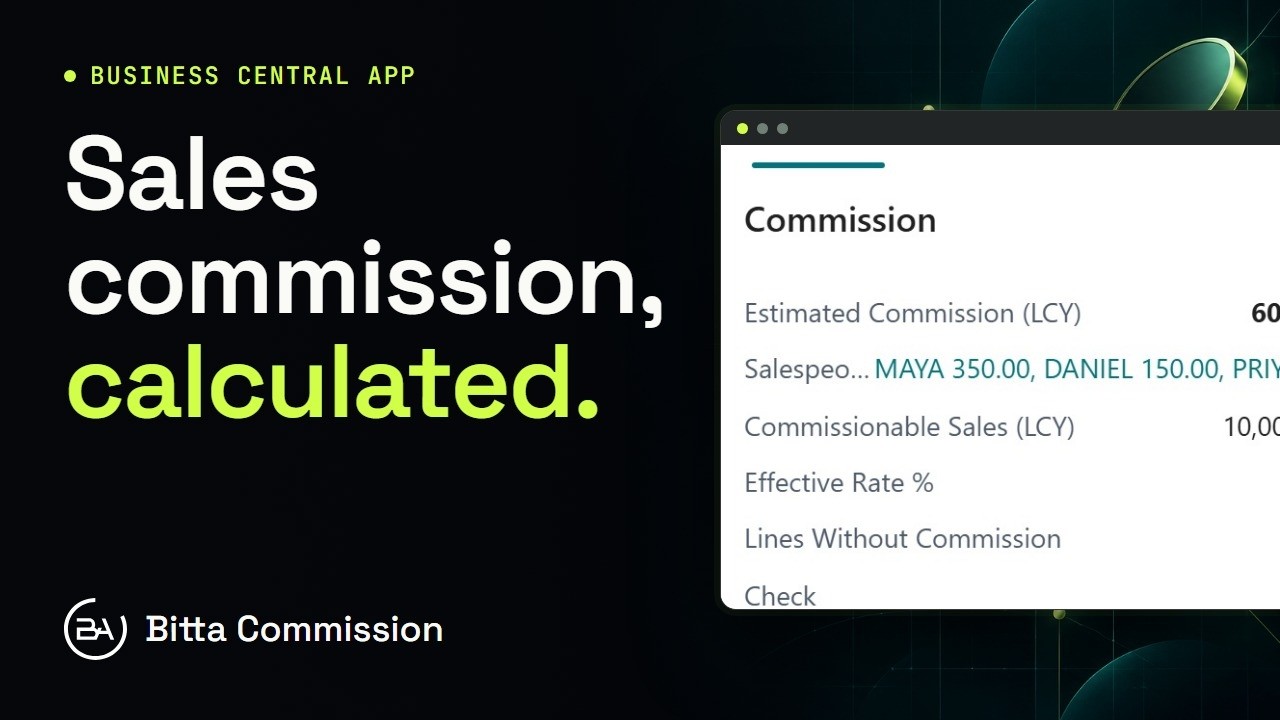 1:02OverviewSales Commission in Business Central
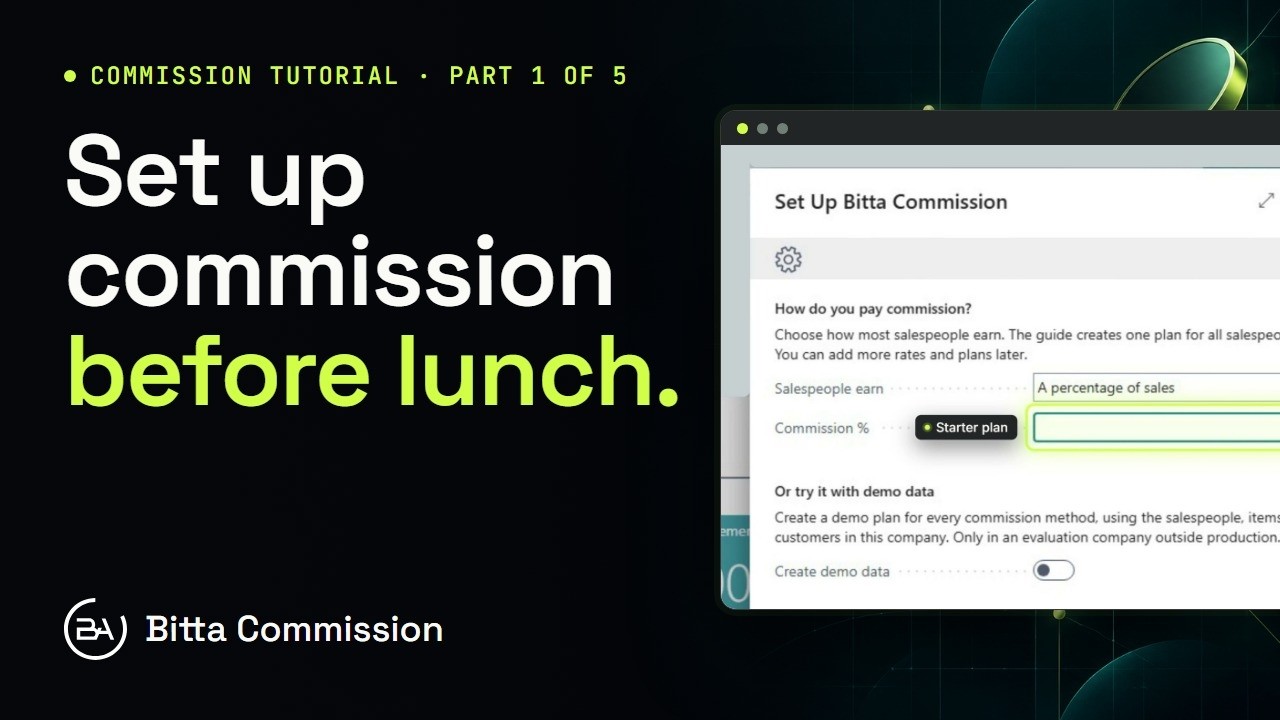 3:54Part 1Set Up Sales Commission in Business Central
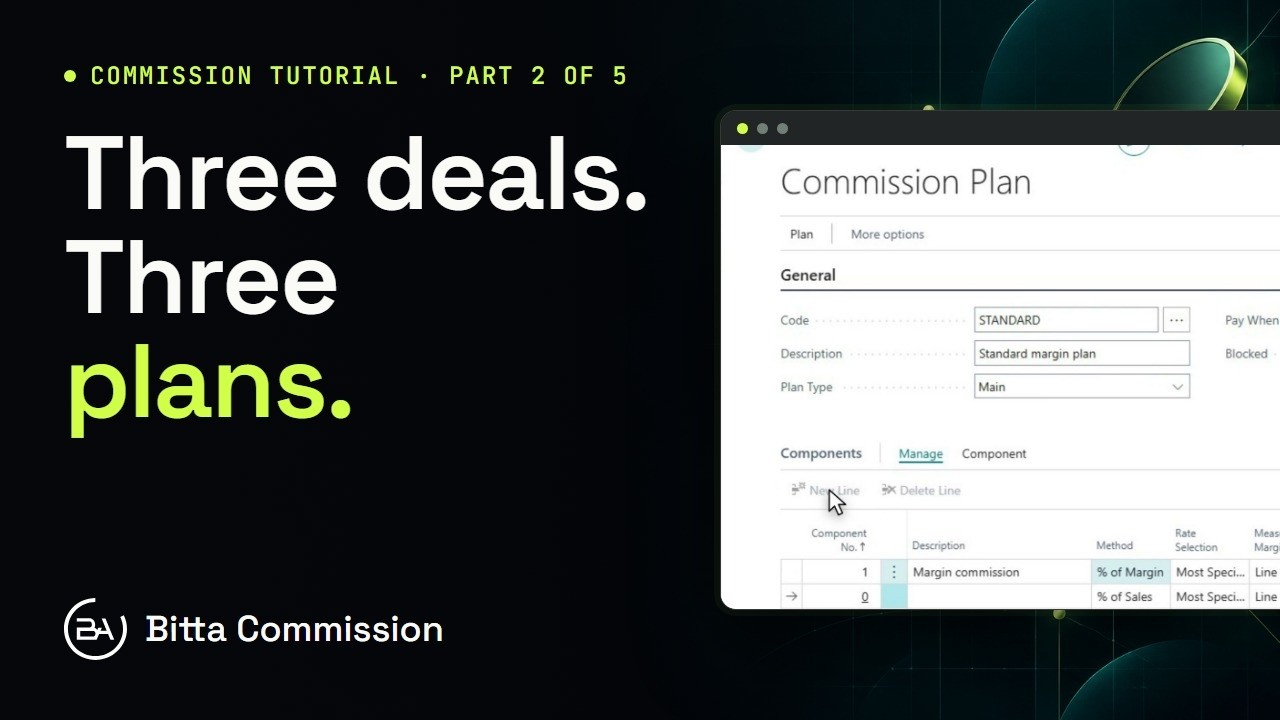 5:14Part 2Commission Plans and Rates in Business Central
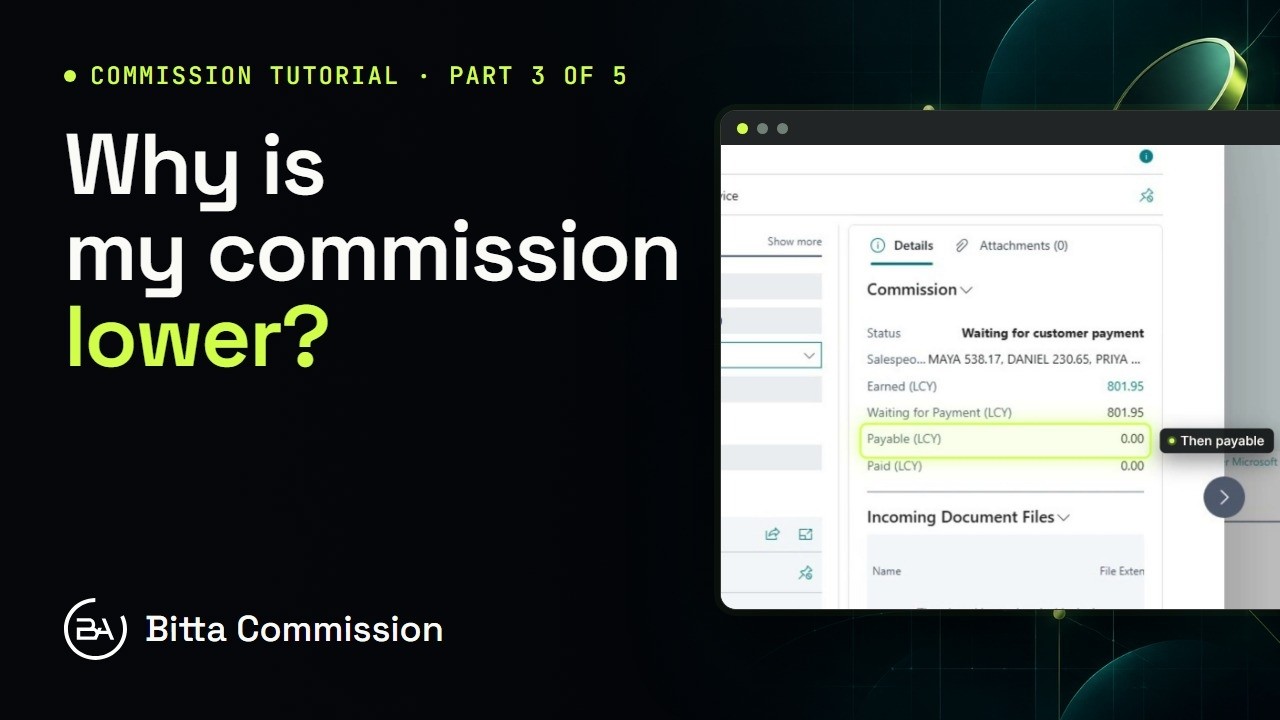 5:17Part 3Read the Commission Trace in Business Central
 4:23Part 4Pay Sales Commission in Business Central
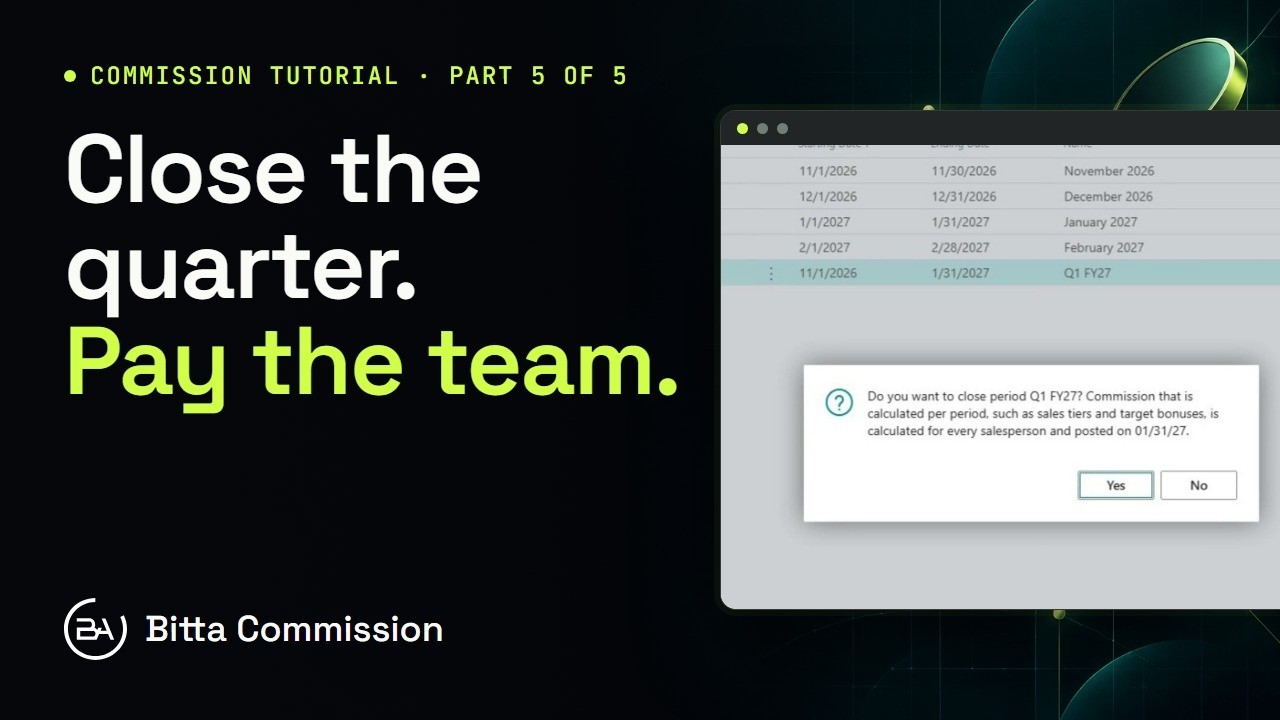 4:05Part 5Periods, Teams and Targets in Business Central