Bitta Commission · Full demo · 21:54 · YouTube
Bitta Commission Full Demo: Sales Commission in Business Central
What this video covers
Bitta Commission, end to end, on one company: Greenleaf Distribution, inside Microsoft Dynamics 365 Business Central.
Set it up, build plans for Maya, Daniel and Priya, sell and post with a live estimate, read the Commission Trace, pay through payroll or vendor invoices, then close the period with teams and targets. Every number on screen is real Business Central data.
This is the five-part Bitta Commission tutorial series joined into one video. Each part is also in the playlist on its own.
Transcript
Maya wants to know why her commission is lower this month. By the end of this demo, you'll answer her from posted data, line by line. This is Bitta Commission, end to end, in five parts. Part one. Set it up.
Everything starts in one guide. Search for Set Up Bitta Commission, and it only asks the questions your answers need. First, how it works. Commission is earned when you post the invoice, and paid later with a settlement. Next, how most of your salespeople earn: a share of sales, a share of margin, or an amount per unit. Pick one, and the guide builds a starter plan for everyone at that rate. Greenleaf's reps are all on different deals, so we'll build our own plans in part two. Now the big decision: when commission can be paid out. On posting pays at once. When fully paid waits for the whole invoice. As the customer pays releases it with each payment. Greenleaf pays as customers pay, so a rep is never paid ahead of the cash. That needs the release job. Every thirty minutes it checks which invoices are paid, and makes their commission payable. And when a customer pays late, you can take part of it back. Here, five percent, after fifteen days of grace.
Posting a sale never touches the general ledger. You pay commission with a settlement, and you choose how for each salesperson. Some of Greenleaf's reps invoice their commission, so turn this on, and pick the expense account for their purchase invoices. Then, who earns. Commission is calculated only for salespeople who hold a seat on your license. Greenleaf has no plans yet, so no one is waiting for a seat. You give seats on the license page. Choose Finish. The guide saves your choices, creates the number series, and schedules the release job.
Everything you just chose lives on Commission Setup, and you can change it at any time. A few settings the guide skipped: where cost comes from when you pay on margin, and what happens when a cost is missing. Whether a payment discount reduces commission, and whether a rep who owes money back is settled or carried forward. The numbering is already filled in. Plans, settlements and the journal each get their own series. Turn on Track Setup Changes, and every change to a plan or a rate is logged, with who and when. Last, a commission period. Tiers, targets and bonuses are paid per period, and closing one locks commission work in that period, but never sales posting.
Now the license. It's one click from the setup page. Greenleaf's license is active. You see when it ends, and how many salespeople it covers. New to Bitta Commission? Request a trial, and Bitta Apps emails you a code for thirty days and three salespeople. You enter it here, once. Below are the seats. Give one to everyone who earns, including split partners and managers who earn an override. Maya, Daniel and Priya each get one, and a seat covers a person in every company. And without a seat, sales still post. The commission is withheld, not lost, and you can calculate what was missed once the seat is given. Finally, check your work. Commission Setup Check lists anything still missing. What's left is the part that matters most: the plans. Switch to the Commission Manager role center, and everything you need is in one place. Setup done, before lunch. Part two. Build the plans.
Greenleaf pays its reps on margin, not on sales. A pallet sold at cost shouldn't earn the same as one sold at full price. So start a new plan. Give it a code and a name, and make it the main plan. A main plan is the one deal a rep is on. Add-ons stack on top of it, like a bonus or a promotion. Pay When decides when the money becomes payable. Leave it on the setup default for now. Now the part that does the work: a component. Each component is one way of earning. Choose percent of margin. A component pays nothing until it has a rate line. Open Rate Lines and add one: all customers, all products, twenty percent. A plan pays no one until it's assigned. On the plan card, under Assigned To, give it to all salespeople from November first. Margin needs a cost. Commission costs let finance decide the cost a plan pays on, so it doesn't move with every purchase. Each cost has a starting date. The supplier raised the price on December first, so add a second line from that date. Sales from then on use it. One more line, with a blank number and three percent, loads freight onto every item's cost. Sales that are already posted keep the cost they were calculated with.
One rate rarely fits everyone. Greenleaf pays more on its premium controllers, and a little more on key accounts. Add two lines: premium items at twenty-five percent, and key-account customers at twenty-two. Those groups live on the cards. Oakridge Garden Supply is a key account, and the smart controller is premium. Before anyone sells, test it. Here's a quote for Oakridge, with Maya as the salesperson. Explain Commission shows every rate line, and what happened to it. Both special lines match. By default the most specific line wins, and a customer line beats a product line. So Maya gets twenty-two. That's not what Greenleaf wants. Switch Rate Selection to Highest. Now the twenty-five percent line pays, and the key-account line shows as a lower rate. Lowest works the other way round. Either way, you can see which line won, and why. New accounts are worth more. Set a new-customer window of thirty days from the first sale, at thirty percent. Daniel quotes Cedar Hollow Landscaping, a customer with no invoices yet. The rate now comes from the new-customer rule. Thirty days after the first invoice, it goes back to normal.
Some pay depends on the whole month, not on one sale. Maya is on a monthly sales tier. Make an add-on plan with a sales tier component, measured by month, and progressive. Open Tiers. Nothing below twenty thousand. One percent from twenty thousand. Two percent, plus two hundred fifty, from forty thousand. Progressive means each rate pays only on the sales inside its tier. Retroactive would pay the top rate on everything. Tiers pay when you close the month, so each sale just counts toward it. Priya runs the team. Her add-on is a team override: a share of what her team sells. Two percent of team sales. It pays once her team is set up, and that's part five.
That's three of the eleven methods. The other eight use the same builder. Percent of sales. Margin bands, where a better margin earns a higher rate. An amount per unit, or per case. A fixed amount per sale. A bonus for hitting target. A bonus for growth over last year. A team bonus for hitting the team target. And a draw, which tops a rep up to a guaranteed amount.
Each add-on gets its own assignment. The tiers go to Maya, and the override goes to Priya. A plan assigned to one rep beats a plan for everyone, and add-ons add up. Dates let you change a deal without touching history. Commission Assignments shows the whole picture in one list. Last, decide what earns. Out of the box, only item lines do. Greenleaf wants installation labor to count too, so add a line rule that lets resources earn. A deduction code takes a share off the base, like three percent for free freight. For the other exceptions, there are customer terms, rate overrides, and reason codes. Three people, three different deals, one set of plans. And every rate shows exactly where it came from. Part three. Sell, post, and read the trace. It starts with a quote. Maya is selling irrigation kits and controllers to Oakridge Garden Supply. Add the lines, and the Commission FactBox fills in while you type.
Before anything posts, you can see the estimate, who earns it, and the effective rate. Select a line, and the Line Commission FactBox shows that line's commission, and where its rate came from. If a cost or a plan is missing, the Check line tells you here, not on payday. Want the working? Explain Commission lists every rate line it checked, and which one paid. Lower Rate means another rate line paid more. This plan always takes the highest. Oakridge says yes. Make Order, and the order keeps the same people and the same credits.
Daniel works the Oakridge account with Maya, so he shares the credit. You don't have to remember that. A credit rule does. Any document for Oakridge adds Daniel as a thirty percent split. Rules run when the order's date or salesperson changes. Date the order for December fifteenth, and the rule adds him. Open the order's commission credits, and there's Daniel, added by rule. A credit you type yourself is never touched. Priya manages the team, so she earns an overlay on top. Add her at a one percent rate. A split shares Maya's base. An overlay doesn't touch it. So Maya earns on seventy percent, Daniel on thirty, and Priya on the full amount. Need a split on just one line? Line Commission Credits work the same way, and that line ignores the document's credits.
Ship and invoice. The commission is written in the same posting, and nothing touches the general ledger. If the commission can't be written, the sale doesn't post either, so nothing is ever lost. The posted invoice now shows what's earned, what's waiting for the customer, and what's payable. Greenleaf pays commission as the customer pays, so right now it's all waiting. When Oakridge pays, it moves to payable. When you settle, it's paid. Find entries puts the commission rows right next to the customer and general ledger entries. One ledger entry per person, per plan, per component. Every change after this is added, never edited. Now the screen Maya will care about. Open the Commission Trace. It doesn't recalculate a thing. It reads what was frozen at posting. Line by line: the quantity, her share, the cost and margin, the rate line, and the commission. The cost comes from Commission Costs, so the margin is worked out on the cost you set up. And underneath, everything that happens next. For now, that's one line: earned.
A week later, Oakridge sends back two kits. Use Get Posted Document Lines to Reverse, so the return points at the exact invoice line. Post it, and the commission comes back from the same people, the same plans, at the same rates. No new calculation. The return uses the invoice's own frozen numbers. The return posts commission entries of its own, for the same people on the same plan. And if that commission was already paid out, the next settlement claws it back.
Oakridge pays part of the invoice, on time. Post it, then choose Release Payable Commission. The release job does the same thing every thirty minutes. Maya's commission is now payable in proportion to what Oakridge has paid, dated on the payment. A short payment works the same way. Only the paid share is released, and the rest waits. Now, late payers. In Commission Setup, the late payment penalty is switched on. Five grace days, then ten percent, plus one percent a day, capped at twenty five. Oakridge pays the rest, three weeks past the due date. Release again. The penalty comes off before the rest becomes payable, so there's nothing to claw back later. So, back to Maya. Why is her commission lower? Open her trace on the Oakridge invoice. She earns on seventy percent, because Daniel shares the account. The return took back her part of the two kits. And paying late cost a penalty, with the days and the percent written out. Every reason comes from posted data, nothing typed by hand. Send her the trace. Part four. Pay commission.
Friday starts on the Commission Manager role center. The tiles show what you owe, and what needs a look before anyone gets paid. Daniel has questioned a line on one of his invoices. Until that's answered, you don't pay it. Select the entry, choose Hold, and give a reason. Every settlement skips it until you release the hold. The FactBox counts it: one entry on hold, and it stays out of every payment.
Next, a setup mistake. Someone typed half a percent where five was meant, and an invoice already posted at the wrong rate. Fix the rate line first. Then select the invoice's entries and recalculate. Before anything posts, you see it: nine dollars now, ninety after the fix, a difference of eighty-one. Post it. The old entry is reversed and the right one is written. Nothing is edited in place. One more. A customer account moved from Maya to Daniel this month. Reassign the invoice and recalculate with Daniel's plans. Maya's entries are reversed, and Daniel's are written in their place. Every correction leaves a trail: a reason, a date, and an opposite entry you can audit.
Not every payout comes from an invoice. Daniel won this month's sales contest. Open the commission journal and add an award for him, with a description he'll read on his statement. Corrections go in the same way. A negative amount takes commission back, and every line needs a reason. Opening balances from an old system come in the same way. Post, and the journal empties: each line is now a commission entry, payable right away.
By default, earning commission posts nothing to the general ledger. Your controller wants commission expense in the month it's earned, not the month it's paid. In Commission Setup, turn on accrual. Choose the accrued commission account and the date to start from. Then post the commission accrual. It adds up everything earned since the last run, by date and dimension. Commission expense on the debit side, accrued commission on the credit side. Returns and reversals post the other way. Run it by hand like this, or schedule it on the job queue. Every settlement runs it first, so the ledger is never behind.
Now the payout. Create a settlement, set the date you're paying up to, and suggest lines. Every payable entry lands here, by salesperson. Daniel's held line stays out, and so does anything still waiting on a customer payment. Change the date or the people, and suggest again. Nothing is paid until you post. Each person is paid their own way: Maya by purchase invoice, Daniel through payroll, and Priya outside Business Central. Post the settlement. Daniel and Priya are paid at once. Maya gets a purchase invoice, locked to the settlement's amounts. Post that invoice, and her commission is paid. For payroll, export the file: one row per person, with their payroll ID and the amount. And print the payment advice, so everyone sees exactly which documents they were paid for. Back on the role center, everything you settled is off the list. What's left is the held line and the invoices customers haven't paid yet. Commission Exceptions lists anything that needs a second look before you close the month. And the Commission Liability report shows what you still owe, on any date, matching the accrued commission account. Each salesperson gets a statement: what they were owed, what they earned, what they were paid, and what's still to come. Payroll closes Friday. You're already done, and every number ties out. Part five. Periods, teams and targets.
Start with the team. Priya manages Field Sales, and Maya and Daniel are its members. Every membership has dates. When someone moves, you end one membership and start another, and their earlier sales stay with the old team. Plans can go to the whole team. They pay whoever is a member on the day the invoice posts, and a plan for one person still comes first. Next, targets. Maya and Daniel each have a sales target for the quarter. The team needs one too, so let's add it.
One hundred thousand in sales for Field Sales, over the same quarter. Now open the scoreboard. Rank by percent of target, pick the team, and you see who is ahead, and how close everyone is. Maya is well past her number. Daniel is still short. The scoreboard only reads posted sales, so it's never out of date.
Before the close, one last order. This quarter, a SPIFF pays on a new product, but only on each rep's first hundred units. Maya is close to her limit. This order adds ten soaker hoses, and twenty five more. Post it, and open the commission entries.
The first line takes her last ten units, and pays fifty dollars. The next line earns nothing, and the reason says why. Limit reached.
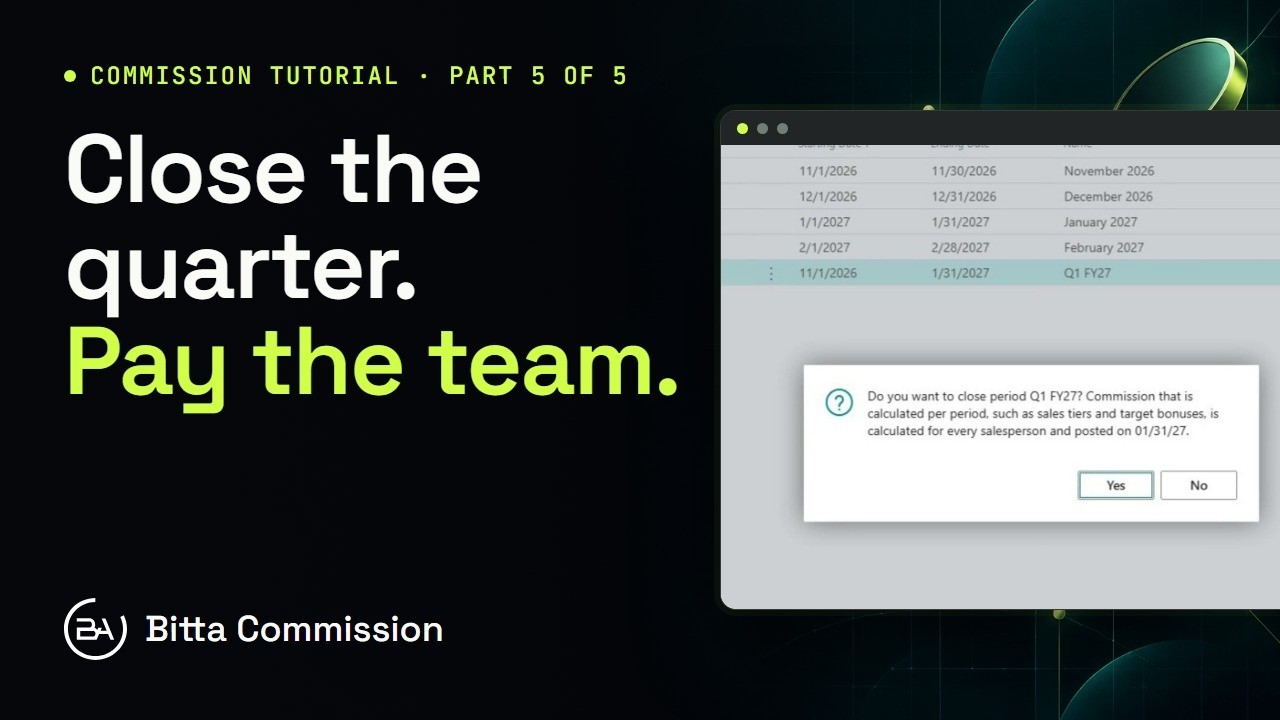
Some commission can't be known until the period ends. Tiers, target bonuses, team overrides and draws all wait for the close. Here's the team's quarterly sales tier. Nothing below twenty five thousand. Then one percent, then two percent plus a fixed amount. And a cap at eight hundred. Open the commission periods. November and December are already closed, and the quarter is still open. Close the period. Business Central checks the dates, asks once, and posts the period commission, dated the last day and payable straight away. The period entries show one line per person, plan and component. Maya's tier came to eight hundred and sixty nine, so the cap takes back sixty nine. Need to change something? Reopen the period. It reverses these entries, and closing it again recalculates.
Priya doesn't sell, so her plan pays on what her team sells. Her override steps up once the team passes one hundred thousand. Members only count while they're on the team. Someone who joins on the fifteenth counts from the fifteenth. Field Sales passed its target, so the team bonus pays out, split equally between Maya and Daniel. Open the earning lines, and you see the math. The tier pays a thousand. Maya's equal share is five hundred. Daniel is newer, so he has a recoverable draw of a thousand a month. Draws are calculated last, so they see everything else he earned. In a short month, the draw tops him up as an advance. In a strong month, what he earns above the draw pays it back first. Make it a guarantee instead, and the top up is never paid back. So, does the team bonus know? It does. The quarter is closed, and every amount is on the ledger, with the numbers behind it. Priya's override, the team bonus, and Maya's tier, capped at eight hundred. One close, and all of it explained. That's Bitta Commission. Request your thirty-day trial, and keep the guide open while you set it up.
More Bitta Commission videos
All videos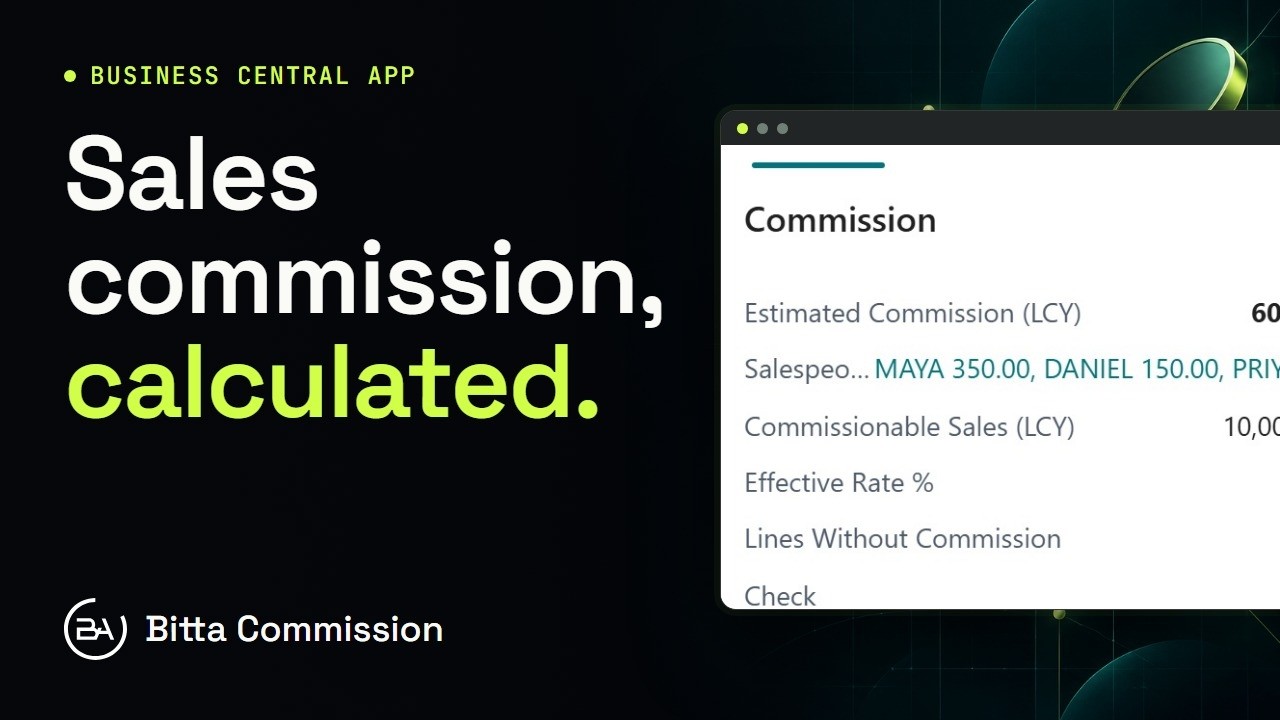 1:02OverviewSales Commission in Business Central
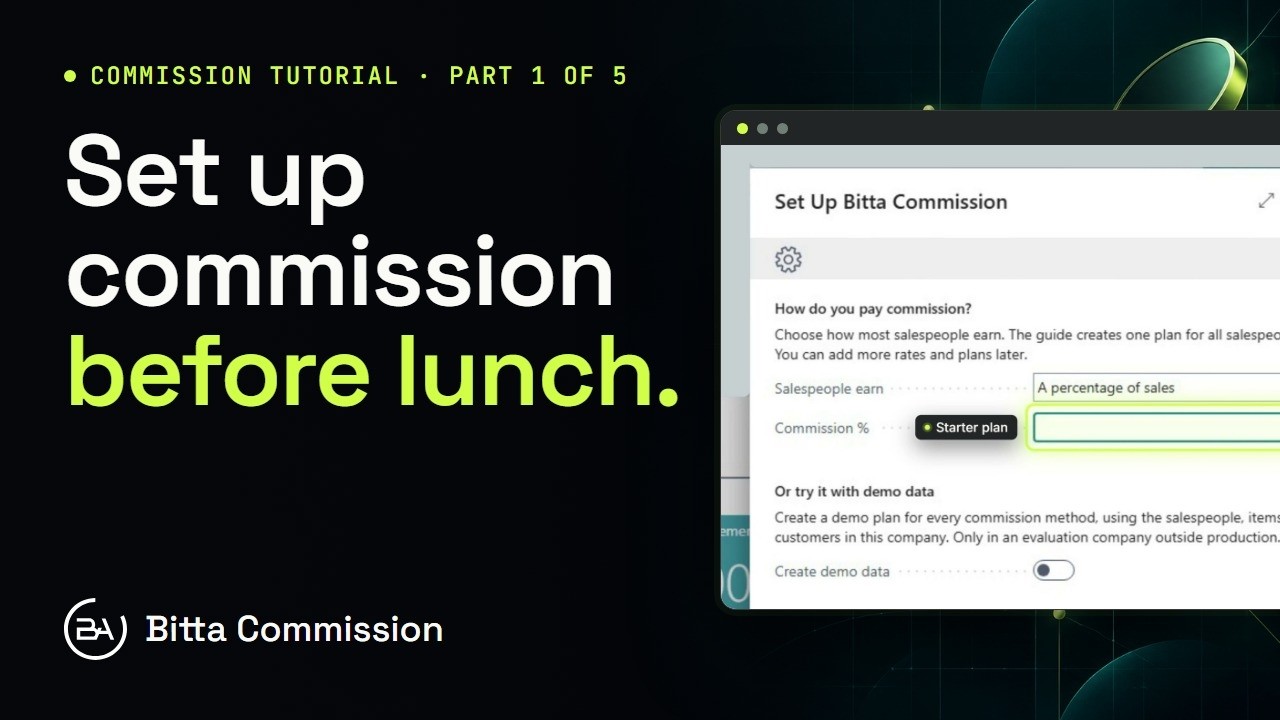 3:54Part 1Set Up Sales Commission in Business Central
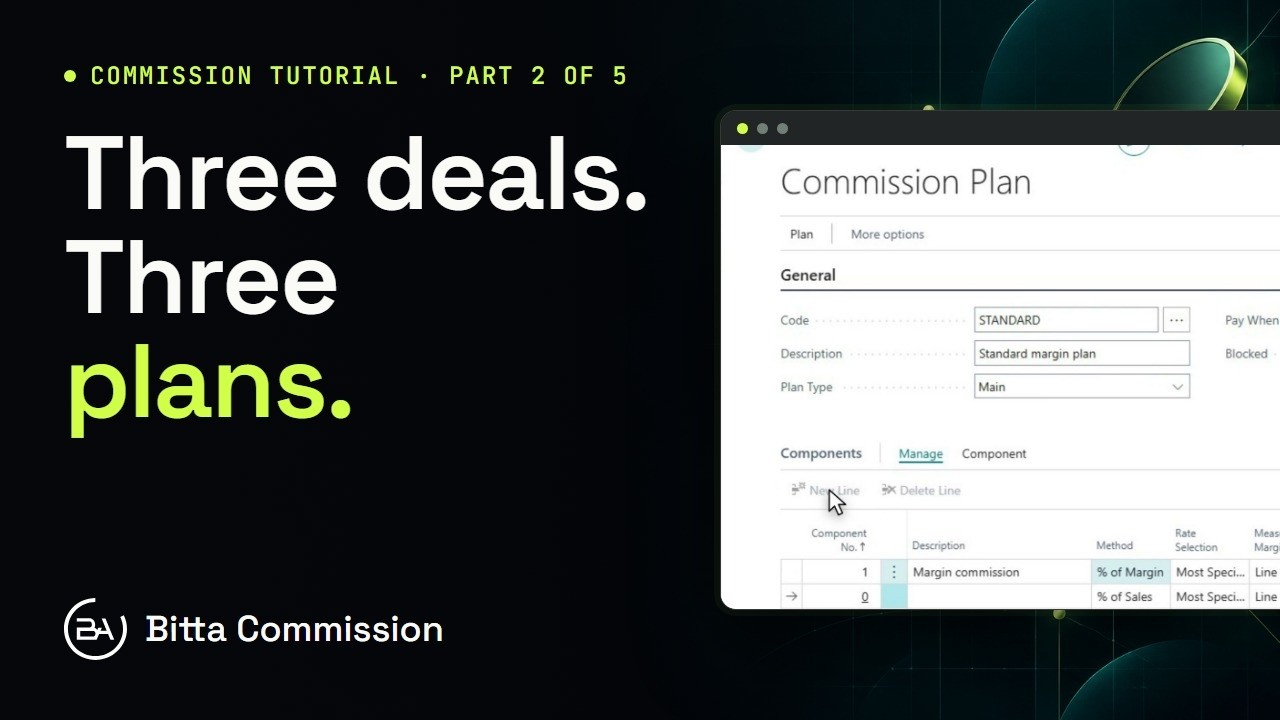 5:14Part 2Commission Plans and Rates in Business Central
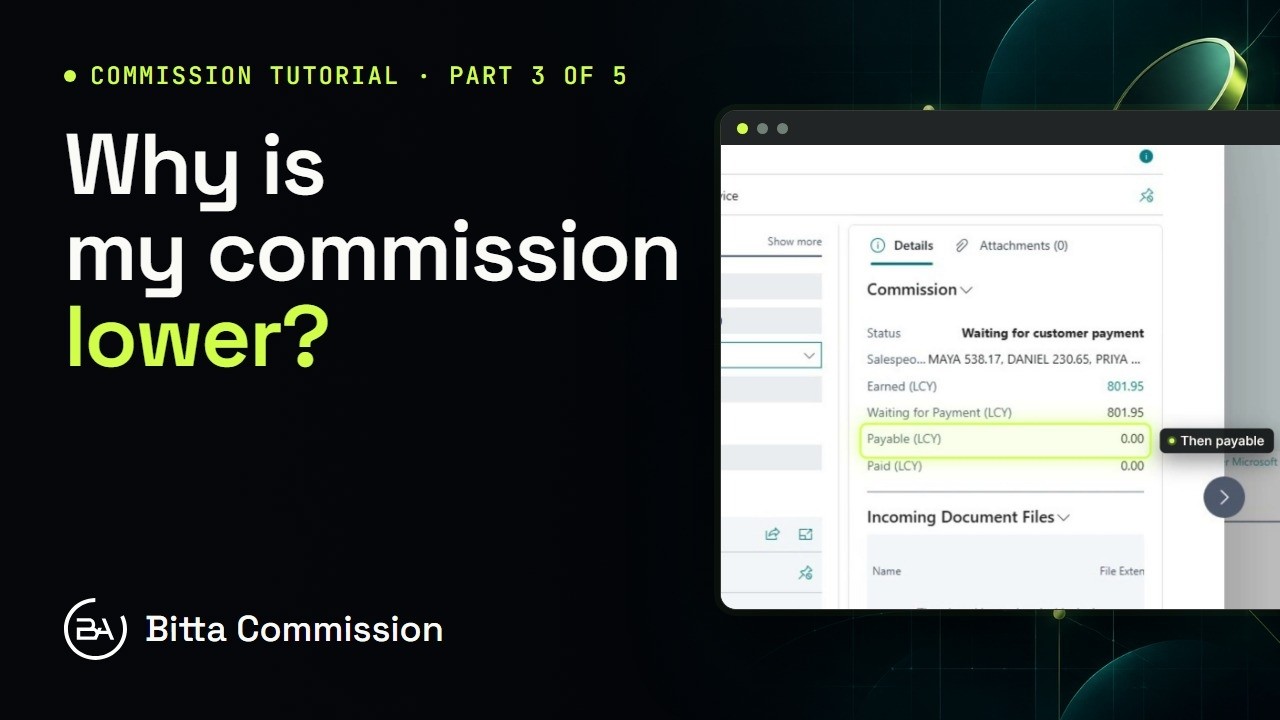 5:17Part 3Read the Commission Trace in Business Central
 4:23Part 4Pay Sales Commission in Business Central
 4:05Part 5Periods, Teams and Targets in Business Central