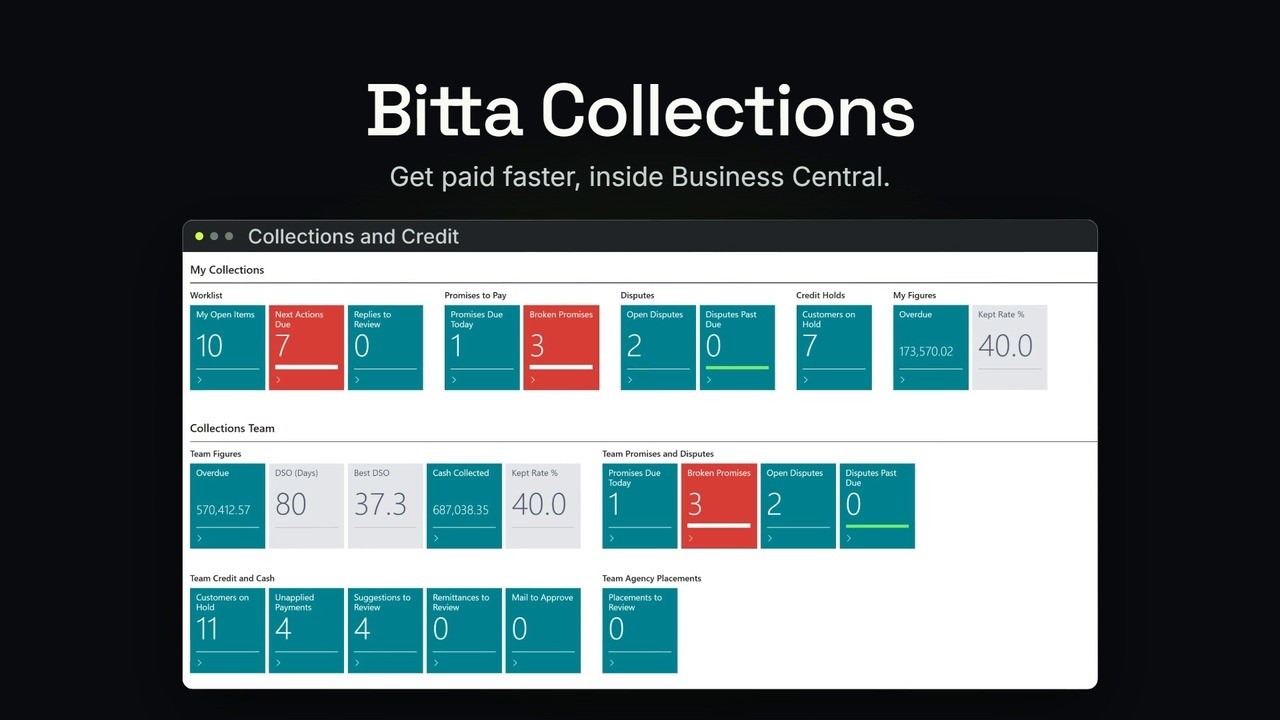
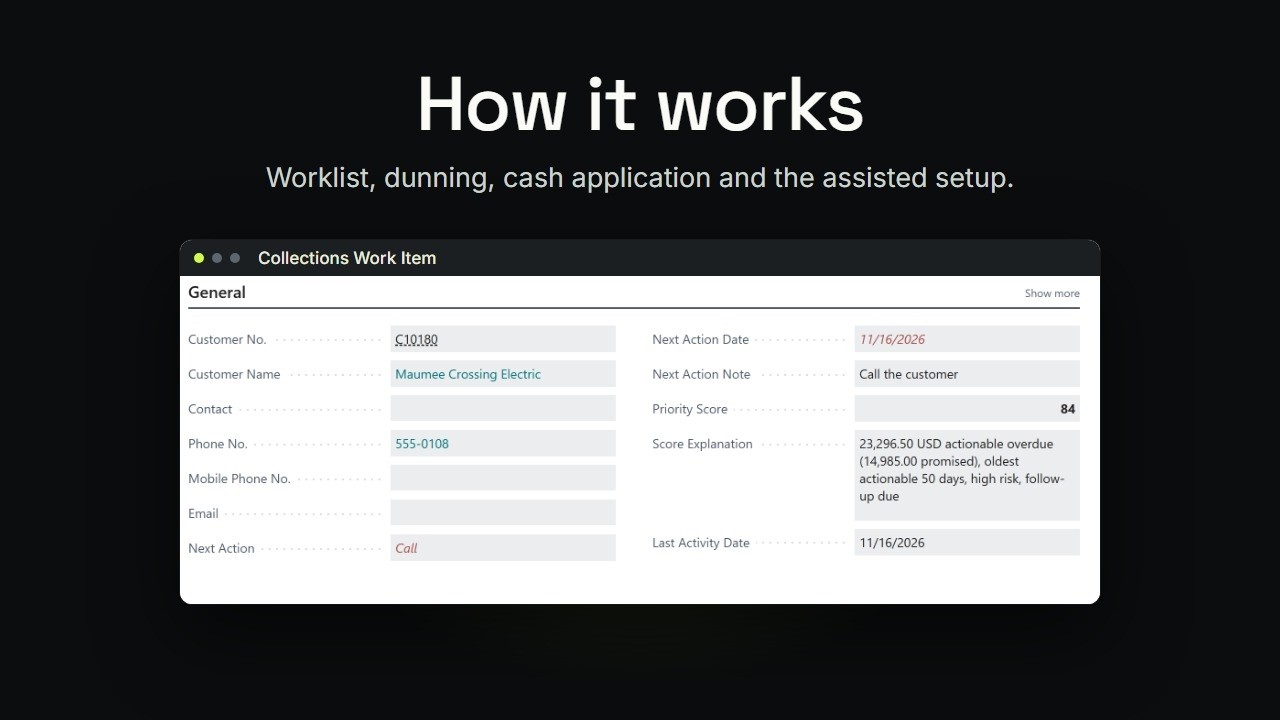
Bitta Collections · Tutorial · 1:32 · YouTube
Business Central Cash Application: Match Payments
What this video covers
A wire that pays two invoices, a payment that comes in short, a check with a remittance file: none of them apply themselves.
This is the Apply cash chapter of Bitta Collections for Business Central: suggested matches for unapplied payments and bank lines, each with a reason, short payments that can open a dispute, and remittances read from email or a file. A person accepts every match.
Step-by-step tutorials for each one: https://www.bittaapps.com/solutions/bitta-collections/guide/cash-application
Transcript
A wire that pays two invoices. A payment that comes in short. A check with a remittance file. Until each one is applied, the cash just sits there.
The Apply cash chapter of Bitta Collections is for whoever applies customer payments. It suggests the invoices, says why, and a person accepts every match. Start with payments that were posted without an application.
Each one gets a best match, with its confidence, and the reason in plain words. Furnace Run's wire pays two invoices, and the suggestion lists both, for the full amount.
Some payments come in short. Accept the match, and you see what's left open, and choose whether to open a dispute for the difference. Bank lines get matched before you post.
In the payment reconciliation journal, Customer Matches suggests invoices for the receipts that are still open. Each suggestion says why, and you post the journal as usual. Customers often send remittance advice.
The remittance inbox reads each email or file, and finds the payment. Then it suggests the invoices the remittance names. So read remittances first.
Match bank lines before you post. Then clear what's left in unapplied payments. Nothing is applied until a person accepts it. Step-by-step tutorials for each one are on this page.