Bitta Retail POS · Overview · 1:07 · YouTube
Point of Sale for Business Central
What this video covers
A point of sale register that runs inside Microsoft Dynamics 365 Business Central. No sync, and no second database.
When the till and the books live in two systems, a failed sync means someone re-keys the day by hand, and nobody knows which number to trust. Bitta Retail POS runs the register inside Business Central.
Every scan brings your Business Central items, prices and tax. The customer taps a card at the register. Each customer's balance and history is right at the counter, and receipts print straight from the browser. Open a shift with a float, switch cashiers, and pull an X report mid-day. At close, count the drawer and check the Z report. End of Day posts standard invoices, with each tender settled.
Transcript
Your till and your books live in two systems. The sync fails, so someone re-keys the day by hand. Two numbers, and nobody knows which one to trust. Bitta Retail POS runs the register inside Business Central. Every scan brings your Business Central items, prices and tax. The customer taps a card. Approved. Every customer's balance and history, right at the counter.
Receipts print straight from the browser. Open with a float. Switch cashiers. Pull an X report mid-day. At close, count the drawer. The Z report shows no difference. End of Day posts standard invoices, with each tender settled.
One system. The till and the books agree. Bitta Retail POS, for Business Central. Book a demo.
More Bitta Retail POS videos
All videos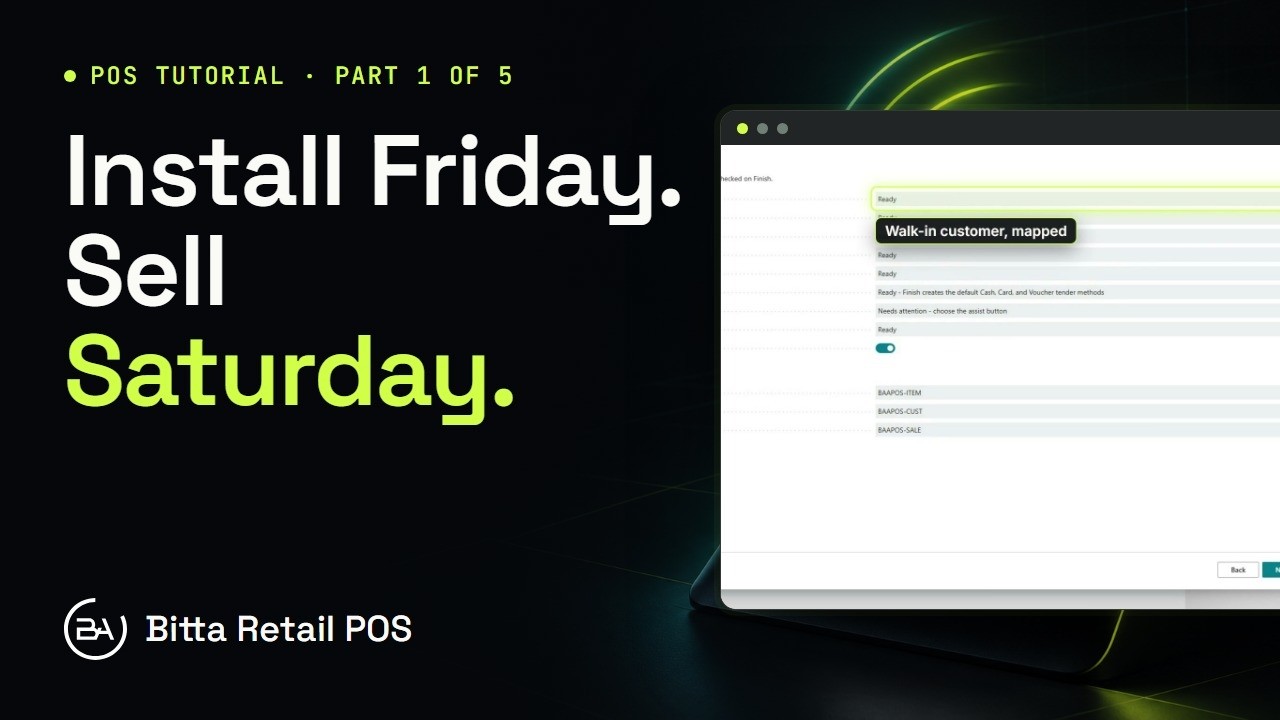 3:41Part 1Set Up a Store in Business Central
 4:34Part 2Items, Cashiers and Tenders in Business Central
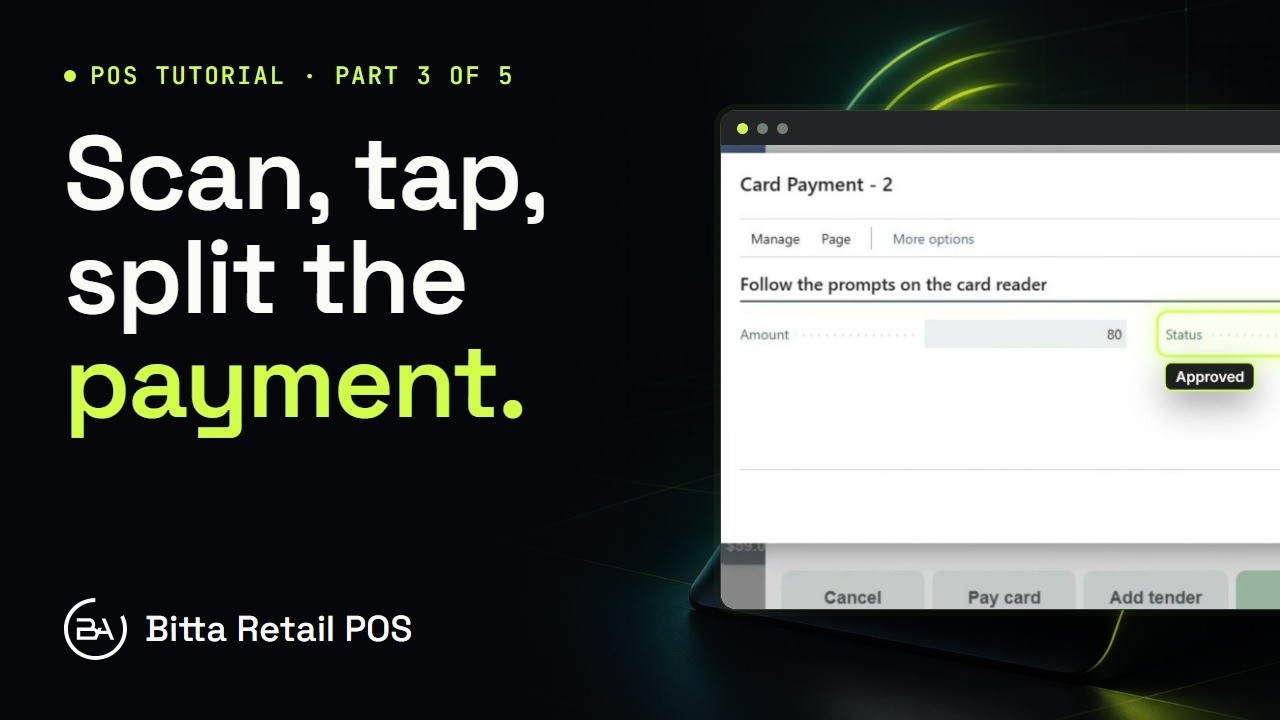 4:52Part 3A Sale at the Counter in Business Central
 5:46Part 4Cash Drawer Shift, X and Z Reports in Business Central
 5:17Part 5End of Day and Reports in Business Central
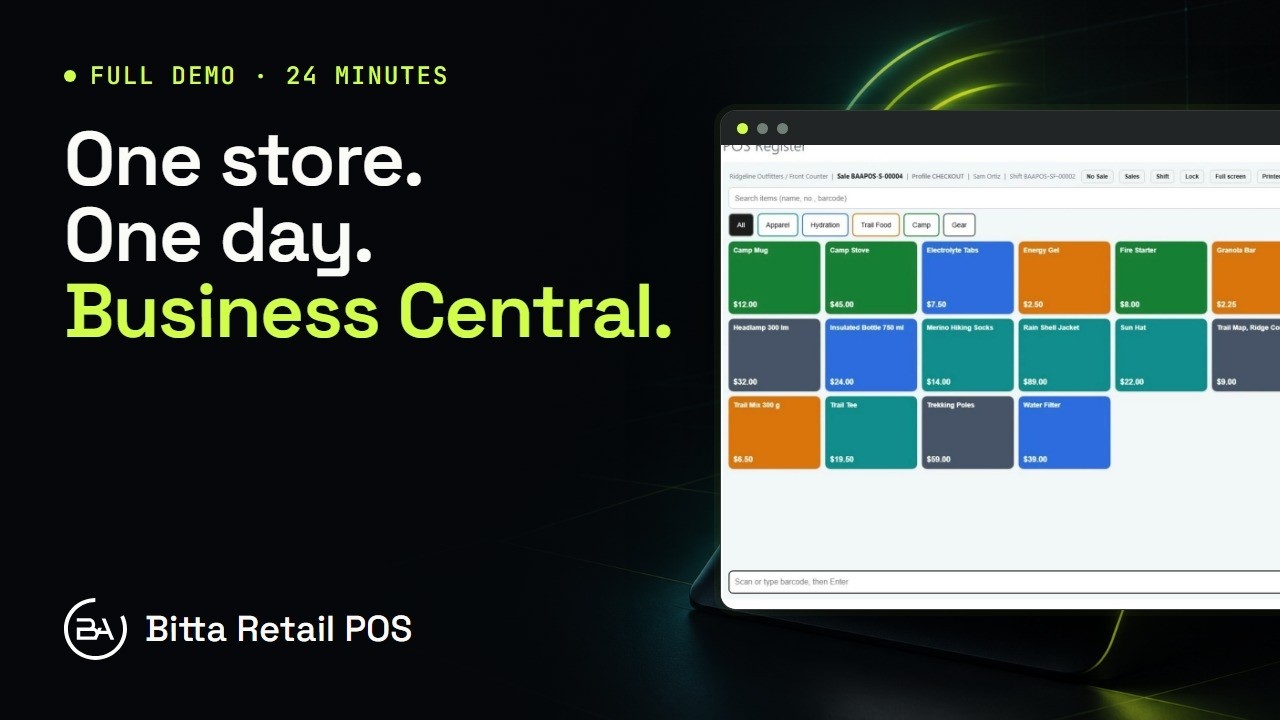 24:16Full demoBitta Retail POS Full Demo: One Store, One Day in Business Central