Bitta Commission · Part 2 · 5:14 · YouTube
Commission Plans and Rates in Business Central
What this video covers
Maya, Daniel and Priya are on three different deals. Part 2 builds a commission plan for each of them in Bitta Commission.
A main plan on margin with dated commission costs, rate lines by customer and product group, rate selection (most specific, highest or lowest), a new-customer rate, a monthly sales tier and a team override.
Every rate is tested on a quote before anyone sells, and Explain Commission shows which rate line won and why. Then the eight other methods, how plans are assigned, and what earns commission: line rules, deductions, customer terms, rate overrides and reason codes.
Part 2 of 5 in the Bitta Commission tutorial series, on one company, Greenleaf Distribution. Next: sell, post, and read the Commission Trace.
Transcript
Maya, Daniel and Priya are all on different deals. One plan builder covers all three of them. Here's how. Greenleaf pays its reps on margin, not on sales. A pallet sold at cost shouldn't earn the same as one sold at full price. So start a new plan. Give it a code and a name, and make it the main plan. A main plan is the one deal a rep is on. Add-ons stack on top of it, like a bonus or a promotion. Pay When decides when the money becomes payable. Leave it on the setup default for now. Now the part that does the work: a component. Each component is one way of earning. Choose percent of margin. A component pays nothing until it has a rate line. Open Rate Lines and add one: all customers, all products, twenty percent. A plan pays no one until it's assigned. On the plan card, under Assigned To, give it to all salespeople from November first. Margin needs a cost. Commission costs let finance decide the cost a plan pays on, so it doesn't move with every purchase. Each cost has a starting date. The supplier raised the price on December first, so add a second line from that date. Sales from then on use it. One more line, with a blank number and three percent, loads freight onto every item's cost. Sales that are already posted keep the cost they were calculated with.
One rate rarely fits everyone. Greenleaf pays more on its premium controllers, and a little more on key accounts. Add two lines: premium items at twenty-five percent, and key-account customers at twenty-two. Those groups live on the cards. Oakridge Garden Supply is a key account, and the smart controller is premium. Before anyone sells, test it. Here's a quote for Oakridge, with Maya as the salesperson. Explain Commission shows every rate line, and what happened to it. Both special lines match. By default the most specific line wins, and a customer line beats a product line. So Maya gets twenty-two. That's not what Greenleaf wants. Switch Rate Selection to Highest. Now the twenty-five percent line pays, and the key-account line shows as a lower rate. Lowest works the other way round. Either way, you can see which line won, and why. New accounts are worth more. Set a new-customer window of thirty days from the first sale, at thirty percent. Daniel quotes Cedar Hollow Landscaping, a customer with no invoices yet. The rate now comes from the new-customer rule. Thirty days after the first invoice, it goes back to normal.
Some pay depends on the whole month, not on one sale. Maya is on a monthly sales tier. Make an add-on plan with a sales tier component, measured by month, and progressive. Open Tiers. Nothing below twenty thousand. One percent from twenty thousand. Two percent, plus two hundred fifty, from forty thousand. Progressive means each rate pays only on the sales inside its tier. Retroactive would pay the top rate on everything. Tiers pay when you close the month, so each sale just counts toward it. Priya runs the team. Her add-on is a team override: a share of what her team sells. Two percent of team sales. It pays once her team is set up, and that's Episode 5.
That's three of the eleven methods. The other eight use the same builder. Percent of sales. Margin bands, where a better margin earns a higher rate. An amount per unit, or per case. A fixed amount per sale. A bonus for hitting target. A bonus for growth over last year. A team bonus for hitting the team target. And a draw, which tops a rep up to a guaranteed amount.
Each add-on gets its own assignment. The tiers go to Maya, and the override goes to Priya. A plan assigned to one rep beats a plan for everyone, and add-ons add up. Dates let you change a deal without touching history. Commission Assignments shows the whole picture in one list. Last, decide what earns. Out of the box, only item lines do. Greenleaf wants installation labor to count too, so add a line rule that lets resources earn. A deduction code takes a share off the base, like three percent for free freight. For the other exceptions, there are customer terms, rate overrides, and reason codes. Three people, three different deals, one set of plans. And every rate shows exactly where it came from. Next: sell, post, and read the trace.
More Bitta Commission videos
All videos 1:02OverviewSales Commission in Business Central
 3:54Part 1Set Up Sales Commission in Business Central
 5:17Part 3Read the Commission Trace in Business Central
 4:23Part 4Pay Sales Commission in Business Central
 4:05Part 5Periods, Teams and Targets in Business Central
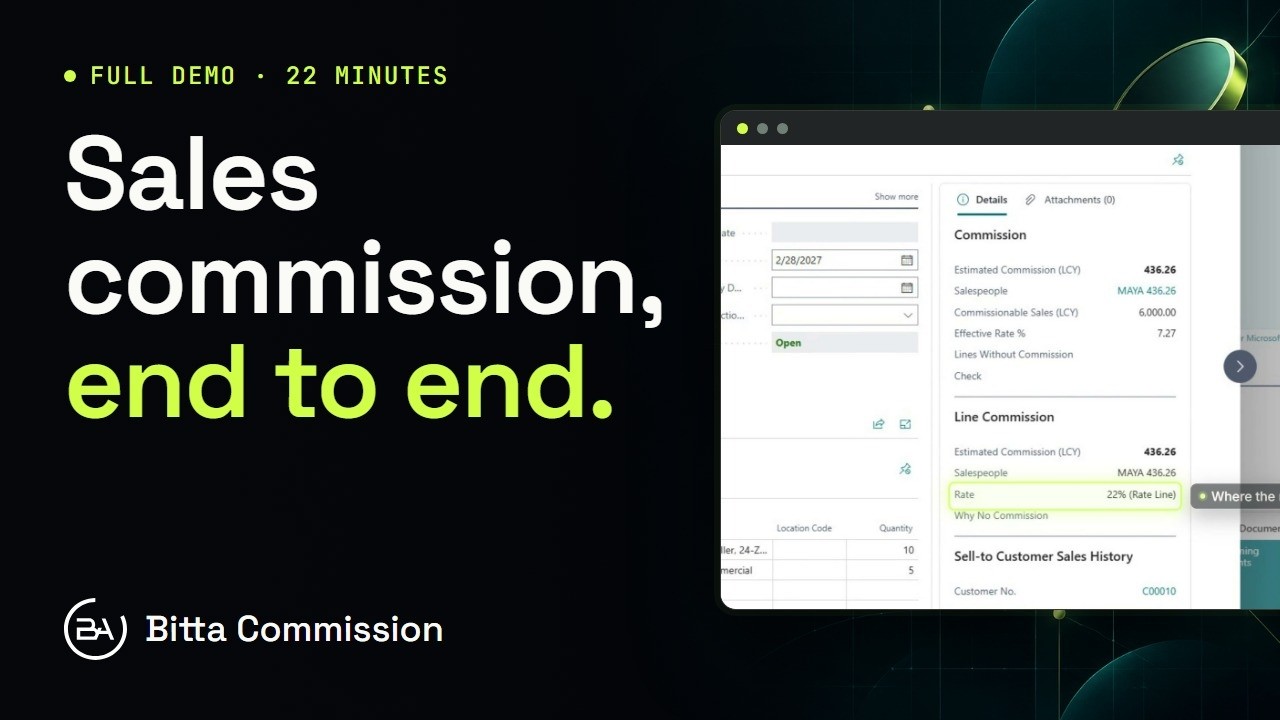 21:54Full demoBitta Commission Full Demo: Sales Commission in Business Central