Business Central Fabric Mirroring: Setup and Decisions
What the native mirroring preview does, how it compares with API pipelines, the setup steps, and what to settle before the first export
On this page
An API-based reporting pipeline for Business Central needs suitable endpoints, a change-tracking strategy, scheduled extraction, and failure monitoring. Business Central Fabric mirroring replaces the extraction plumbing with a Microsoft app. Noticing a failed run still needs an owner. An administrator picks the companies and tables, and Business Central sends an initial snapshot and then ongoing changes into Microsoft Fabric. This article describes the feature as documented on Microsoft Learn on 2026-11-10, during 2026 release wave 2.
What mirroring does, and its status
According to Microsoft's data mirroring overview, mirroring connects Business Central online to an open mirrored database in a Fabric workspace. Business Central replicates the selected data into OneLake in Delta Parquet format. Power BI, Data Factory, and other Fabric workloads read that copy, and a SQL analytics endpoint queries it.
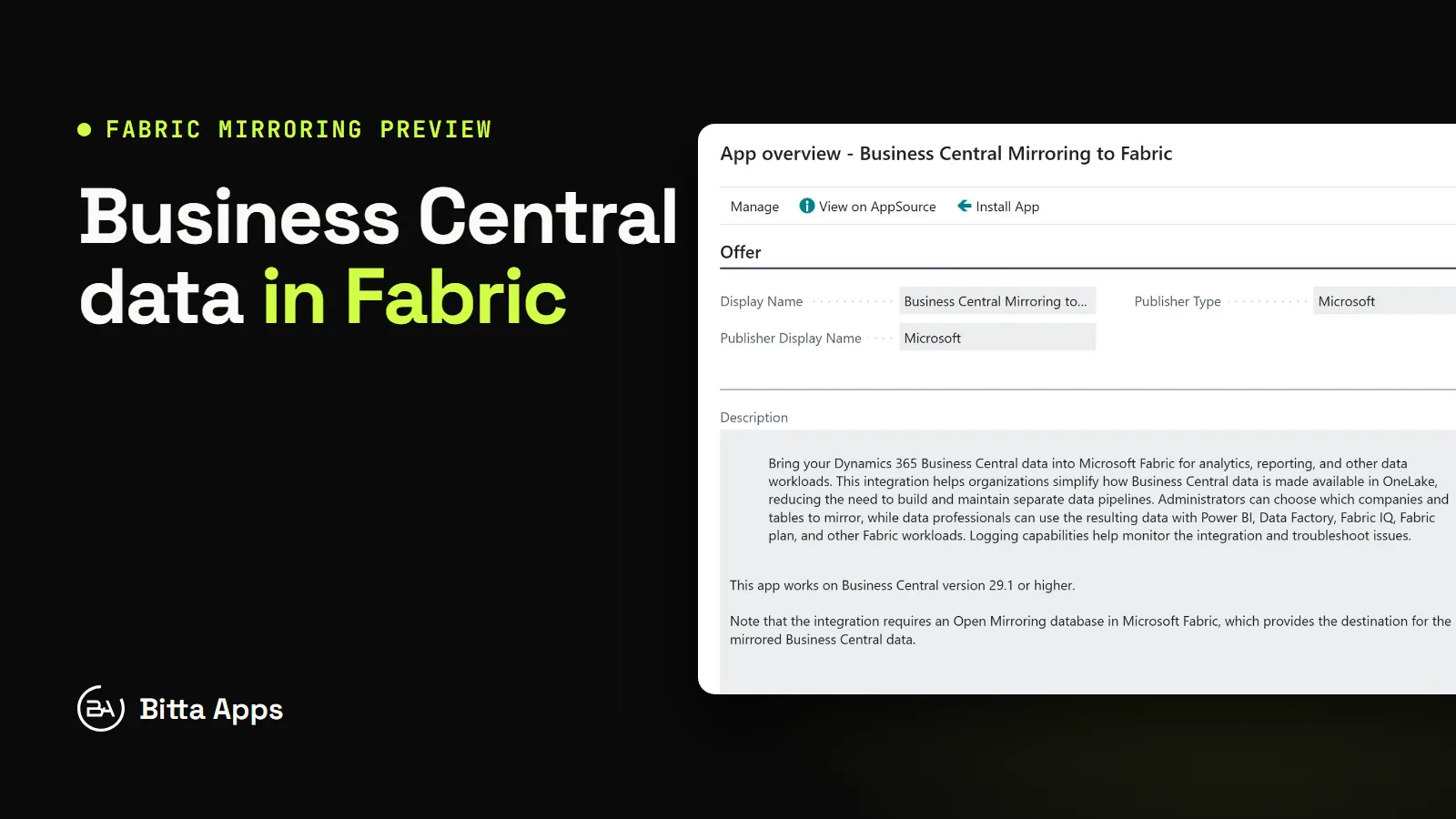
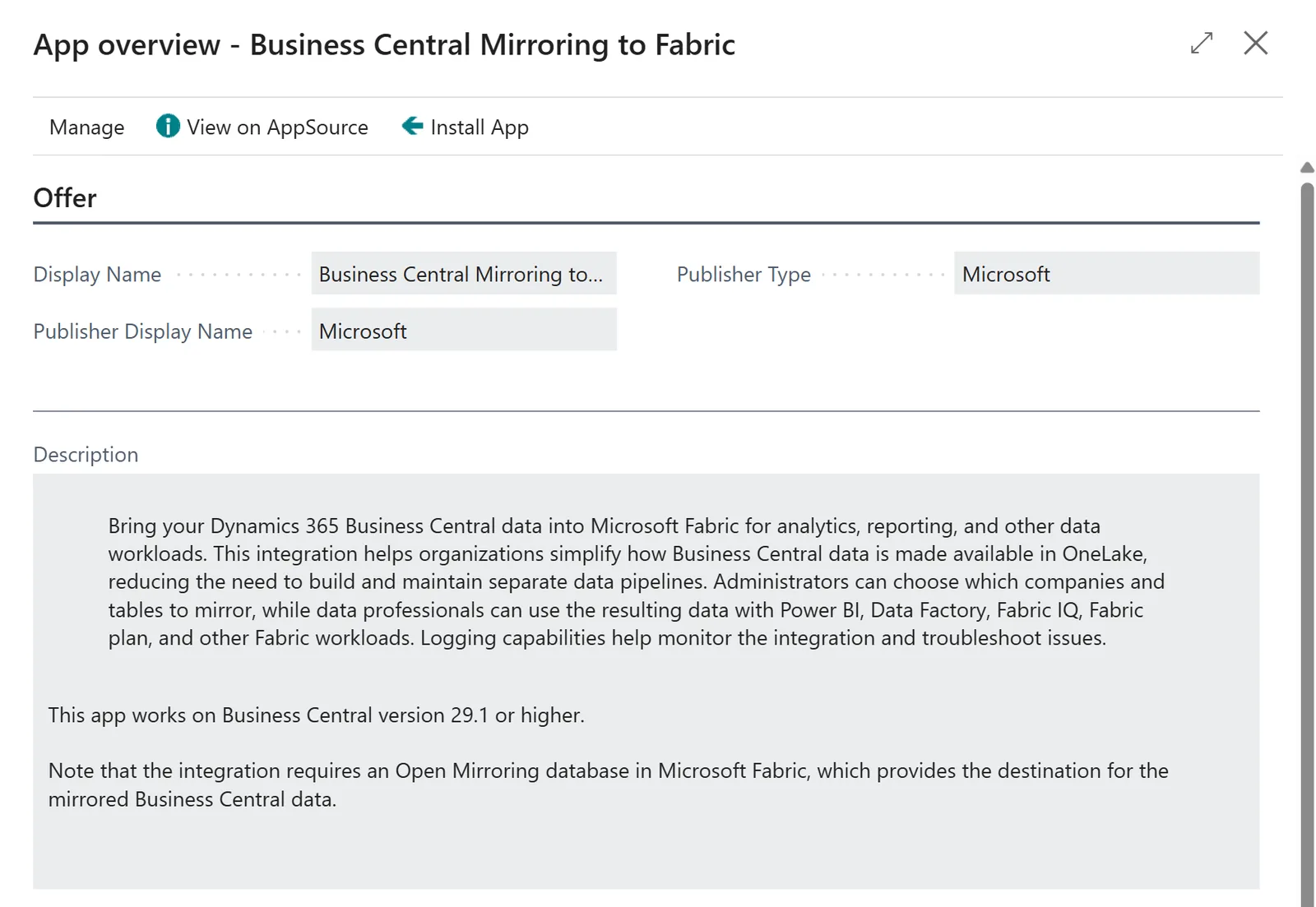
Microsoft labels it a production-ready preview, subject to supplemental terms of use. Learn names the extension Microsoft Fabric Mirroring (Preview). In the marketplace view inside Business Central, the listing is called Business Central Mirroring to Fabric, and its description states that the app works on version 29.1 or higher.
Mirroring, APIs, or a custom pipeline
Microsoft's integration overview recommends REST APIs for request and response integrations, the built-in mirroring integration for replicating data to Fabric for analytics.
The data extraction methods article lists the alternatives that still apply:
API delta loads. API pages or queries run with read scale-out and filter on
lastModifiedDateTime. Microsoft notes that this pattern finds added and modified records but doesn't identify deleted ones. Mirroring supports deleted records, according to Microsoft's mirroring FAQ.Power BI dataflows. They connect to Business Central APIs and use incremental refresh to load only changed data.
Azure Data Factory. Its OData connector with service principal authentication can extract and transform data.
bc2adls. A code sample that exports to Azure Data Lake Storage. Microsoft describes it as unsupported.
Historical loads. A BACPAC export from the admin center can seed a warehouse. For a Fabric destination, Microsoft points to mirroring's managed initial snapshot.
When a pipeline exists only to feed Fabric, mirroring removes the extraction code. When an external system reads or writes individual records, APIs remain the tool, and Bitta Apps' API performance guide still applies.
What to decide before you switch it on
Which environment and which companies
Mirroring is configured per environment, and each company is added and enabled on its own. Per-company tables sync for each enabled company; shared tables sync once. Decide which companies belong in the analytics copy before anyone opens the setup page.
Agree on acceptable reporting lag at the same time. Minutes Between Exports sets the interval between export runs, and export processing and Fabric ingestion add further delay. Microsoft recommends measuring actual latency from run timestamps rather than assuming a fixed figure.
Which tables, or MS-STD
The synchronization management article sets a limit of 1,000 selected tables across manual selections and active configuration packages. The app ships with the MS-STD package, named Microsoft Standard, whose definition lists 256 standard table IDs for analytics scenarios. Custom packages are JSON files with a code, a version, and a list of table IDs. The available package entries depend on the tables installed in the environment.
The lookup excludes external, linked, virtual, and certain sensitive internal tables. Selection is per table, not per field. The FAQ adds that the table limit is not a guarantee of unlimited rows, data volume, or Fabric resources.
Capacity, and who owns the bill
The prerequisites require a workspace assigned to an active Fabric capacity. A paused or deleted capacity stops replication. On cost, the FAQ states that Fabric doesn't charge for the background compute used for replication, that mirrored storage has a capacity-based free allowance, and that querying through SQL, Power BI, or Spark incurs the usual charges. Fabric's own cost of mirroring section adds that OneLake storage is billed beyond the free allowance or while the capacity is paused. The Business Central subscription and the Fabric capacity can sit in different budgets. Name one capacity owner before the first export.
Workspace security
The Fabric workspace must sit in the same Microsoft Entra tenant as the Business Central environment. Business Central authenticates through a Microsoft-provided application, Dynamics 365 Business Central Fabric Export. An administrator creates its service principal in the tenant and grants it at least Contributor on the workspace. No app registration or client secret of your own is needed. The person granting that access needs at least the Member role on the workspace, and a Fabric administrator may need to allow the tenant setting Service principals can call Fabric public APIs.
Permissions are split. The app's three permission sets, Admin, Activate, and Read, control setup and monitoring inside Business Central only. Access to the mirrored data is granted separately in Fabric. Plan those Fabric roles with the same care as permission sets, because they decide who can query the copied ledger.
The setup steps
These steps follow Microsoft Learn. The screenshot above confirms the app listing and its version requirement; it does not show a completed setup. Before starting, the setup user needs the MS Fabric Mirroring Admin permission set (Fabric Exp Admin) or equivalent in Business Central, permission to install extensions, and at least Member access to the Fabric workspace.
Install the Microsoft Fabric Mirroring extension from the marketplace. On the Extension Management page, the AppSource Gallery action lists it.
In Fabric, open the workspace, select Create, Mirrored Database, then Other, and create an open mirrored database.
Create the service principal for Dynamics 365 Business Central Fabric Export with Azure Cloud Shell, Azure CLI, Microsoft Graph PowerShell, or Graph Explorer. This needs the Application Administrator or Cloud Application Administrator role in Entra.
Grant the service principal Contributor on the workspace, either in Fabric or with Add to workspace in Business Central. For the second option, enter its Object ID in Principal ID, not the application (client) ID.
Run the Connect to Microsoft Fabric (Preview) assisted setup guide, or use the Microsoft Fabric Mirroring Setup (Preview) page. Pick the workspace and the database, then select Connect to Fabric and approve the privacy notice.
Add companies and tables, or activate a configuration package.
Select Refresh page until Setup Complete is selected, then select Start synchronization.
Finishing the guide doesn't start synchronization. Export Enabled is a read-only status, not a switch.
How Bitta Apps sets it up
Bitta Apps treats mirroring as a data project with an owner, not a checkbox.
A sandbox first. The first connection goes from a sandbox to a non-production workspace. Microsoft documents that environment configuration cleanup clears the Fabric destination and authentication while company and table selections remain, so every copied environment is reconnected on purpose. The sandbox and production guide covers the copy hygiene around it.
A scoped table list. Bitta Apps maps the reports the business uses to their tables. MS-STD is a reference, not the default. The approved list is a versioned JSON package, so every change is reviewed.
A named capacity owner. One person owns the Fabric capacity, its pause schedule, and its bill. The written plan states that pausing the capacity stops replication.
Row-count validation. After the initial snapshot, Bitta Apps compares record counts in Business Central with row counts queried through the mirrored database's SQL analytics endpoint. Monitor replication in Fabric shows replication state and a cumulative count of applied changes, so it confirms activity, not totals. A table that doesn't reconcile is investigated, and Reset table requests a fresh snapshot for that table only.
Monitoring of failed runs. Max Consecutive Failed Runs accepts 1 through 5, default 2, before synchronization stops. A named reviewer checks the Errors view of Fabric Synchronization Overview, then opens the affected run. On Fabric Synchronization Details, the reviewer selects Show rows with no changes, because a failed row can show zero changes and the default filter hides it. The monitoring APIs, fabricExportRuns and fabricExportDetails, can feed an existing alert. The job queue support handoff uses the same owner model. Stop synchronization is used for pauses. Reset, which removes the Fabric connection, resets watermarks, and deletes synchronization history, needs a written reason.
Mirroring is a preview, and Microsoft marks its documentation as subject to change. The decisions above will not: which companies, which tables, who pays for capacity, who can see the data, and who notices a stopped run. Settling them in a sandbox before production keeps the analytics copy as trustworthy as the ledger it comes from. Bitta Apps plans and runs these rollouts as part of its Business Central services.
FAQ
Frequently asked questions
Is Business Central Fabric mirroring generally available?
No. Microsoft Learn describes it as a production-ready preview subject to supplemental terms of use, and marks the pages as prerelease documentation that can change.
Which Business Central version does mirroring need?
Microsoft Learn says to use an online environment that supports the Microsoft Fabric Mirroring extension and to check the extension's compatibility requirements. The app's listing in Business Central, checked on 2026-11-10, states version 29.1 or higher.
What does mirroring cost?
An active Fabric capacity is required. According to the Learn FAQ, Fabric doesn't charge for the background compute used for replication, mirrored storage has a capacity-based free allowance, and querying through SQL, Power BI, or Spark is charged as usual.
Are deleted records mirrored?
Yes. The Learn FAQ states that mirroring supports deleted records. API delta loads filtered on lastModifiedDateTime don't identify deletions.
Can I choose individual fields to mirror?
No. The setup pages select whole tables. Field eligibility is part of the app's export validation, and some tables, such as external, linked, and virtual tables, are excluded.
Sources
Claims in this article were checked against the following on Nov 10, 2026.
- learn.microsoft.com/en-us/dynamics365/business-central/admin-fabric
- learn.microsoft.com/en-us/dynamics365/business-central/admin-set-up-fabric-mirroring
- learn.microsoft.com/en-us/dynamics365/business-central/admin-manage-fabric-export
- learn.microsoft.com/en-us/dynamics365/business-central/fabric-faq
- learn.microsoft.com/en-us/dynamics365/business-central/admin-monitor-fabric-export
- learn.microsoft.com/en-us/dynamics365/business-central/dev-itpro/developer/integration-overview
- learn.microsoft.com/en-us/dynamics365/business-central/dev-itpro/developer/devenv-extract-data
- learn.microsoft.com/en-us/fabric/mirroring/overview#cost-of-mirroring