Bitta Commission · Overview · 1:02 · YouTube
Sales Commission in Business Central
What this video covers
Sales commission, calculated inside Microsoft Dynamics 365 Business Central, with every earning explained.
Bitta Commission replaces the commission spreadsheet. Every sales order shows what it will earn, and for whom, before you post. Split a sale, add an overlay for a manager, or credit a single line. Plans stack: a main plan plus add-ons, from eleven calculation methods.
Post the invoice and the commission is written. Pay it on posting, as the customer pays, or once the invoice is paid in full. When someone asks why, open the trace: base, split, rate and the math, frozen at posting. Then settle by vendor invoice, payroll, or outside Business Central.
Transcript
Most companies still calculate sales commission in spreadsheets. One broken formula, and someone gets paid wrong. Bitta Commission calculates it for you, inside Business Central. Every sales order shows what it will earn, and for whom, before you post. Split a sale, add an overlay for a manager, or credit a single line. Plans stack: a main plan plus add-ons, from eleven methods.
Post the invoice and the commission is written. Pay it on posting, as the customer pays, or once it's paid in full. When someone asks why, open the trace. Base, split, rate and the math, frozen at posting. Then settle by vendor invoice, payroll, or outside Business Central. One answer, from posted data. Bitta Commission. Request your thirty-day trial.
More Bitta Commission videos
All videos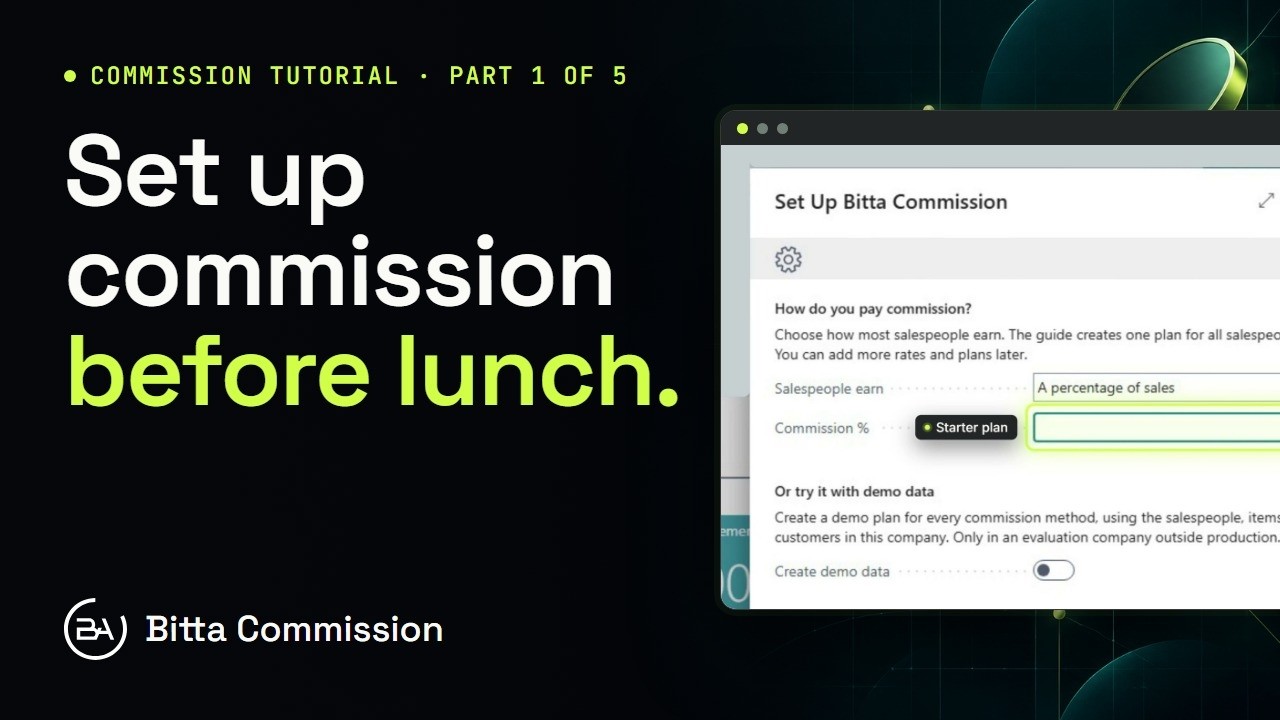 3:54Part 1Set Up Sales Commission in Business Central
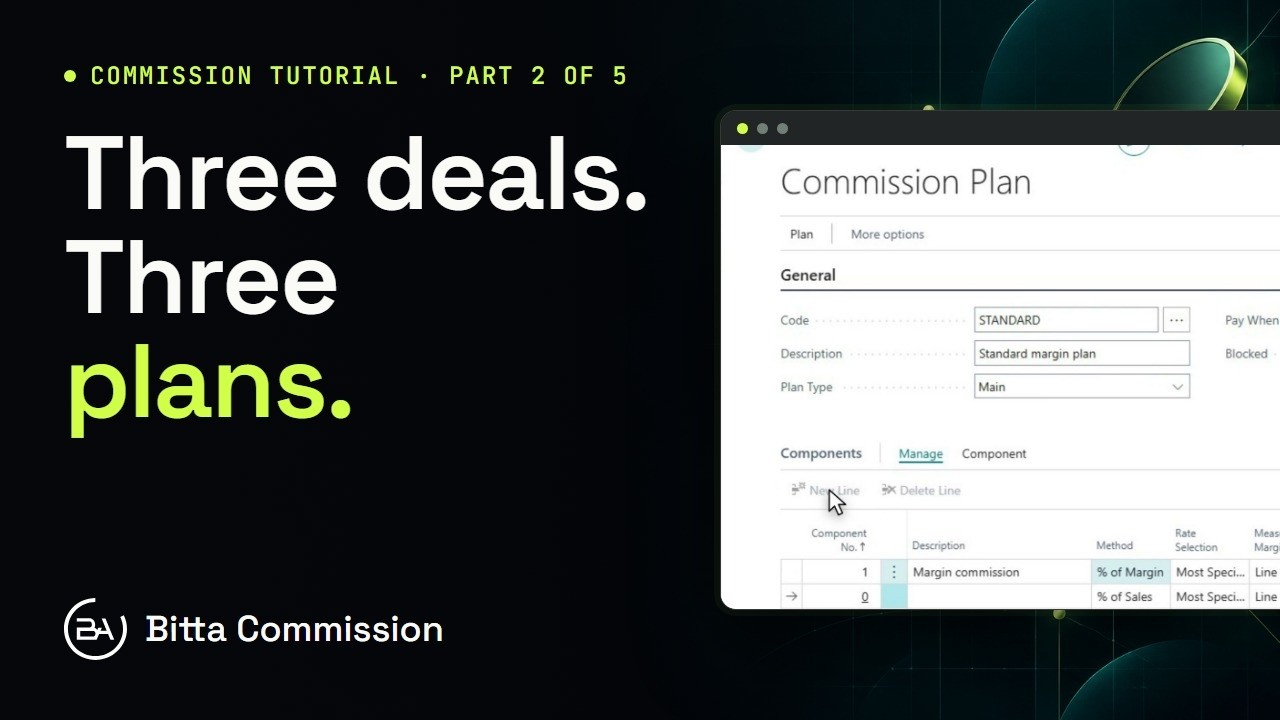 5:14Part 2Commission Plans and Rates in Business Central
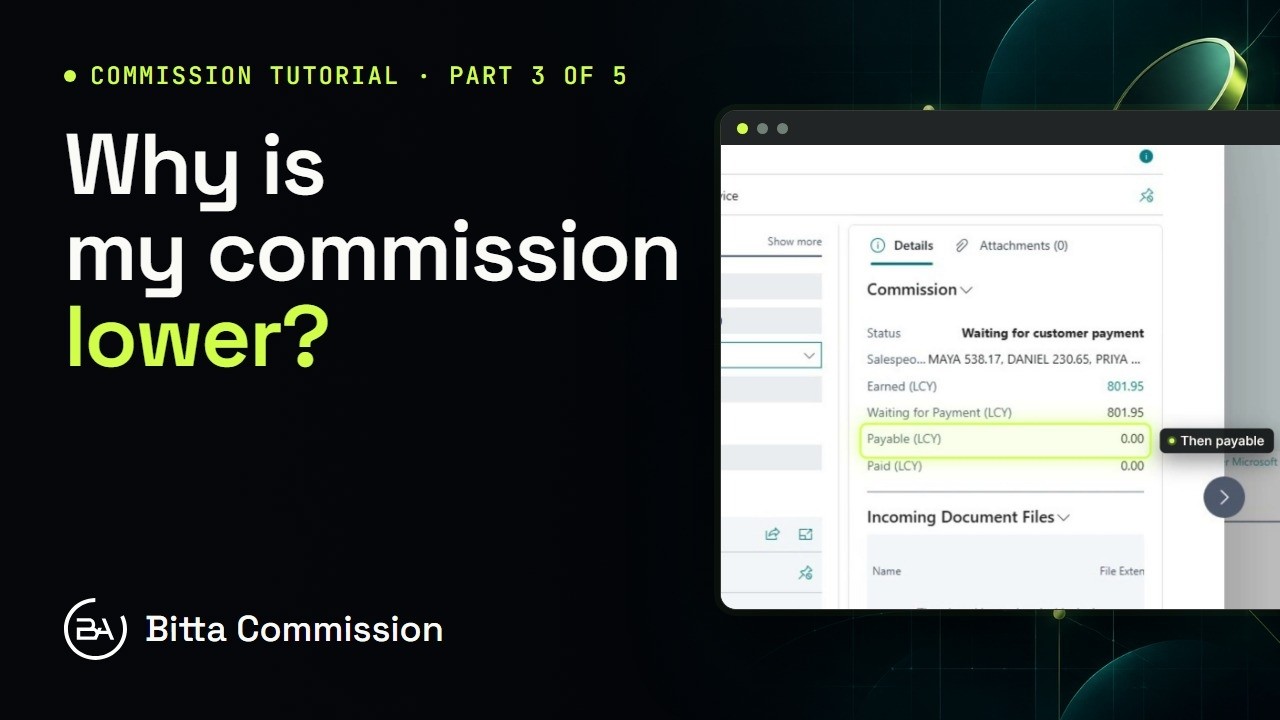 5:17Part 3Read the Commission Trace in Business Central
 4:23Part 4Pay Sales Commission in Business Central
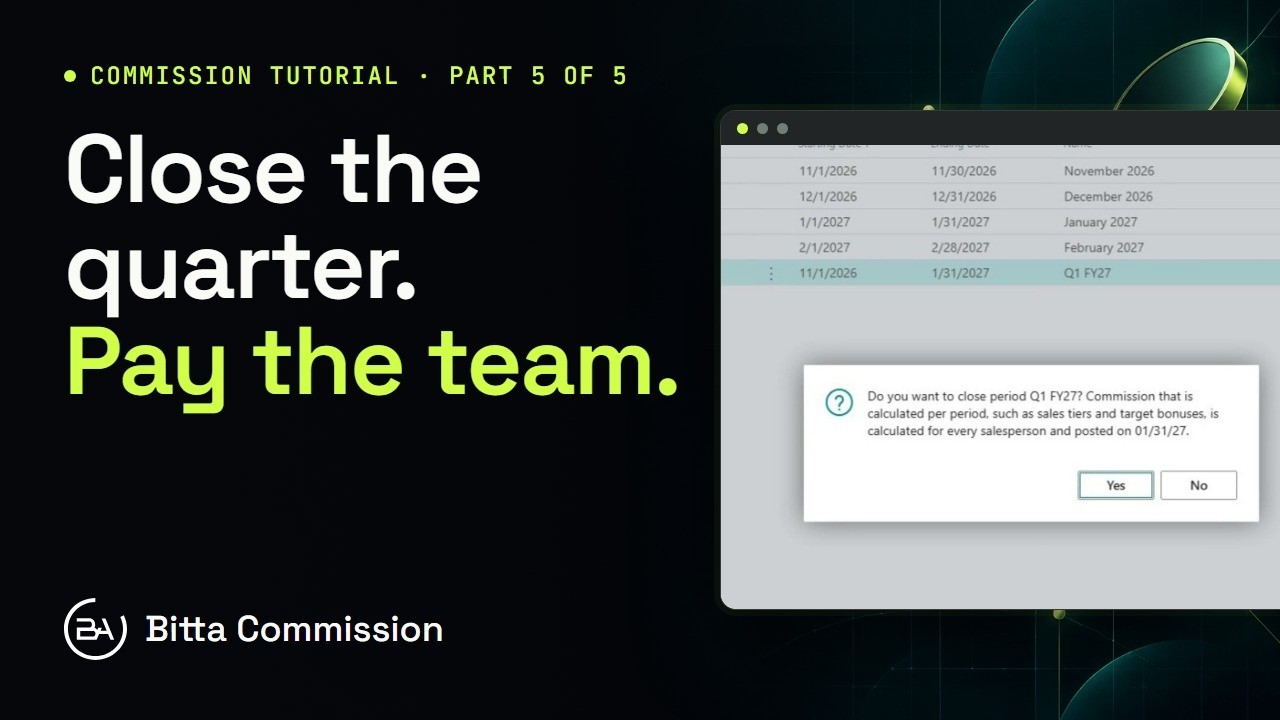 4:05Part 5Periods, Teams and Targets in Business Central
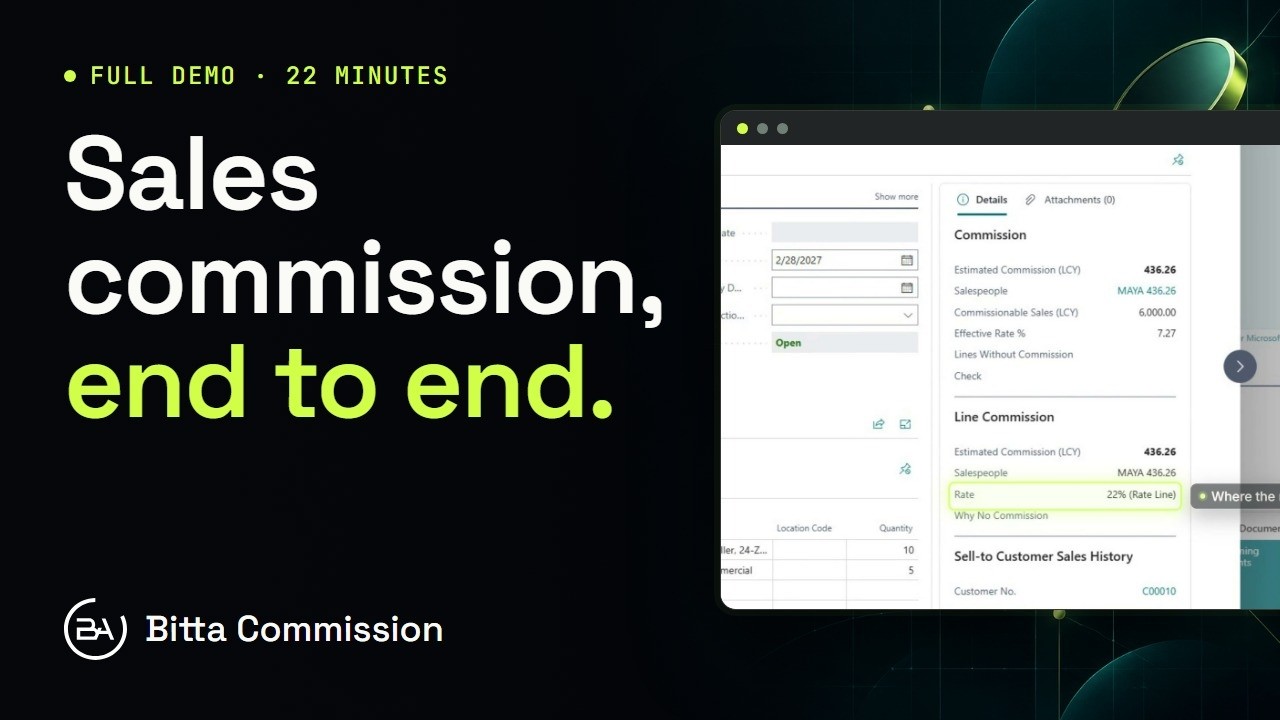 21:54Full demoBitta Commission Full Demo: Sales Commission in Business Central