Bitta Commission · Part 1 · 3:54 · YouTube
Set Up Sales Commission in Business Central
What this video covers
Set up sales commission in Business Central in one sitting, with Greenleaf Distribution and Bitta Commission.
Run the assisted setup: how your salespeople earn, when commission is paid out, the release job and the late-payment penalty. Choose how you pay salespeople, then check Commission Setup, number series and a commission period.
Activate the license, give Maya, Daniel and Priya a seat, and run the Commission Setup Check.
Part 1 of 5 in the Bitta Commission tutorial series, on one company, Greenleaf Distribution. Next: build commission plans.
Transcript
Greenleaf Distribution set up commission before lunch. Payout rules, the release job, the license and the seats. Here's the whole thing, start to finish. Everything starts in one guide. Search for Set Up Bitta Commission, and it only asks the questions your answers need. First, how it works. Commission is earned when you post the invoice, and paid later with a settlement. Next, how most of your salespeople earn: a share of sales, a share of margin, or an amount per unit. Pick one, and the guide builds a starter plan for everyone at that rate. Greenleaf's reps are all on different deals, so we'll build our own plans in the next episode. Now the big decision: when commission can be paid out. On posting pays at once. When fully paid waits for the whole invoice. As the customer pays releases it with each payment. Greenleaf pays as customers pay, so a rep is never paid ahead of the cash. That needs the release job. Every thirty minutes it checks which invoices are paid, and makes their commission payable. And when a customer pays late, you can take part of it back. Here, five percent, after fifteen days of grace.
Posting a sale never touches the general ledger. You pay commission with a settlement, and you choose how for each salesperson. Some of Greenleaf's reps invoice their commission, so turn this on, and pick the expense account for their purchase invoices. Then, who earns. Commission is calculated only for salespeople who hold a seat on your license. Greenleaf has no plans yet, so no one is waiting for a seat. You give seats on the license page. Choose Finish. The guide saves your choices, creates the number series, and schedules the release job.
Everything you just chose lives on Commission Setup, and you can change it at any time. A few settings the guide skipped: where cost comes from when you pay on margin, and what happens when a cost is missing. Whether a payment discount reduces commission, and whether a rep who owes money back is settled or carried forward. The numbering is already filled in. Plans, settlements and the journal each get their own series. Turn on Track Setup Changes, and every change to a plan or a rate is logged, with who and when. Last, a commission period. Tiers, targets and bonuses are paid per period, and closing one locks commission work in that period, but never sales posting.
Now the license. It's one click from the setup page. Greenleaf's license is active. You see when it ends, and how many salespeople it covers. New to Bitta Commission? Request a trial, and Bitta Apps emails you a code for thirty days and three salespeople. You enter it here, once. Below are the seats. Give one to everyone who earns, including split partners and managers who earn an override. Maya, Daniel and Priya each get one, and a seat covers a person in every company. And without a seat, sales still post. The commission is withheld, not lost, and you can calculate what was missed once the seat is given. Finally, check your work. Commission Setup Check lists anything still missing. What's left is the part that matters most: the plans. Switch to the Commission Manager role center, and everything you need is in one place. Setup done, before lunch. Next: build commission plans for Maya, Daniel and Priya.
More Bitta Commission videos
All videos 1:02OverviewSales Commission in Business Central
 5:14Part 2Commission Plans and Rates in Business Central
 5:17Part 3Read the Commission Trace in Business Central
 4:23Part 4Pay Sales Commission in Business Central
 4:05Part 5Periods, Teams and Targets in Business Central
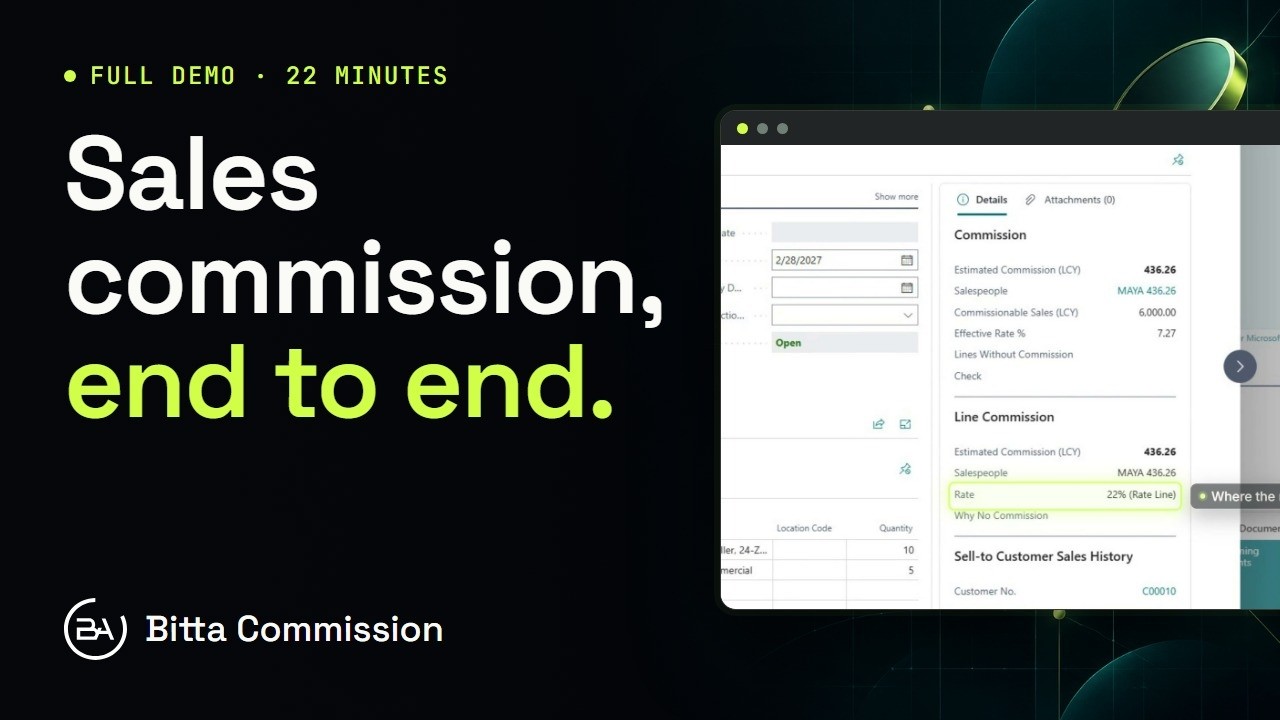 21:54Full demoBitta Commission Full Demo: Sales Commission in Business Central