Universal Search · Overview · 0:56 · YouTube
Business Central Search That Forgives Typos
What this video covers
One forgiving search box inside Microsoft Dynamics 365 Business Central. A typo, the wrong word order or a missing space, and it still finds the record.
One letter off, and Business Central finds nothing. Bitta Universal Search finds it anyway. Words in the wrong order still match, icecream as one word finds Ice Cream, and a name spelled the way it sounds, like Carl Brener, finds Karl Brenner.
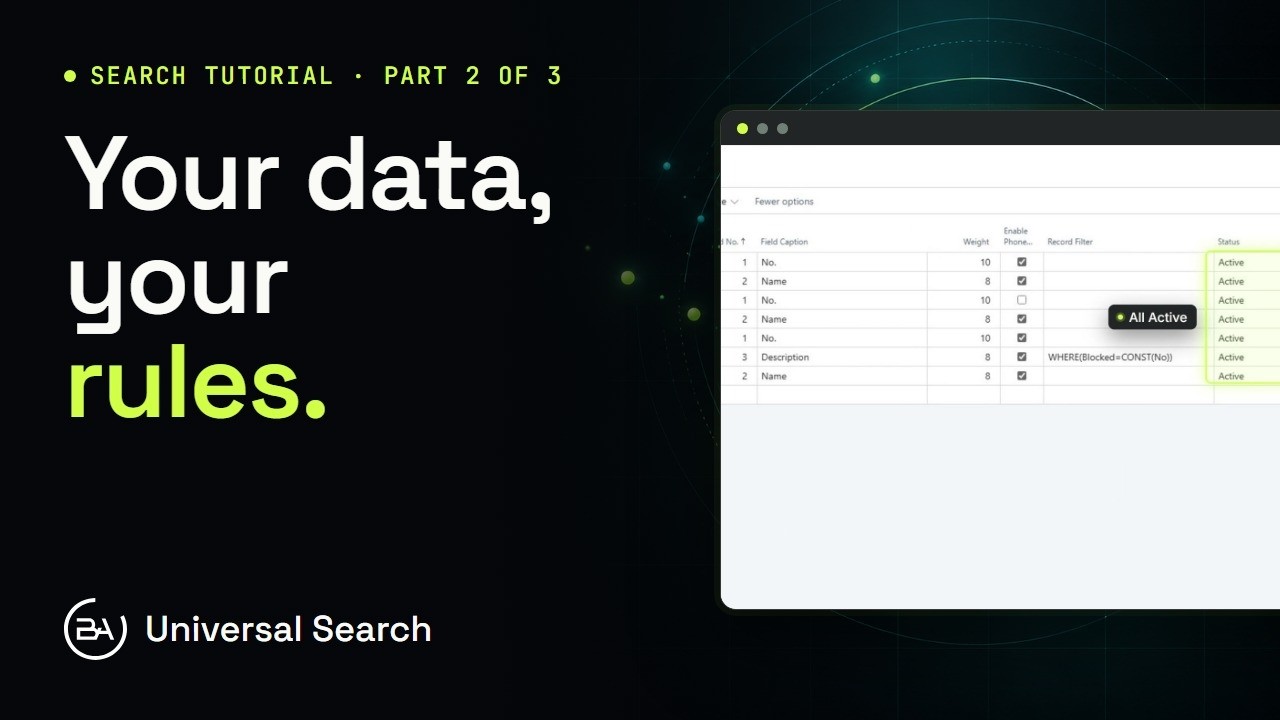
One box searches every table at once, with live counts on each filter chip. Arrow down, press Enter, and the record's card opens. You choose the tables, the fields and how much each one counts. A background index keeps it current, and nobody sees a record they couldn't open.
Transcript
One letter off, and Business Central finds nothing. So you try again. And again. Bitta Universal Search finds it anyway. One forgiving search box, inside Business Central. The words in the wrong order? Still found. Icecream, one word? Ice Cream. Spell it the way it sounds? Karl Brenner. Every table at once, with live counts on each chip. Arrow down, press Enter, and the card opens. You choose the tables, the fields, and how much each one counts. A background index keeps it current. Nobody sees a record they couldn't open. Type it however you remember it. It finds it.
Bitta Universal Search. Free on Microsoft Marketplace.