QuickBooks vs Business Central for 3 to 10 Employees: Is ERP Too Much?
On this page
- The short answer
- First, correct the QuickBooks myth
- Employee count is the wrong buying signal
- QuickBooks vs Business Central for a small team
- The small-team complexity test
- 1. Legal entities
- 2. Inventory and fulfillment
- 3. Order-to-cash and procure-to-pay
- 4. Approvals and accountability
- 5. Management reporting
- 6. Integrations and duplicated data
- 7. Implementation readiness
- How to read the result
- Three small-company examples
- A five-person consulting firm
- A seven-person distributor
- A nine-person multi-entity services group
- The licensing math is more nuanced than it looks
- The biggest constraint for a 3-to-10-person company
- A no-sales 30-day decision process
- The bottom line
The short answer
A company with 3 to 10 employees can be too small for Microsoft Dynamics 365 Business Central. It can also be exactly the right size.
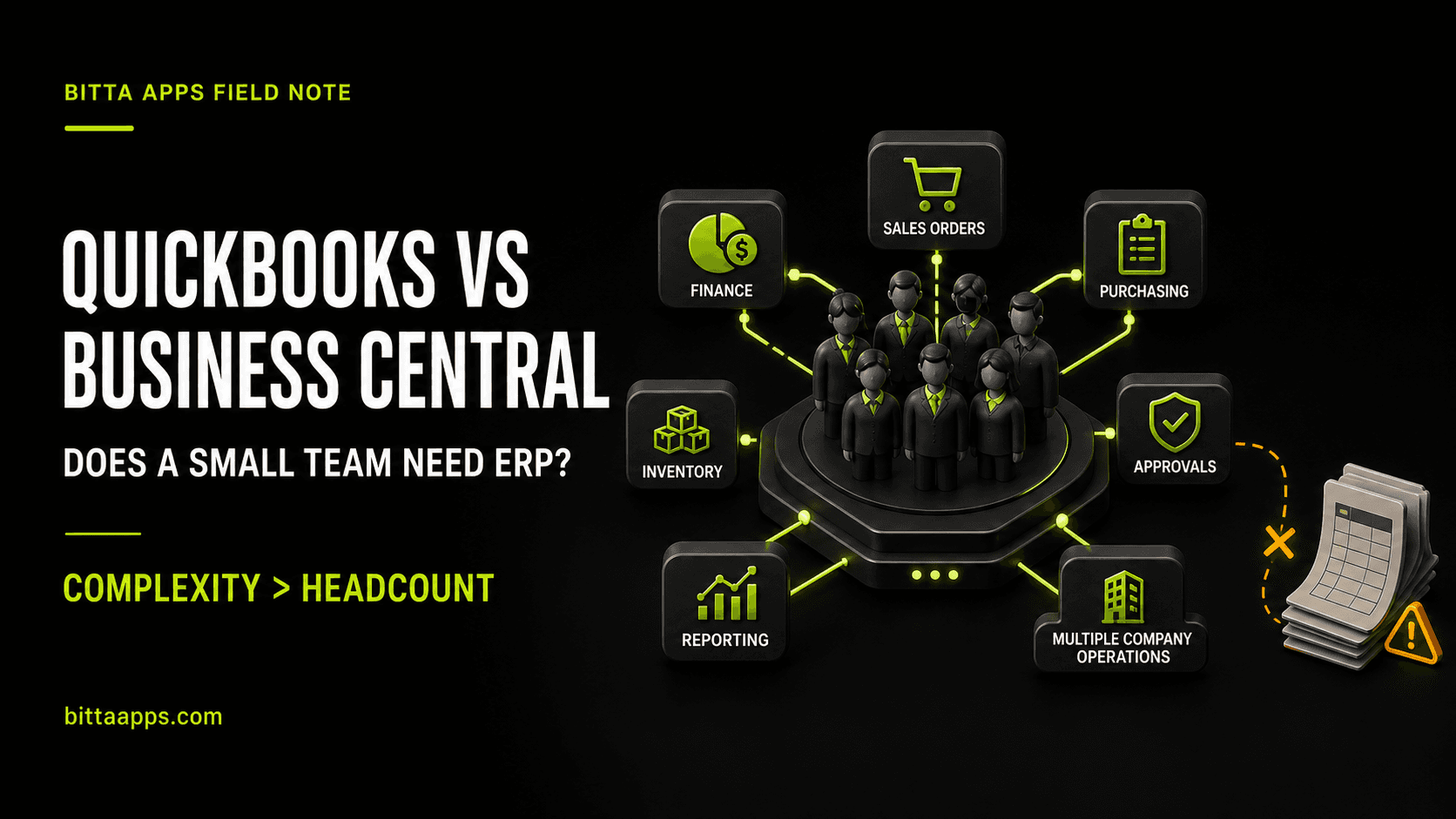
The deciding factor is not headcount. It is whether the company needs an accounting application or an operating system for finance, sales, purchasing, inventory, approvals, projects, and reporting.
QuickBooks Online is often the better choice when the operation is simple, the books are the main system of record, and the team can run the business without rebuilding operational truth in spreadsheets. Business Central becomes worth evaluating when a small team carries more process complexity than its employee count suggests.
This is not a case for buying ERP early just in case. It is a framework for recognizing when a compact team is already doing ERP work without an ERP.
First, correct the QuickBooks myth
QuickBooks Online is not a toy. The current US plans include increasingly capable accounting and business features. QuickBooks Online Plus includes inventory tracking, purchase orders, project profitability, budgets, and broader reporting. QuickBooks Online Advanced supports up to 25 users and adds automated workflows, more detailed access controls, management reporting, backup and restore, unlimited classes and locations, and Excel synchronization. Review the current features and prices on the official QuickBooks pricing page.
For many 3-to-10-person service businesses, that is enough. If the workflow is lead, estimate, invoice, payment, expense, payroll, and financial reporting, replacing QuickBooks with an ERP may add cost and administration without removing a meaningful constraint.
The right comparison starts by giving QuickBooks full credit for what it does well: fast setup, familiar bookkeeping, a broad accountant community, capable small-business reporting, and a lower implementation burden.
Employee count is the wrong buying signal
Consider two companies with the same headcount.
The first is a consulting firm. It sells time, invoices monthly, has one legal entity, carries no inventory, and uses a small set of repeatable reports. QuickBooks can be an excellent fit.
The second is a distributor. It buys stocked items, receives partial shipments, sells through more than one channel, tracks landed or changing costs, manages back orders, needs purchase approvals, and wants margin by product and location. The team may be equally small, but its system has to coordinate far more operational state.
Business Central is designed as a broader business management system. Microsoft documents standard capabilities across finance, sales, purchasing, inventory, projects, fixed assets, workflows, warehouse management, and other operational areas. The value is not simply having more screens. It is recording connected events in one system so an order, purchase, receipt, shipment, invoice, payment, and financial entry remain part of the same process.
QuickBooks vs Business Central for a small team
| Decision area | QuickBooks Online | Business Central |
|---|---|---|
| Best starting point | Bookkeeping and financial management with selected operational features | Connected finance and operations across end-to-end processes |
| Setup burden | Lower for a straightforward company | Higher because process, permissions, data, and testing must be designed |
| Inventory | Useful product, cost, purchase-order, and vendor tracking in Plus and Advanced | Deeper item costing, locations, replenishment, receiving, shipping, and warehouse process options |
| Sales and purchasing | Strong invoicing, bill, expense, and small-business workflows | Connected quotes, orders, returns, shipments, receipts, invoices, and posting |
| Reporting structure | Financial reports, classes, locations, projects, custom fields, and Advanced dashboards | Financial and operational reporting with dimensions that can follow transactions across the system |
| Multiple legal entities | Each company requires a separate paid subscription and its data remains separate | Multiple companies are included in the core plans, subject to a company limit per environment, with intercompany and consolidation capabilities available |
| Controls | Advanced provides workflows and more granular user access | Role permissions, approval workflows, posted-document controls, and configurable change logging across a broader process footprint |
| Extensibility | App integrations and an API ecosystem | Microsoft integrations, APIs, Power Platform options, AppSource apps, and extension-based customization |
| Best fit | A business whose accounting system can remain downstream of simple operations | A business that needs the finance system to coordinate operations as they happen |
The small-team complexity test
Score each area from 0 to 2. This is a practical screening tool, not a universal software formula.
1. Legal entities
- 0: One entity and one set of books.
- 1: A second entity is likely or reporting is occasionally combined.
- 2: Multiple entities require recurring intercompany work or consolidated reporting.
2. Inventory and fulfillment
- 0: No stocked items.
- 1: Basic inventory and purchase-order tracking is sufficient.
- 2: Multiple locations, partial receipts, allocations, back orders, assemblies, replenishment, or more detailed costing affect daily work.
3. Order-to-cash and procure-to-pay
- 0: The company mainly creates invoices and records bills.
- 1: Quotes, purchase orders, deposits, or projects add a few handoffs.
- 2: Sales orders, purchasing, receiving, shipping, invoicing, and returns must remain connected.
4. Approvals and accountability
- 0: The owner legitimately performs and reviews most financial work.
- 1: A few approvals or access restrictions are needed.
- 2: The company needs repeatable approval paths, role separation, or evidence of who changed sensitive data.
5. Management reporting
- 0: Standard financial statements answer the important questions.
- 1: Classes, locations, projects, or custom reports answer most questions.
- 2: Management repeatedly combines financial and operational data outside the accounting system.
6. Integrations and duplicated data
- 0: Bank feeds and a few established apps cover the need.
- 1: One important system exchanges data with accounting.
- 2: Customer, item, order, purchasing, or inventory data is re-entered or reconciled across several systems.
7. Implementation readiness
- 0: Nobody can own decisions, testing, training, or data cleanup this year.
- 1: One internal owner has limited but protected time.
- 2: The team can name a process owner, make decisions, test workflows, and support adoption.
How to read the result
- 0 to 4: Stay on QuickBooks. Fix bookkeeping discipline and reporting before considering ERP.
- 5 to 8: Strengthen QuickBooks, reduce spreadsheet risk, and document the next operational trigger. Reassess after a major process, entity, or channel change.
- 9 to 14: Evaluate Business Central and at least one credible alternative. The score justifies discovery, not a purchase.
A high complexity score with no implementation readiness is not a green light. It means the business has a systems problem and a capacity problem. Both must be addressed.
Three small-company examples
A five-person consulting firm
The firm has one entity, no inventory, straightforward monthly billing, a time-tracking app, and clean project profitability reporting. QuickBooks Online Plus or Advanced is likely the more sensible choice. Business Central may solve problems the firm does not have.
A seven-person distributor
Two people handle purchasing and finance, three handle sales and fulfillment, and the owners need margin by product and location. Orders arrive from two channels, stock moves between locations, and partial receipts are common. This company should evaluate Business Central even though the org chart is small. Its transaction chain, not its employee count, creates the case.
A nine-person multi-entity services group
Each entity has separate books, shared vendors, recurring intercompany charges, project work, and a combined management pack. QuickBooks can keep each company file, but Intuit states that every company needs its own paid subscription and its data remains separate. Business Central can manage multiple companies and provides consolidation tools. Whether it is worth the move depends on how much recurring work the group can remove and whether it can support implementation.
The licensing math is more nuanced than it looks
As of August 2026, Microsoft lists Business Central Essentials at $80 per user per month and Team Members at $8 per user per month, paid yearly. Team Members have limited rights, including reading data, approving workflows, and creating or updating select information. They are not discounted full users.
For a seven-person company, licensing every employee with Essentials would be $560 per month at list price. A legitimate role design with two Essentials users and five people whose work fits Team Member rights would be $200 per month. QuickBooks Online Advanced includes up to 25 users. Intuit revises QuickBooks Online subscription prices periodically, so take its current monthly rate directly from the official QuickBooks pricing page before you compare.
Those totals are not a verdict. They show why role design matters. The Business Central mix is less expensive only if the limited users genuinely stay within Team Member rights. It also excludes implementation, data migration, extensions, training, support, and any other Microsoft licenses. QuickBooks will often have the lower first-year cost because implementation is lighter.
The economic case for Business Central should come from removing operating friction, reducing duplicate systems, improving process control, or supporting a business model that QuickBooks would leave fragmented. A lower theoretical license mix cannot rescue a poorly scoped implementation.
The biggest constraint for a 3-to-10-person company
The hardest Business Central requirement is rarely server capacity. It is internal attention.
Someone must decide how customers, vendors, items, dimensions, approvals, posting, and exceptions should work. Someone must clean the data, test real scenarios, approve the result, and help coworkers change habits. Microsoft provides assisted setup, but its documentation also notes that several business areas require manual configuration.
If every employee is already overloaded, an ERP project can become another unfinished job. A good partner can guide the work, but cannot outsource the company’s decisions. Small teams should prefer a narrow first release, standard functionality, named ownership, and a clear list of what will wait.
A no-sales 30-day decision process
- Week 1: Map five real transactions. Follow a customer order, a purchase, an inventory adjustment, a month-end report, and one exception from beginning to end. Mark every re-entry, spreadsheet, approval message, and reconciliation.
- Week 2: Define roles. Write what each person must create, approve, post, edit, and only view. This makes both QuickBooks permissions and Business Central licensing more concrete.
- Week 3: Separate requirements from preferences. Identify what must be controlled in the core system, what can stay in a connected app, and what should simply be removed.
- Week 4: Compare three paths. Price a strengthened QuickBooks design, a focused Business Central first release, and one credible alternative. Include subscriptions, implementation, integrations, support, internal time, and the cost of keeping current workarounds.
Do not buy from a feature checklist alone. Ask each vendor to demonstrate the same real transactions using your roles, documents, exceptions, and reporting questions.
The bottom line
QuickBooks is usually better for a small company with simple operations. Business Central can be better for a small company with connected operational complexity. The difference is not whether the company has reached an arbitrary employee threshold. It is whether accounting can remain one capable application, or finance and operations now need one controlled process foundation.
If the complexity test points toward ERP, read our related guides on the signs that QuickBooks is becoming a constraint and what a Business Central migration actually involves. If you want a neutral review of your score and process map, book a call with Bitta Apps.
Sources
Claims in this article were checked against the following on Aug 22, 2026.
- www.microsoft.com/en-us/dynamics-365/products/business-central/pricing
- learn.microsoft.com/en-us/dynamics365/business-central/across-business-functionality
- learn.microsoft.com/en-us/dynamics365/business-central/finance-dimensions
- learn.microsoft.com/en-us/dynamics365/business-central/finance-consolidated-company-reporting
- learn.microsoft.com/en-us/dynamics365/business-central/across-log-changes
- learn.microsoft.com/en-us/dynamics365/business-central/dev-itpro/deployment/licensing
- quickbooks.intuit.com/pricing/
- quickbooks.intuit.com/learn-support/en-us/help-article/account-management/create-add-another-company-file-quickbooks-online/L1WEnRQs1_US_en_US