Business Central Upgrade Readiness: After the August 31 Window
On this page
- Review the current update status before planning the next step
- What upgrade readiness actually means
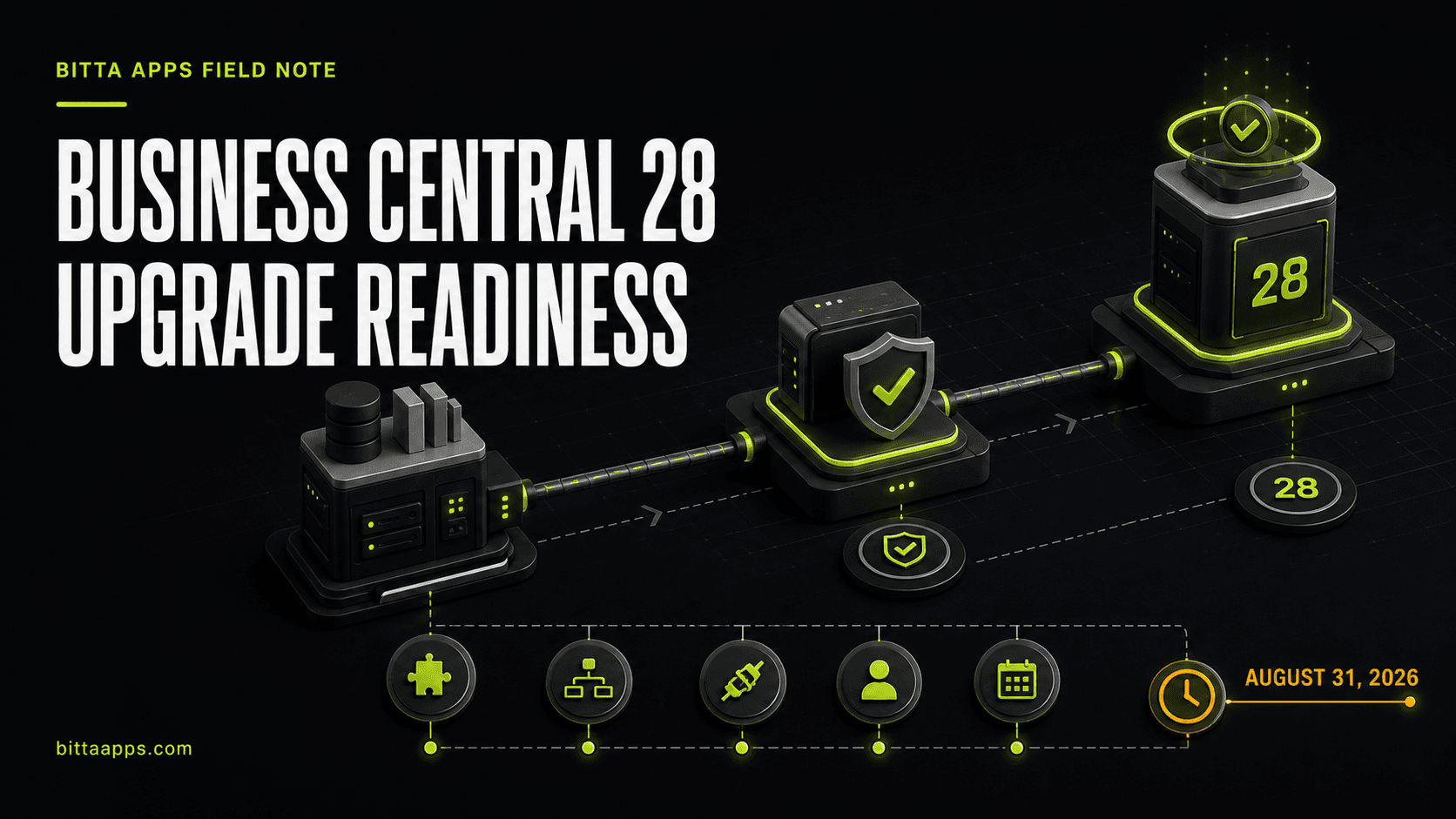
- The five-checkpoint readiness rehearsal
- 1. Confirm the control-plane facts
- 2. Build a representative sandbox
- 3. Rehearse the business-critical workflows
- 4. Validate extensions and integration boundaries
- 5. Schedule production with explicit exit criteria
- Signals that you are not ready yet
- What to do this week
- Conclusion
Review the current update status before planning the next step
Updated September 4, 2026: This article originally focused on preparing before August 31. That date has passed. Start with the Business Central administration center to confirm the actual environment version, target version, scheduled update and any blocking notifications. If the update already completed, use the checklist for post-update verification and future rehearsals.
Microsoft describes an update period followed by a grace period and an enforced update period. Scheduling options become restricted during the grace period. During enforced updates, incompatible extensions may be uninstalled so the platform update can proceed; their data is retained, but recovering functionality requires a compatible extension. Check Microsoft's current update-cycle documentation and your tenant notifications instead of relying on an expired countdown.
If an update is blocked, identify the extension or environment error, involve its owner and test the correction. If it succeeded, verify business-critical postings, integrations and background work before closing the update task.
What upgrade readiness actually means
A technically successful update is only one layer of readiness. A useful rehearsal tests three layers separately:
Platform compatibility: installed extensions can move to the target version without blocking the environment update.
Business behavior: the workflows people depend on still produce the expected documents, postings, approvals, and integrations.
Operating readiness: owners, timing, communications, evidence, and fallback decisions are defined before production changes.
The goal is not to prove that every screen opens. The goal is to prove that the company can complete its critical work.
The five-checkpoint readiness rehearsal
1. Confirm the control-plane facts
Open the Business Central administration center and record the current production version, the latest available version, the next scheduled update, the update window, and the notification recipients. Microsoft allows administrators to schedule available or planned versions within the supported update period. The update window must be at least six hours, and users cannot sign in while the environment is being updated. Microsoft's update-management guide explains these controls.
Do not build the plan around an email remembered from last month. Capture the values visible for the actual environment and save a screenshot with the rehearsal record.
2. Build a representative sandbox
Use a sandbox that represents production closely enough to expose real compatibility and process issues. It should include the relevant apps, per-tenant extensions, setup, permissions, integrations, job queues, report layouts, and representative data. Microsoft notes that an existing sandbox can be updated to a preview version so teams can test with installed extensions and familiar configuration. Microsoft Learn describes how preview sandboxes support extension and workflow testing.
For the current version 28 production update, use the target version available to your tenant. Preview environments are useful for future-wave preparation, but they have lifecycle limitations and should not be treated as permanent test systems.
3. Rehearse the business-critical workflows
Choose workflows by business impact, not by menu coverage. A typical rehearsal might include:
Quote or order through shipment, invoicing, and customer payment.
Purchase order through receipt, invoice matching, approval, and vendor payment.
Inventory adjustments, transfers, reservations, costing, and replenishment.
Bank reconciliation, recurring journals, allocations, and period-end review.
Role-specific approvals, document output, email delivery, and exports.
For each workflow, define the starting data, expected result, owner, evidence, and pass or fail decision. If a test only says it looks good, it will be difficult to diagnose later. A posted document number, integration log, permission result, or before-and-after total gives the team something concrete to review.
4. Validate extensions and integration boundaries
Microsoft warns that a per-tenant extension can conflict with a new base-application version. Microsoft also performs compatibility checks before major updates and notifies registered recipients when it detects issues. Its guidance is to test a corrected app in a sandbox on the new major version and, after successful testing, stage the compatible app for the next major version. See Microsoft's extension-compatibility guidance in the admin-center documentation.
Your review should cover more than compilation. Confirm authentication, API contracts, event subscribers, background jobs, Power Automate flows, email accounts, external storage, document layouts, and reconciliation paths. If an integration fails, the team should know who receives the alert and how to identify records that need replay.
For the development side of the rehearsal, the existing AL extension upgrade strategy guide explains how upgrade codeunits, version metadata, and data migration protect customizations. The customization technical-debt field note can help identify changes that deserve extra scrutiny.
5. Schedule production with explicit exit criteria
Choose the production date and update window only after the rehearsal has an owner-approved result. Microsoft recommends scheduling the update for a time when the environment can remain inaccessible until the update window ends. Record who monitors the operation, who verifies Business Central after completion, and who communicates with users.
Use exit criteria that can be answered without debate:
| Checkpoint | Evidence required | Owner |
|---|---|---|
| Environment target | Admin-center version and schedule captured | Business Central administrator |
| Extensions | Compatibility result and corrected packages recorded | AL or app owner |
| Core workflows | Expected documents and postings verified | Process owners |
| Integrations | Successful transactions plus failure and replay test | Integration owner |
| Production window | Communications, monitoring, and post-update checks approved | Business sponsor |
Signals that you are not ready yet
No one can name the latest available version for the production environment.
The sandbox does not contain the same critical extensions as production.
Testing covers navigation but not posting, approval, document output, or integration results.
Compatibility warnings are sitting in an unmonitored mailbox.
The update date is selected, but no one owns post-update verification.
A failed integration has no reconciliation or replay procedure.
Any one of these signals is a useful finding. It tells you where to focus before production rather than after users return.
What to do this week
Open the administration center and capture the current version, latest available version, next update, update window, and notification recipients.
Select a representative sandbox and align its extensions and configuration with the workflows you must protect.
Assign one owner for each critical workflow and integration boundary.
Run the rehearsal, store the evidence, and separate blocking defects from follow-up improvements.
Schedule production only after the exit criteria have named approvals.
Conclusion
Business Central's managed update process handles the platform operation. Your team still owns the business proof. A short, evidence-based rehearsal gives administrators, process owners, and developers the same answer to the most important question: are we ready to keep operating after the update?
If an update is blocked or post-update verification is incomplete, review the Business Central health check and support options, or book a free discovery call to discuss the next step. Technical investigation and remediation are separately scoped.
Sources
Claims in this article were checked against the following on Aug 22, 2026.
- learn.microsoft.com/en-us/dynamics365/business-central/dev-itpro/whatsnew/whatsnew-update-28-0
- learn.microsoft.com/en-us/dynamics365/business-central/dev-itpro/whatsnew/whatsnew-update-28-4
- learn.microsoft.com/en-us/dynamics365/business-central/dev-itpro/administration/tenant-admin-center-update-management
- learn.microsoft.com/en-us/dynamics365/business-central/dev-itpro/administration/update-rollout-timeline
- learn.microsoft.com/en-us/dynamics365/business-central/dev-itpro/administration/preview-environments